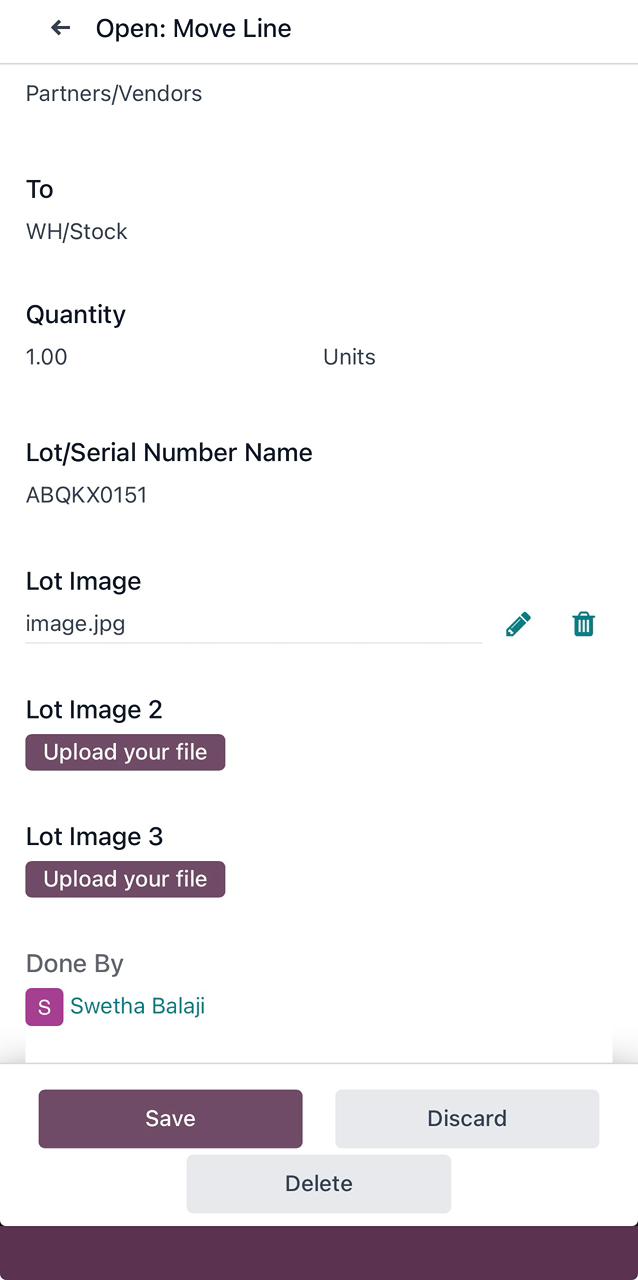
Receipts
About
The Receipts feature records all incoming inventory transactions, updating stock levels and maintaining a traceable history of goods received.
List View
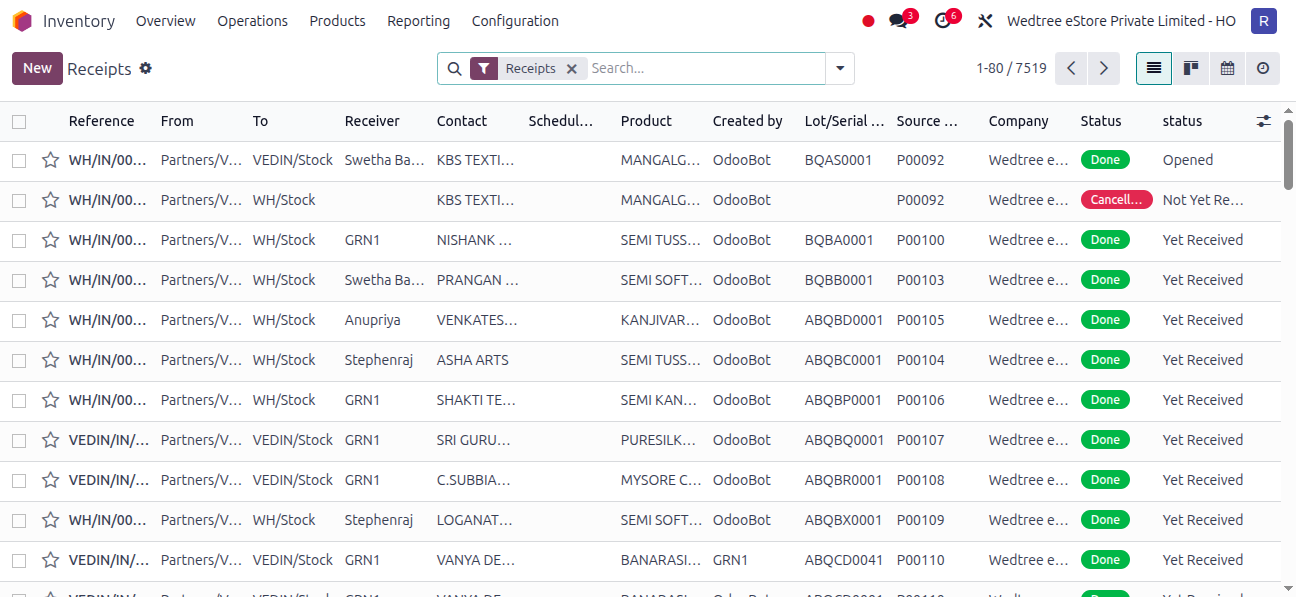
Form View
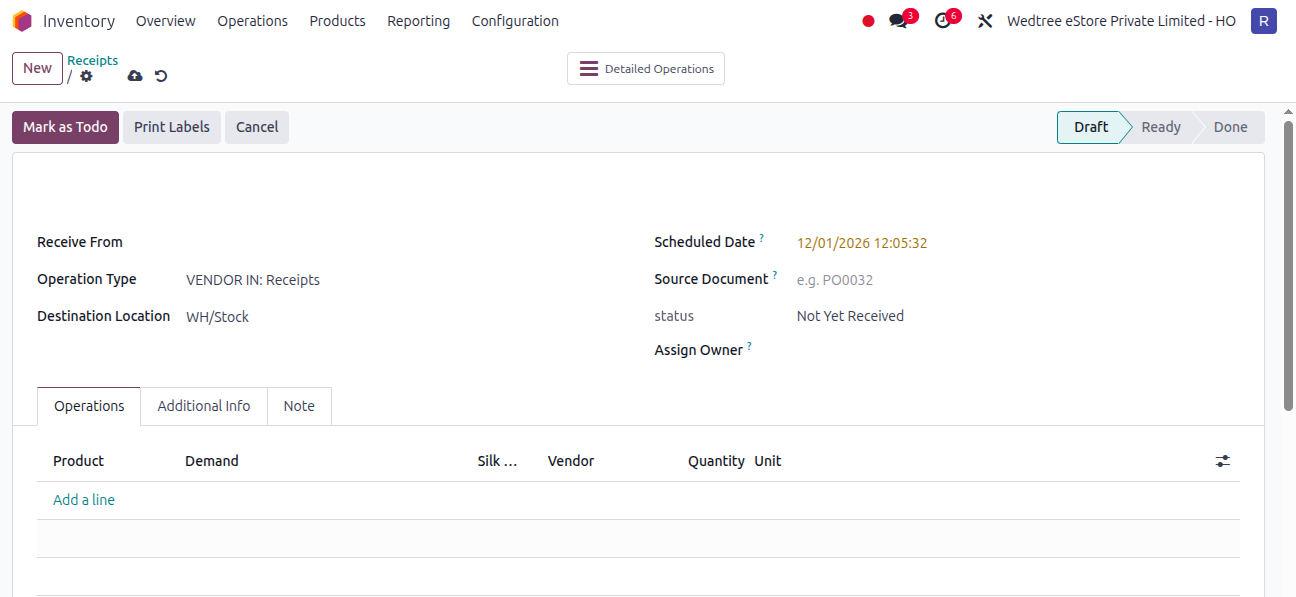
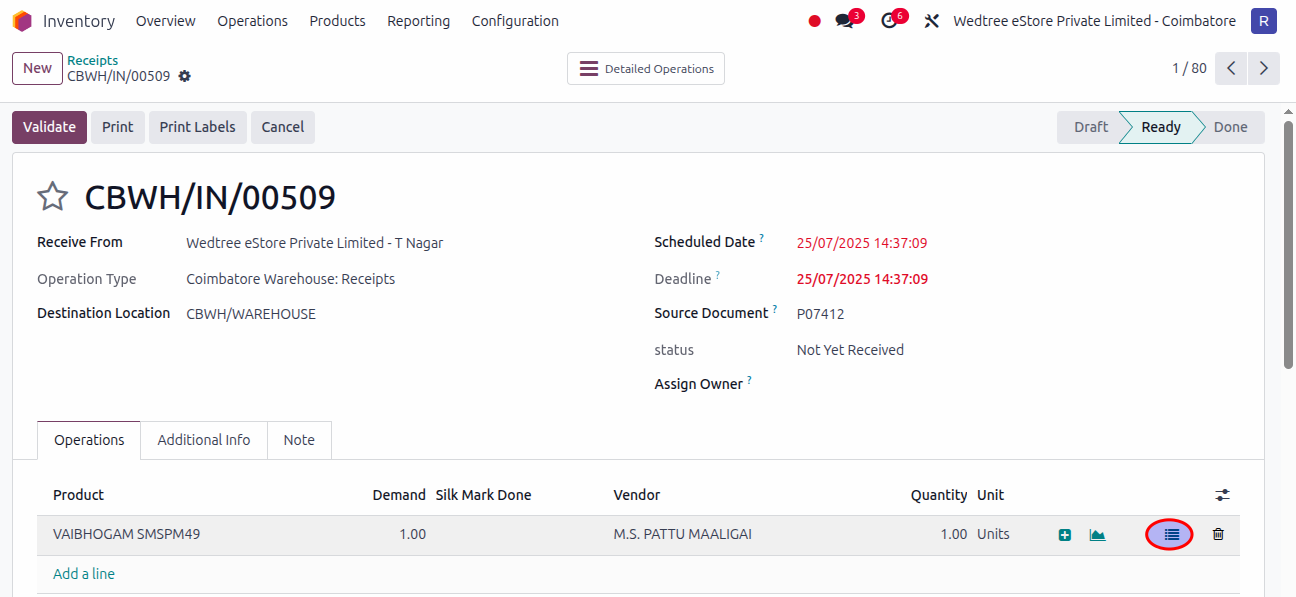
Product Image Upload in Lots/Serial Numbers:
Select one Receipt in Ready state.
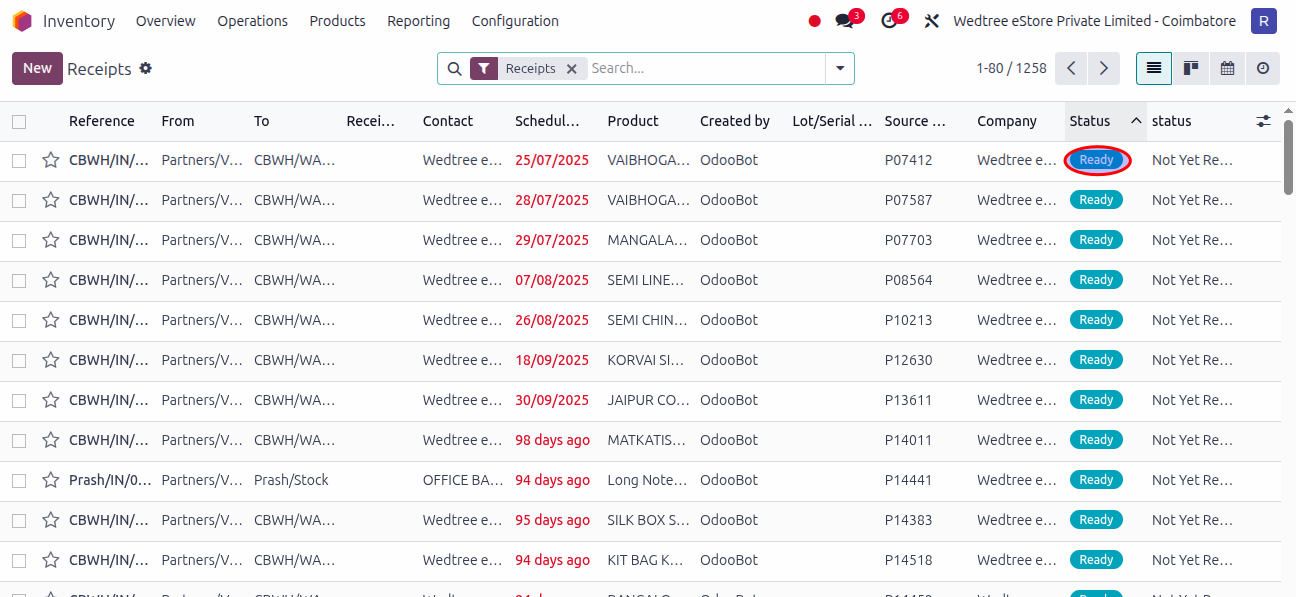
Click on Moves Lines.
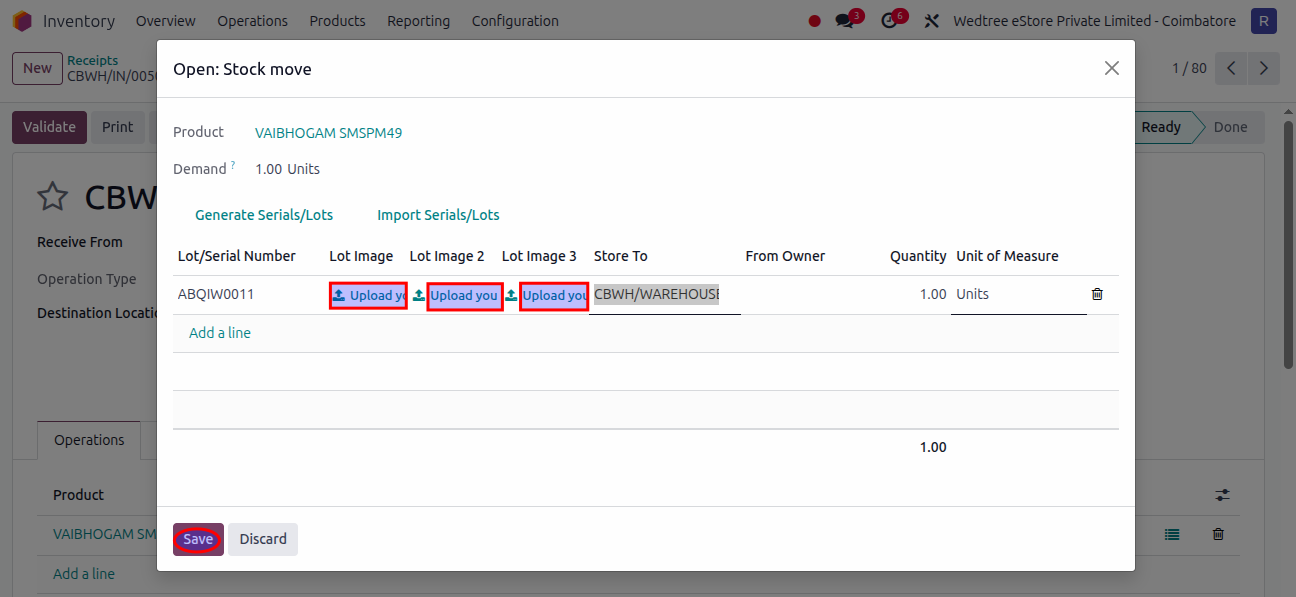
Add Product images by clicking Lot Image and Save it.
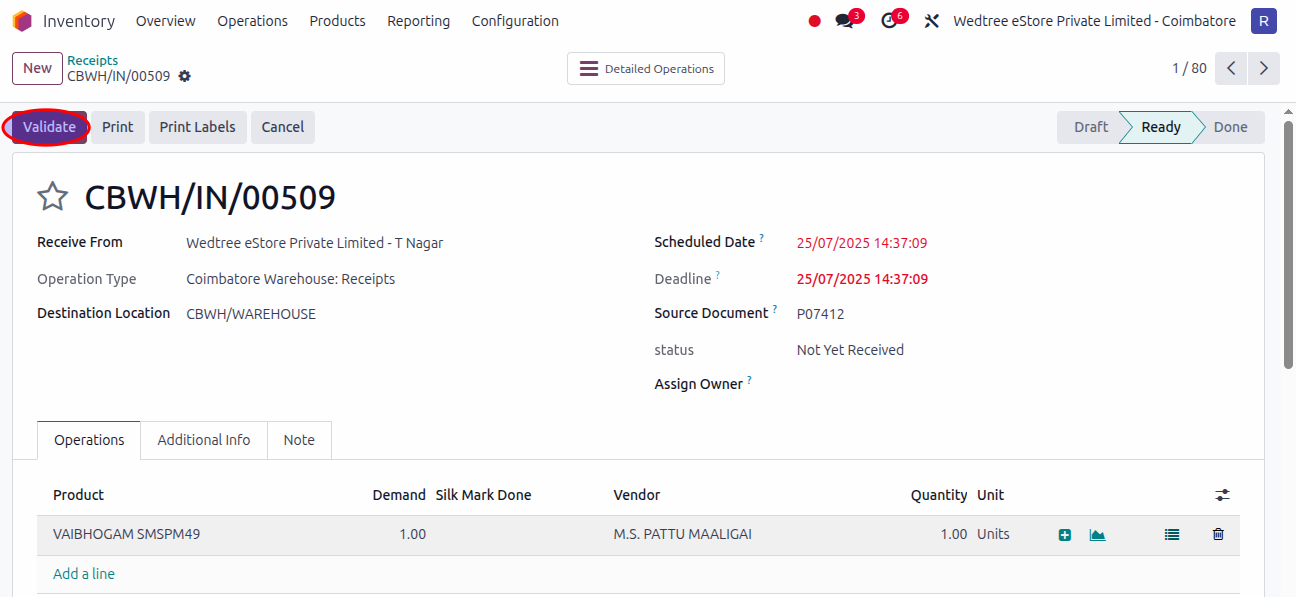
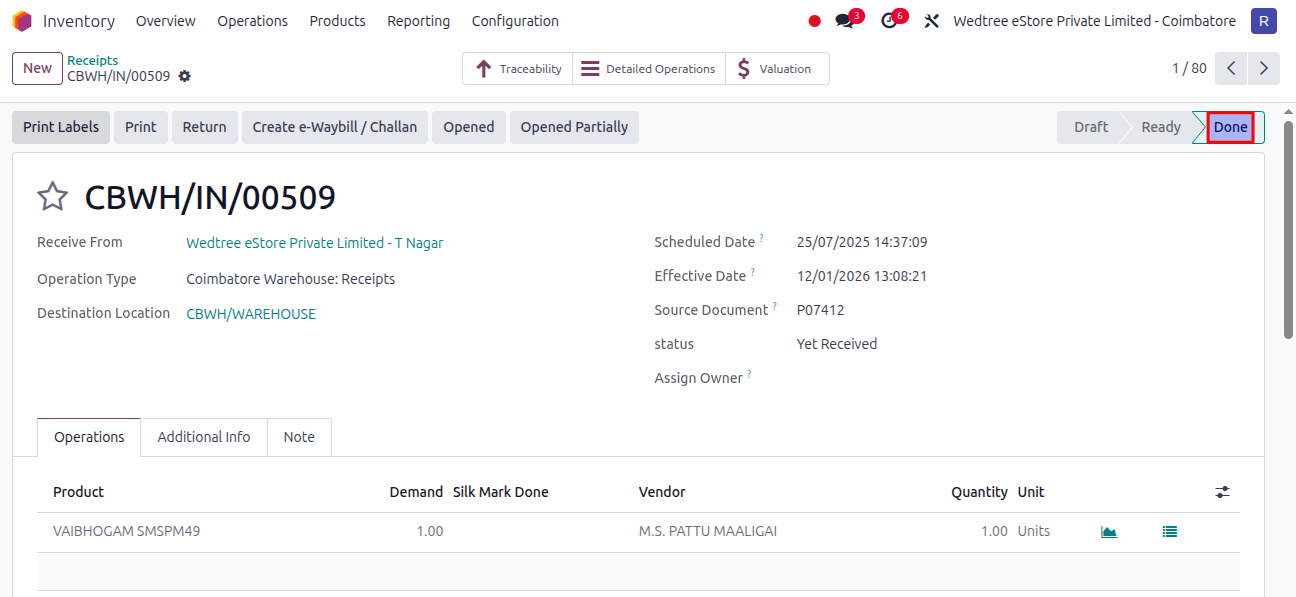
After saving, Click on Validate button and it goes to Done state.
To check the Product Image, go to
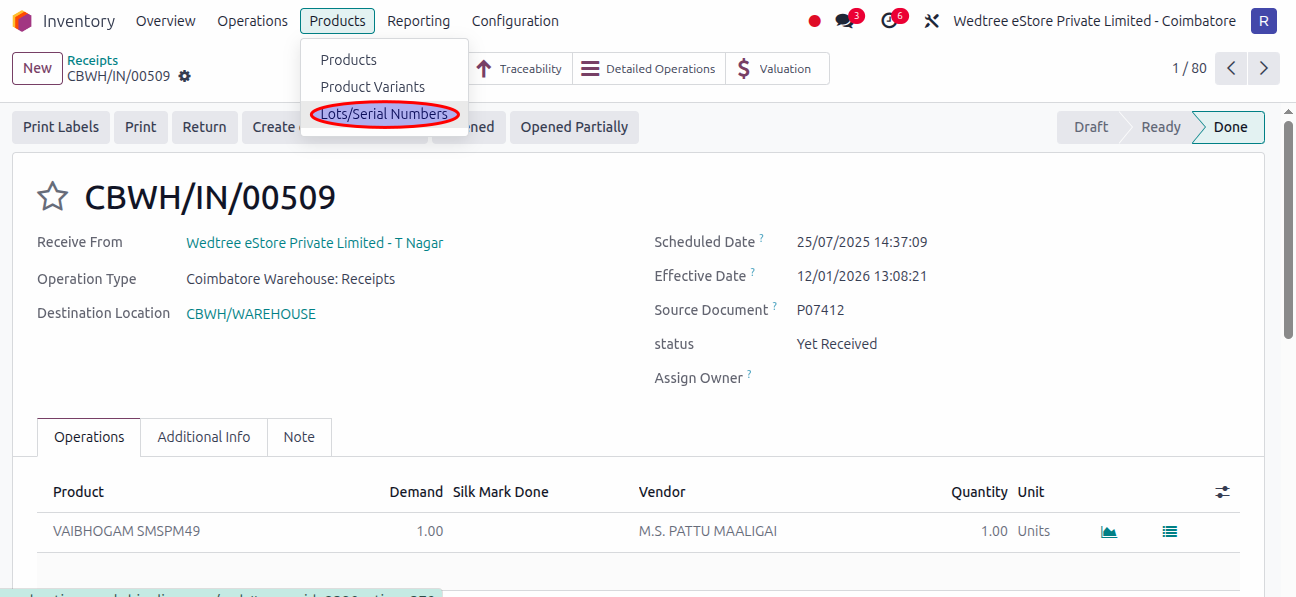
Search by entering the Lot Number of the product.
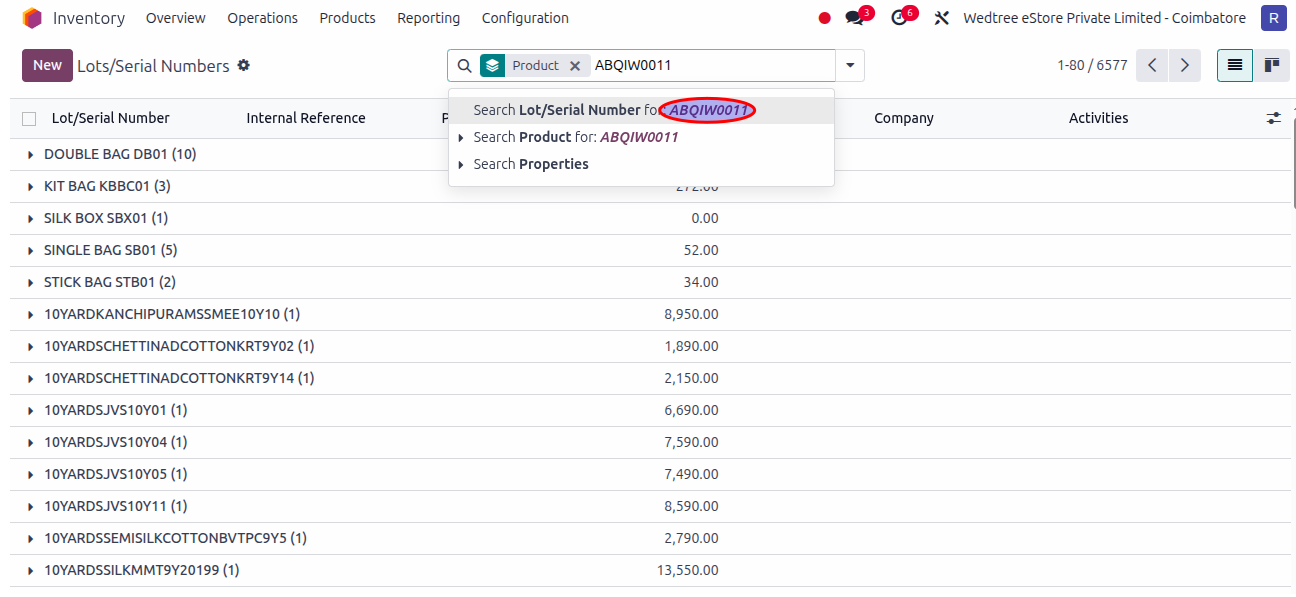
Searched product shows.
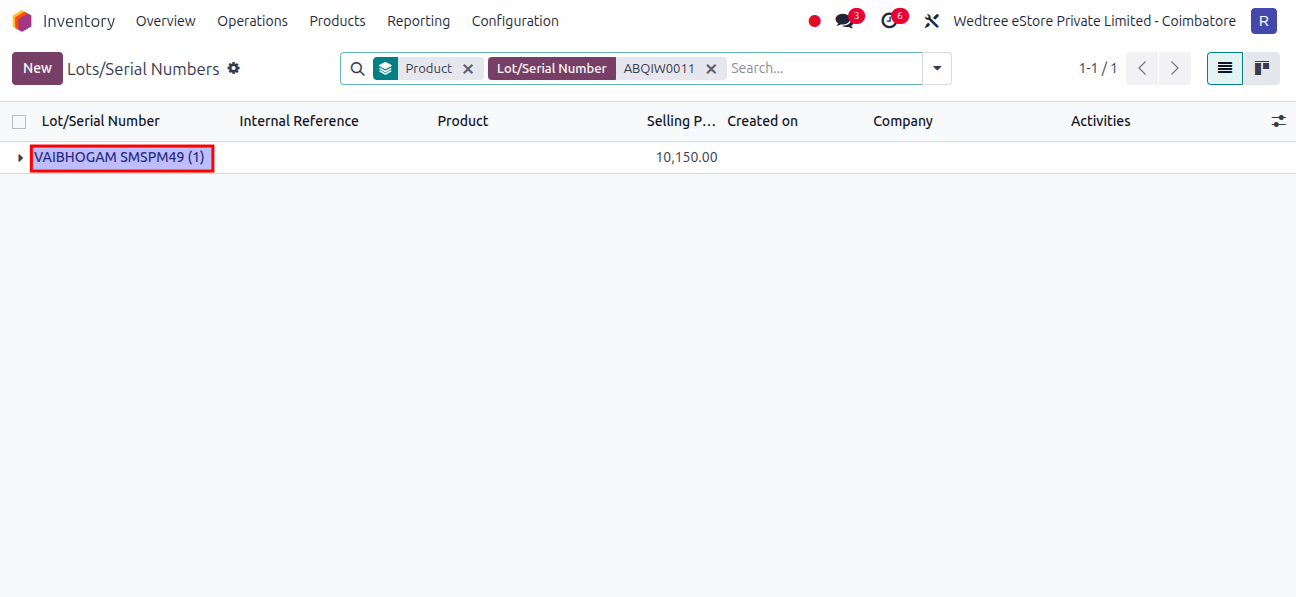
Click on that Lot Number.
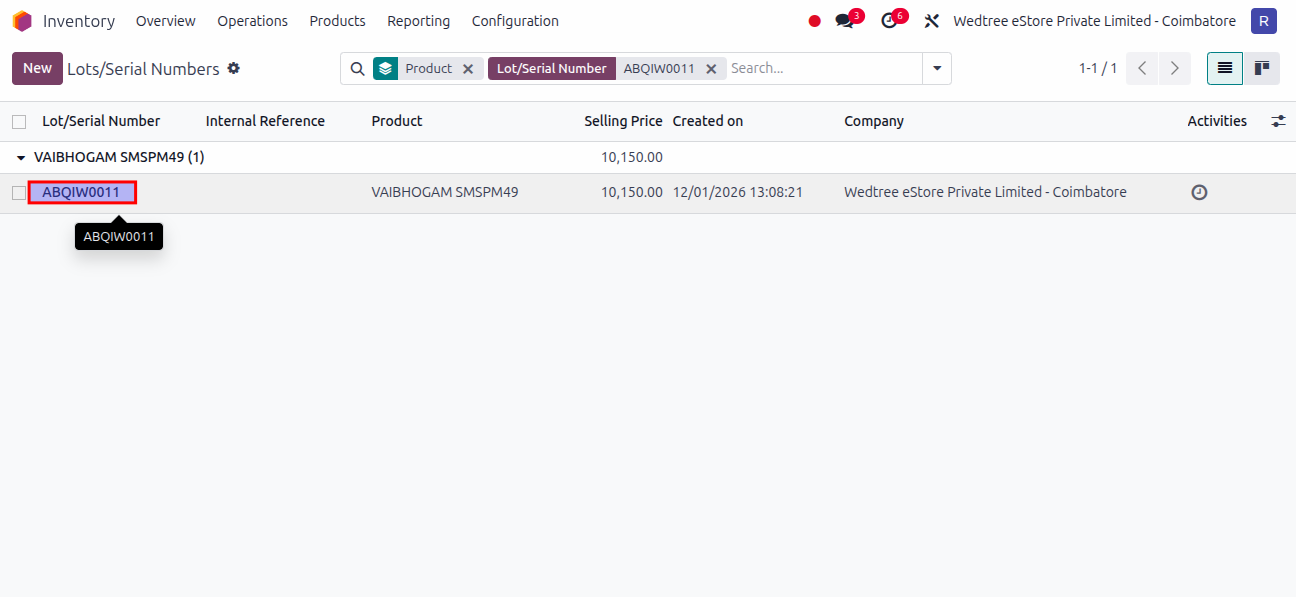
Uploaded images are shown.
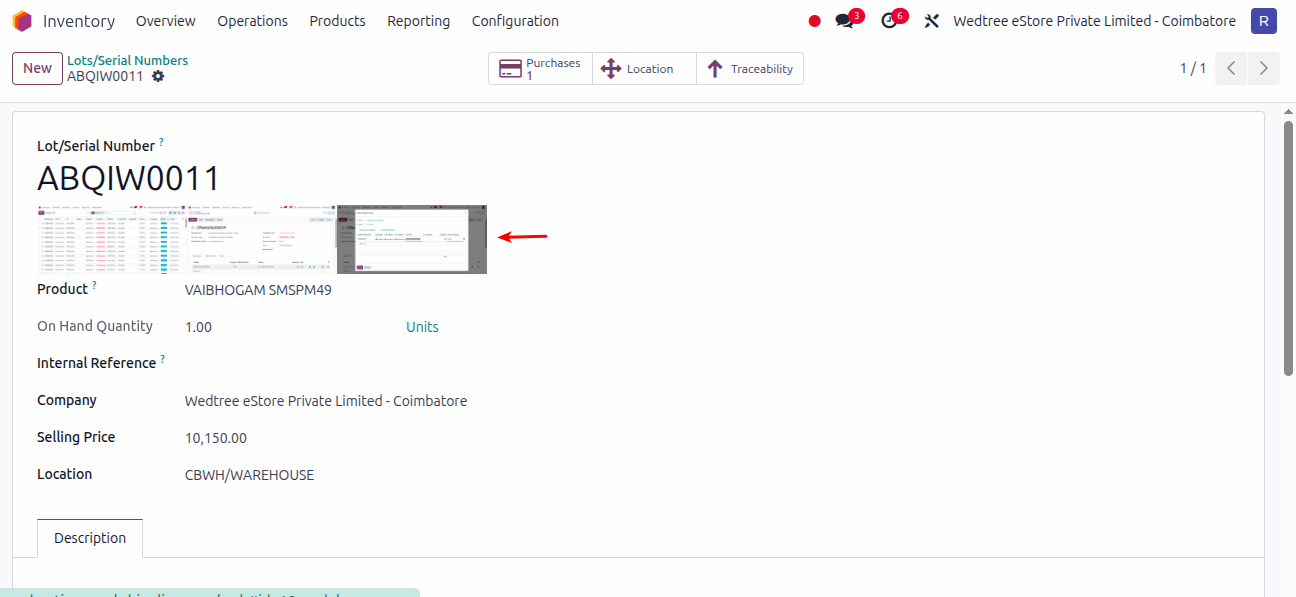
Demo Video for uploading Product Images in Lots/Serial Numbers
Uploading Product Lot Image in Mobile
STEP 1:
Install Odoo mobile app via Playstore using the following link: https://play.google.com/store/search?q=Odoo&c=apps&hl=en_IN
Open the app and it shows an interface as shown below:
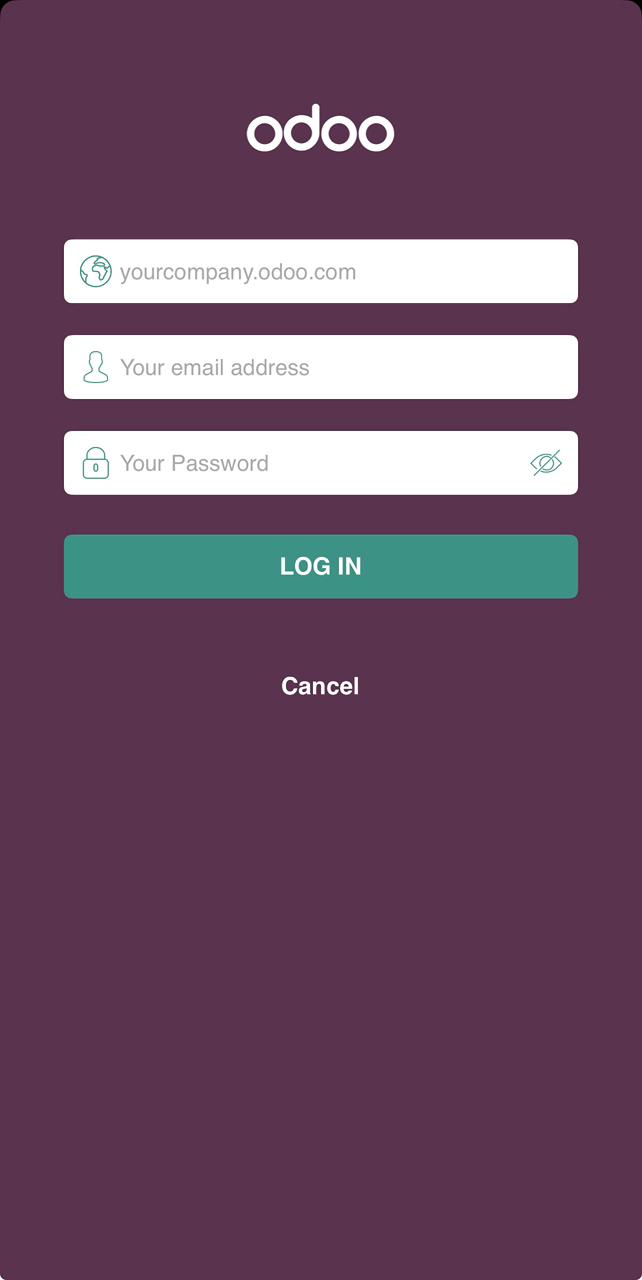
STEP 2:
Now in the company section enter the following link: http://prashantipos.saakshionline.com/
In the email and password sections enter the given credentials for individual user.
STEP 3:
Now go to
Select a record which is in Ready status. In the Operation page select a line item.
The user can see three image upload field as shown below:
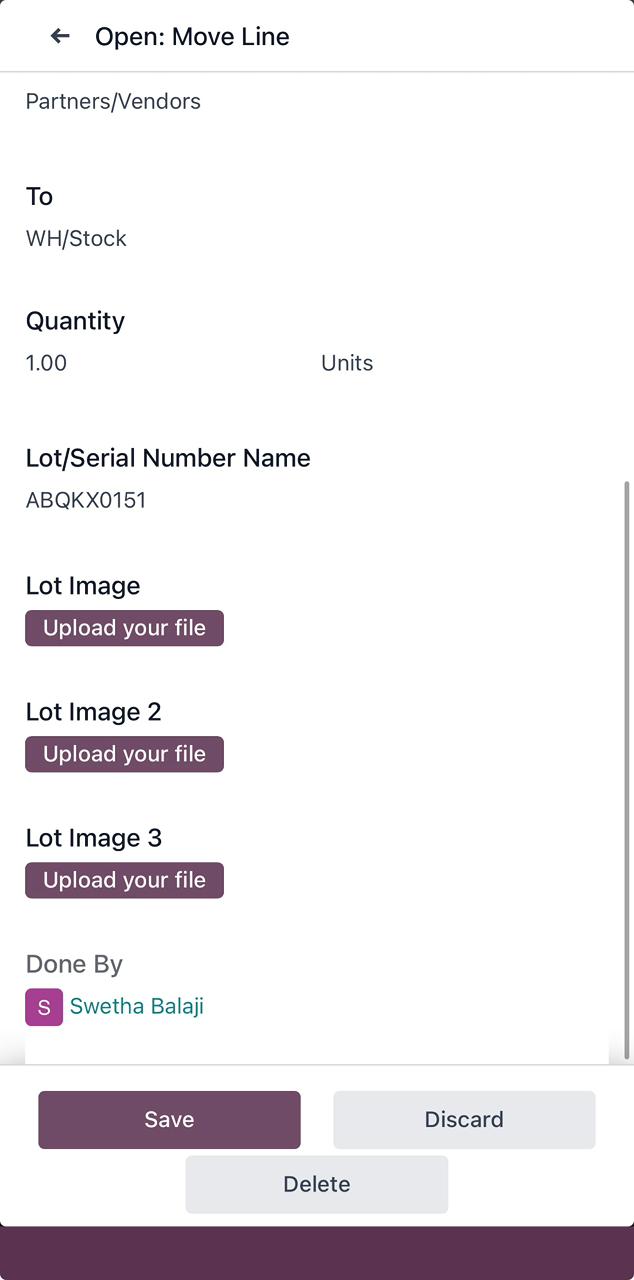
Click on the Upload your file, it shows three different option to upload an image as shown below:
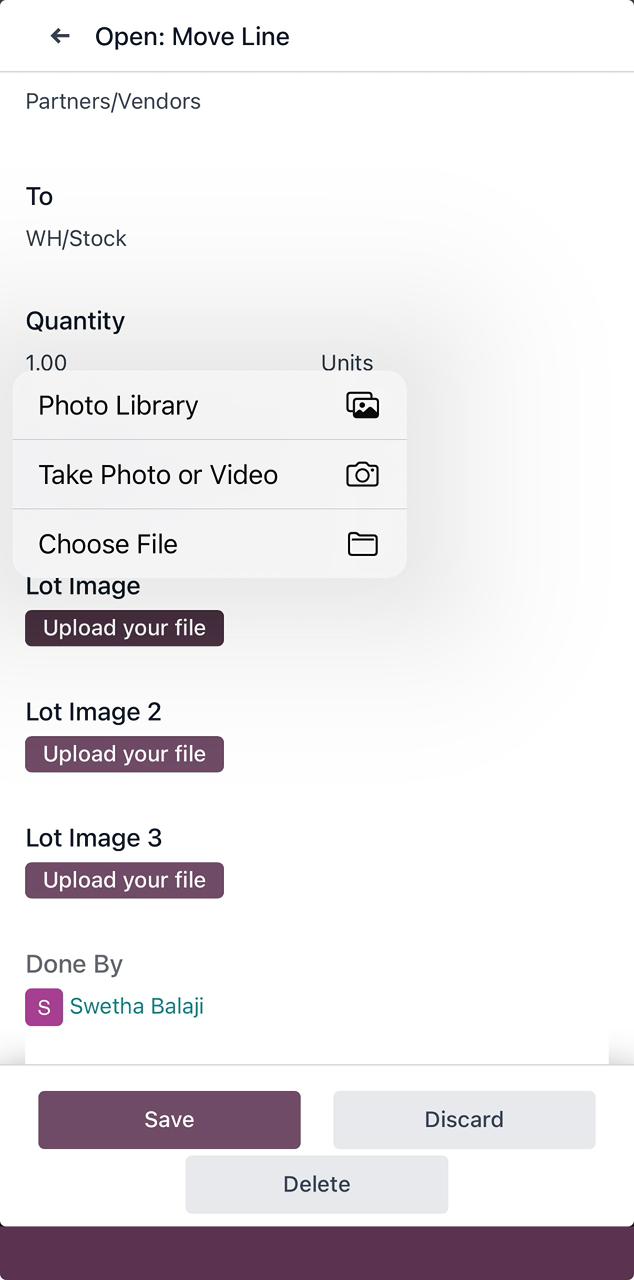
Click on Take Photo or Video, and the image is uploaded as shown below: