Lot Image Revision
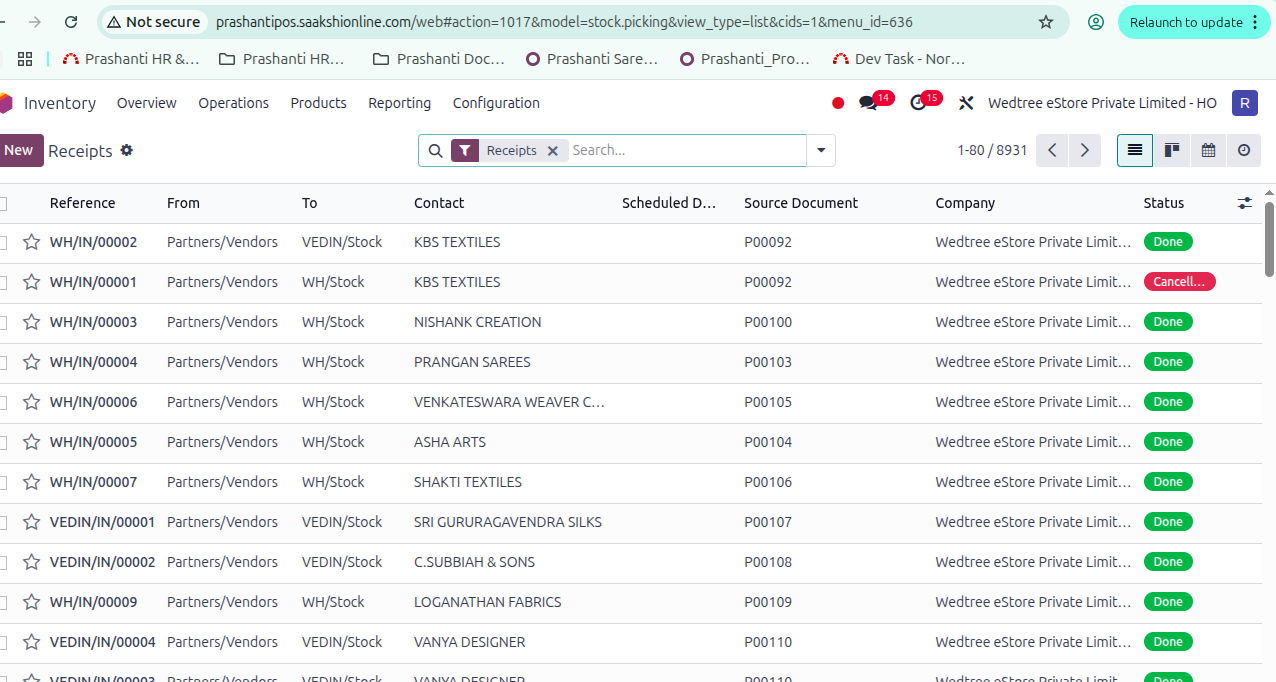
List View
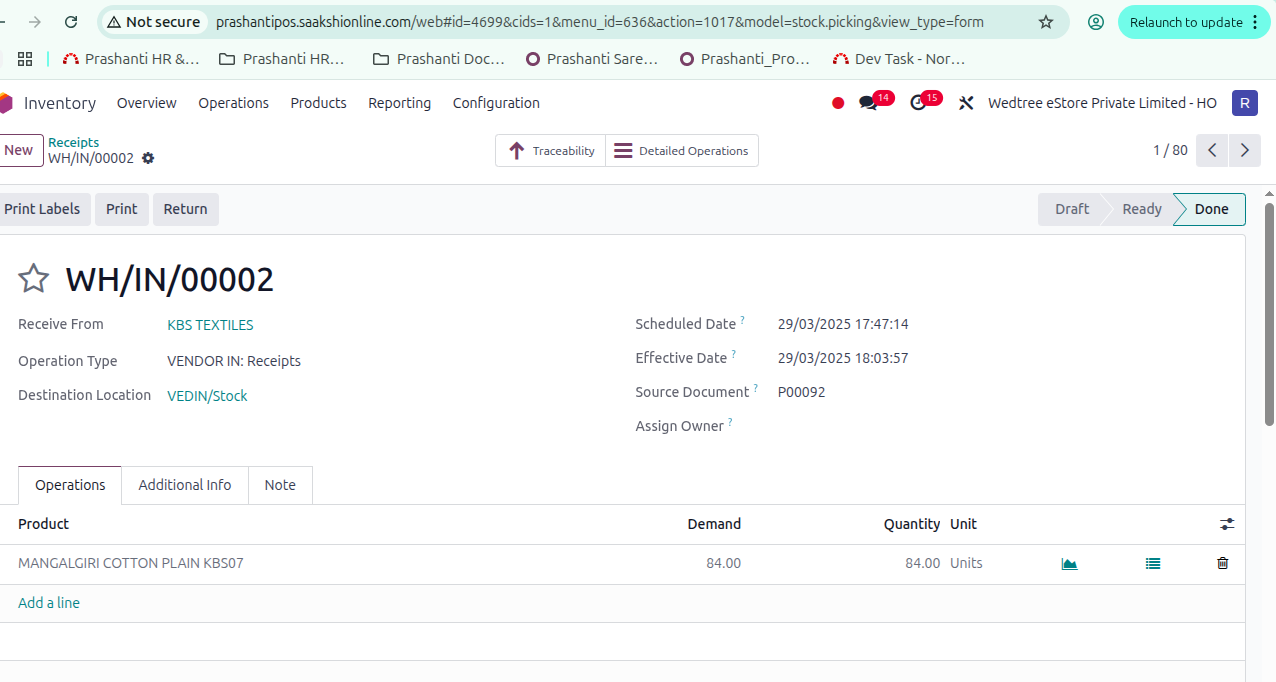
Form View
Workflow of Lot Image Revision:
After uploading image in Receipt after PO, if we want to change the image of the products for example, with price tag, we use Lot Image Revision.
Go to Inventory –> Operations –> Transfers –> Lot Image Revision.
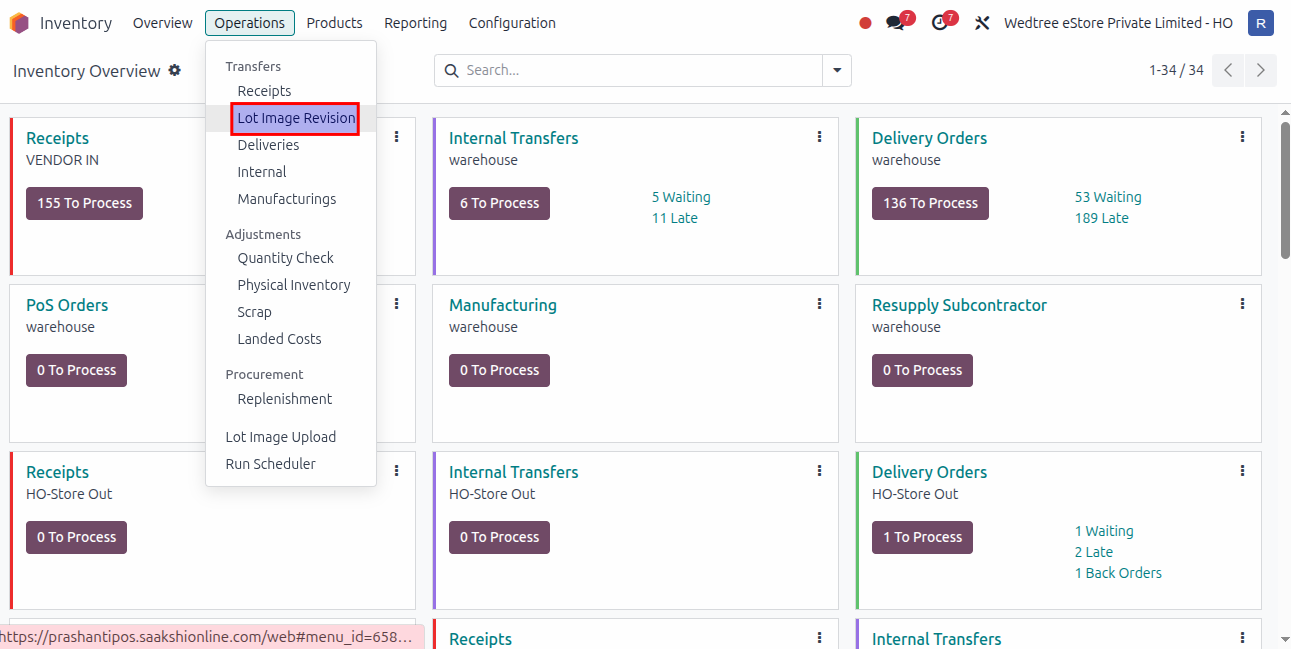
It opens list view same as Receipts.
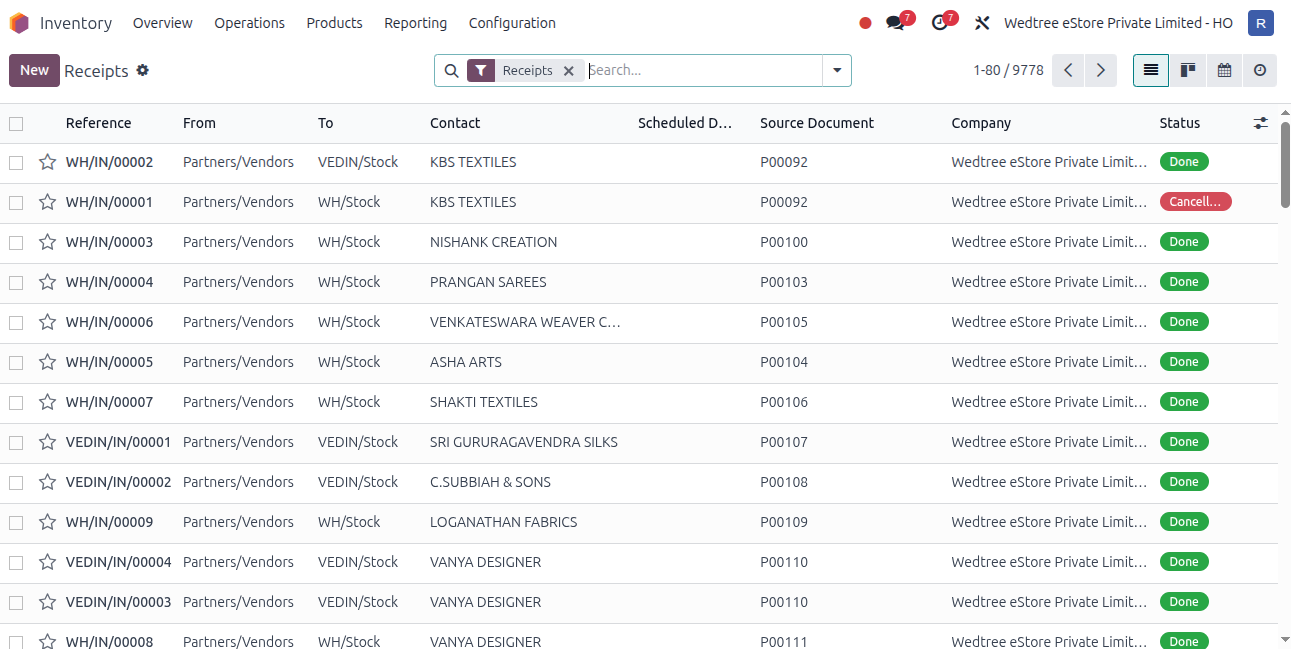
Open one Receipt in Done State.
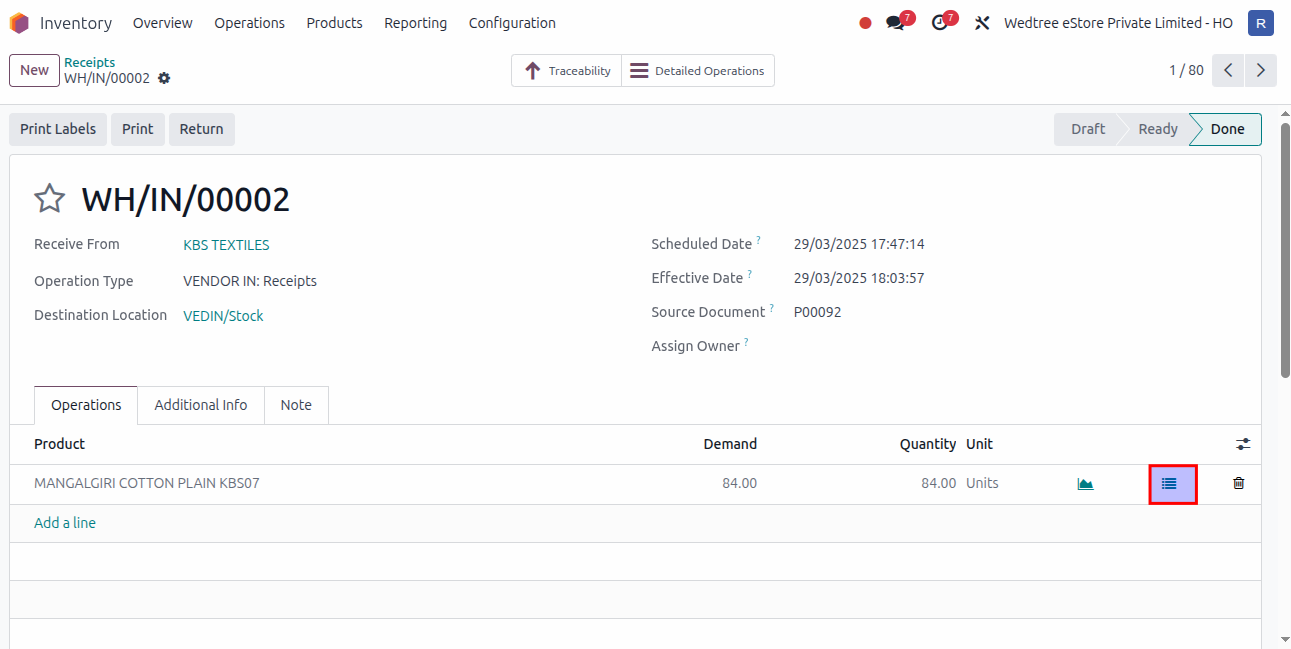
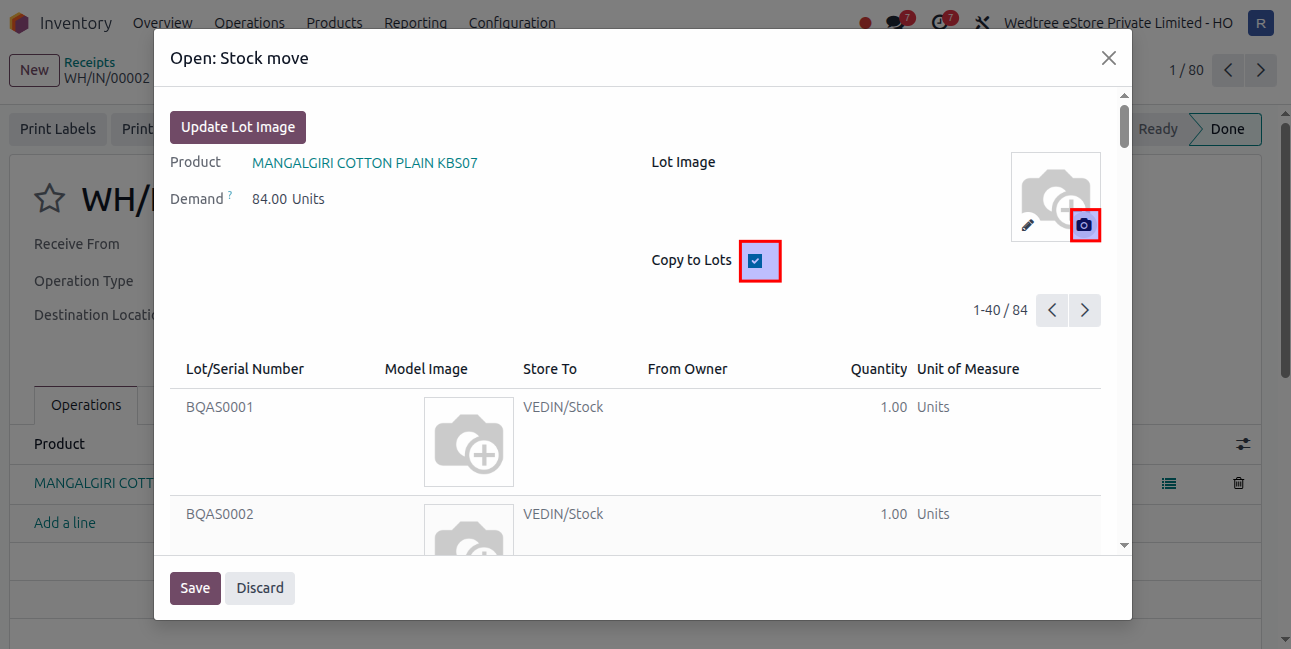
Click on camera icon in Model Image and Copy to Lots button should be ticked.
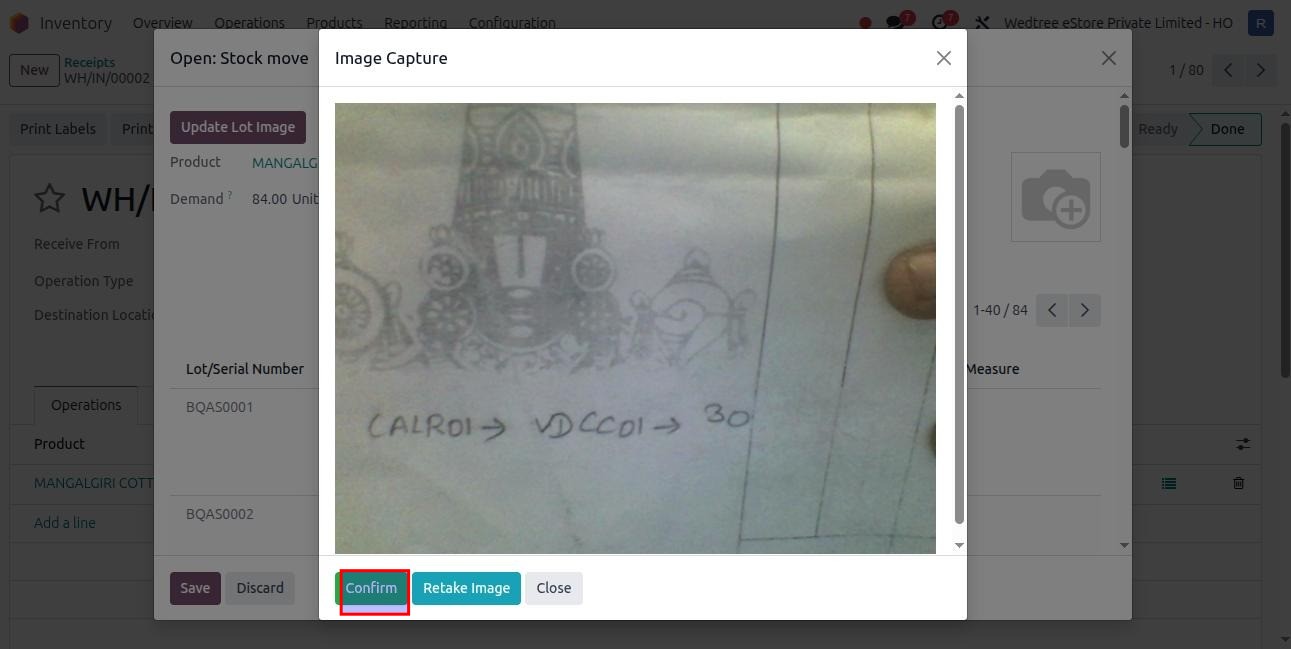
After confirming, click on Update Lot Image button and Save.
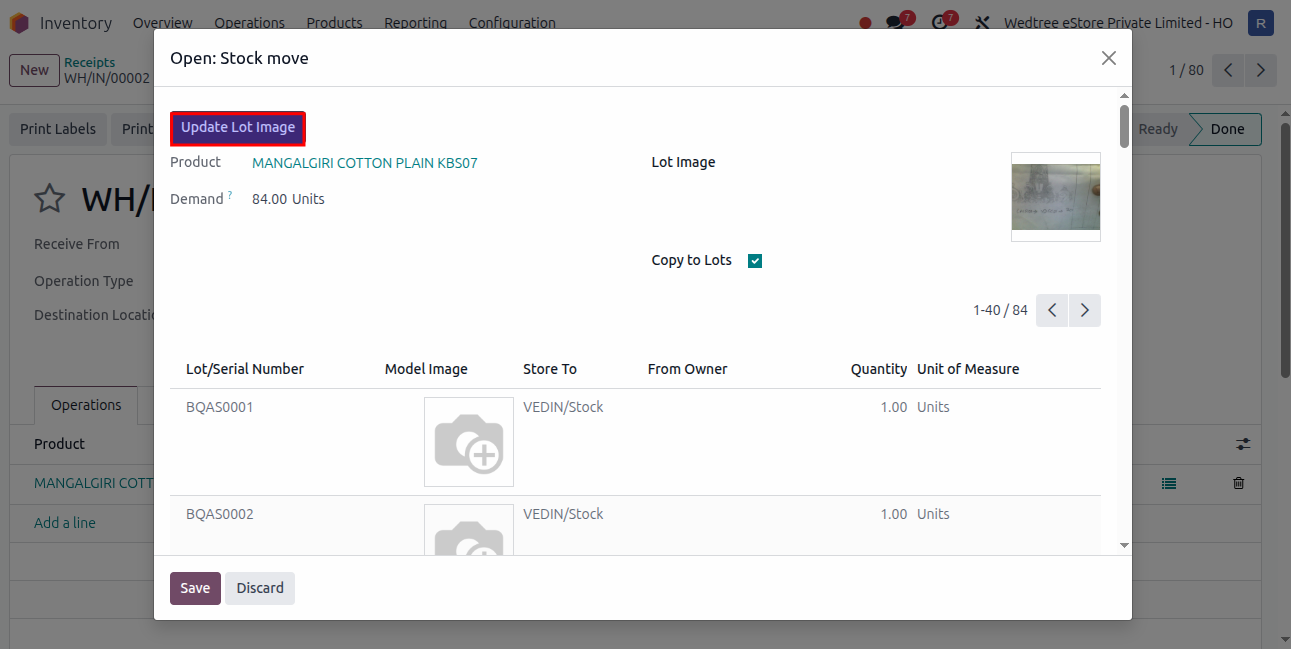
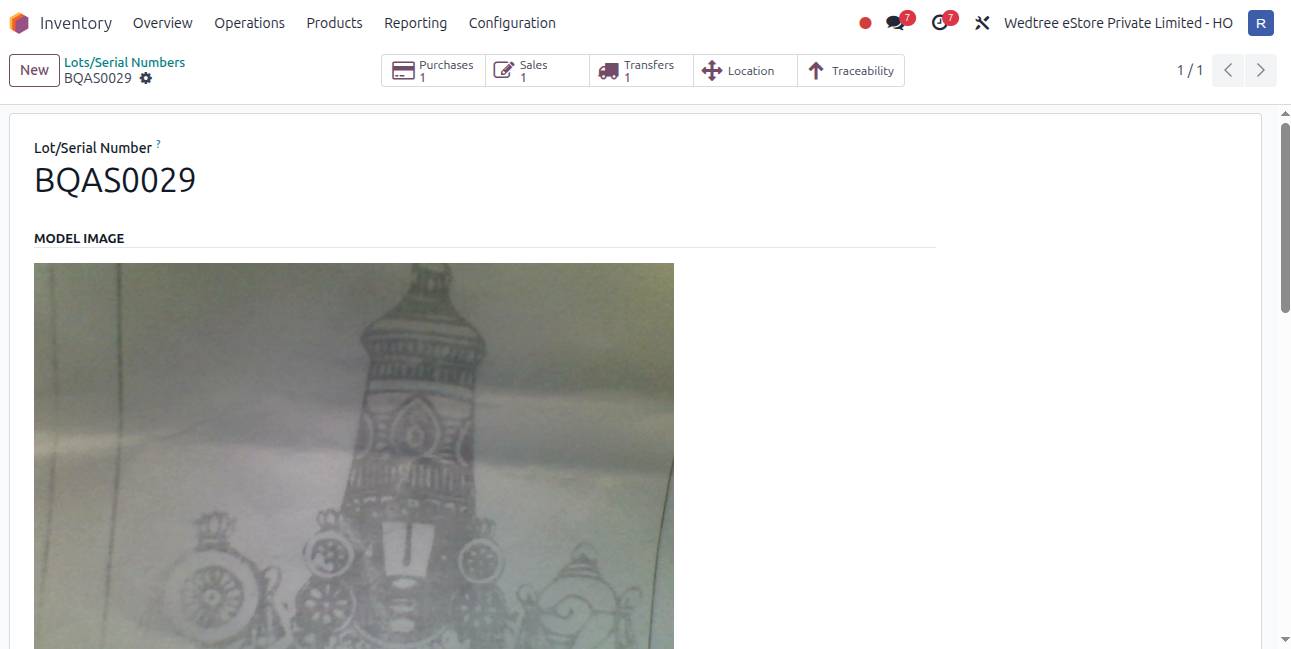
Verify image in Lots/Serial Numbers
Go to Inventory –> Products –> Lots/Serial Numbers to check for image. Search with Lots/Serial Number.
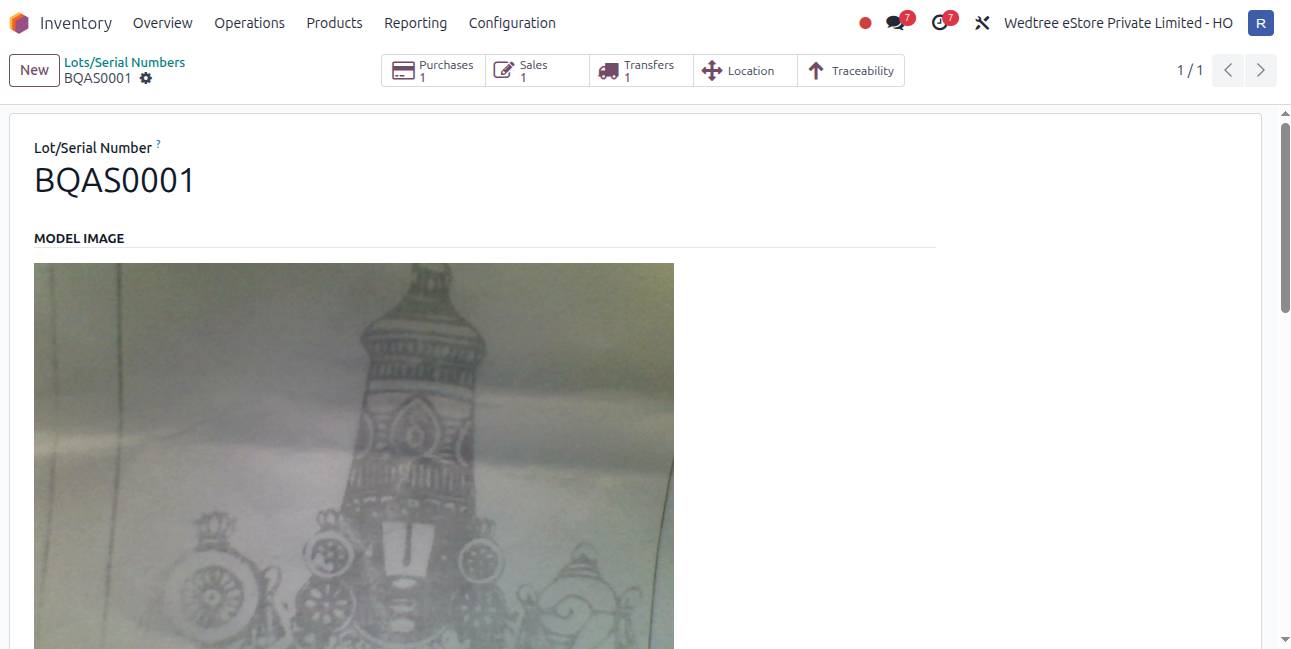
To check another product, search with that Lots/Serial Number.