Attendance Workflow
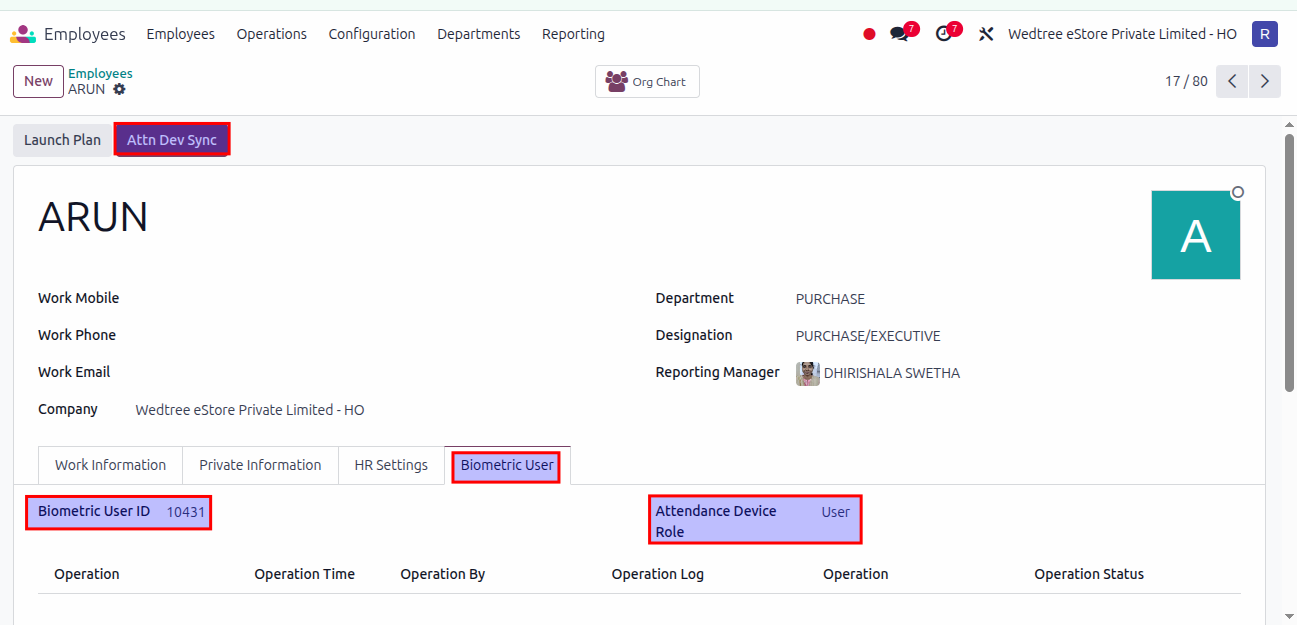
Adding new user to the Attendance Device manually.
Select one Employee, there is Attn Dev Sync button available. Biometric User tab shows Biometric User ID and Employee Role.
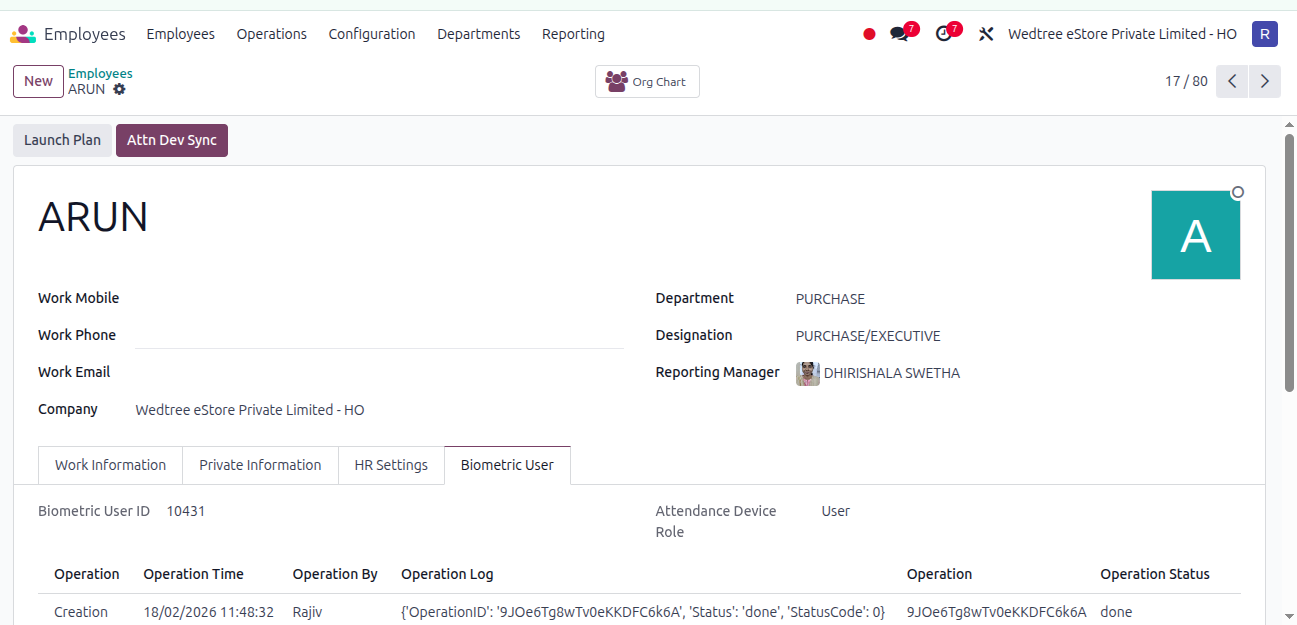
After clicking Attn Dev Sync, user added to the device and the details are as shown below.
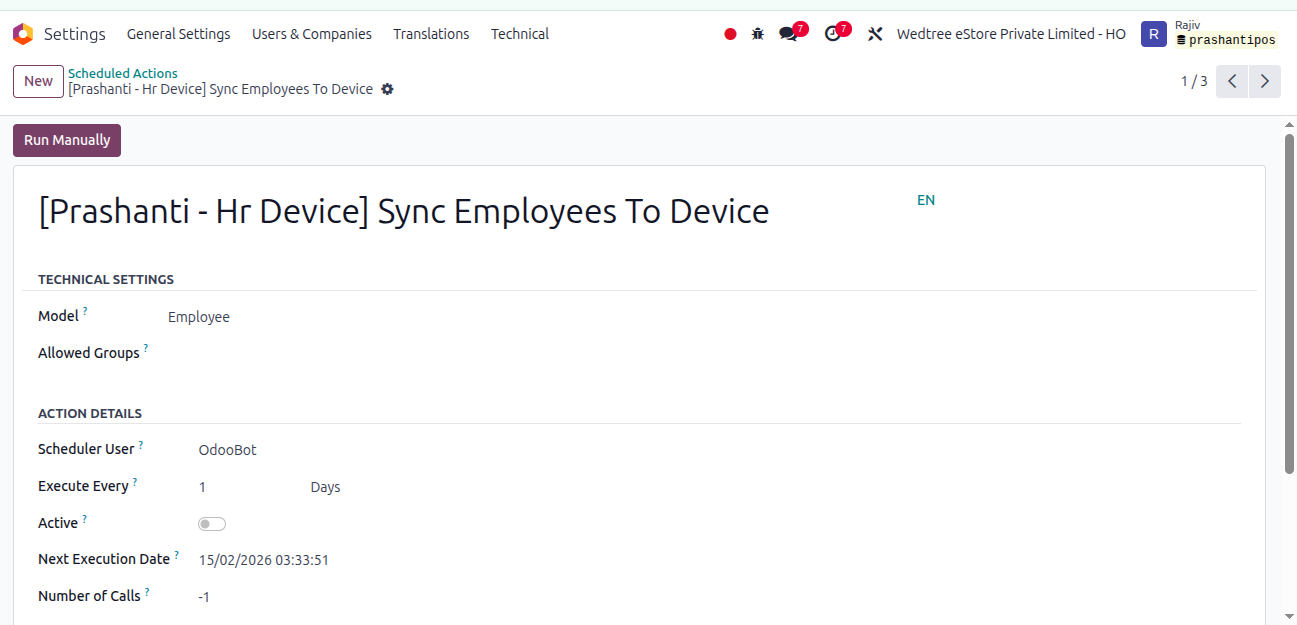
Attendance in Biometric Device By Running Cron Job in Scheduled Action
Employee Attendance Device Automation
The following automated actions are performed using scheduled cron jobs in relation to employee attendance devices:
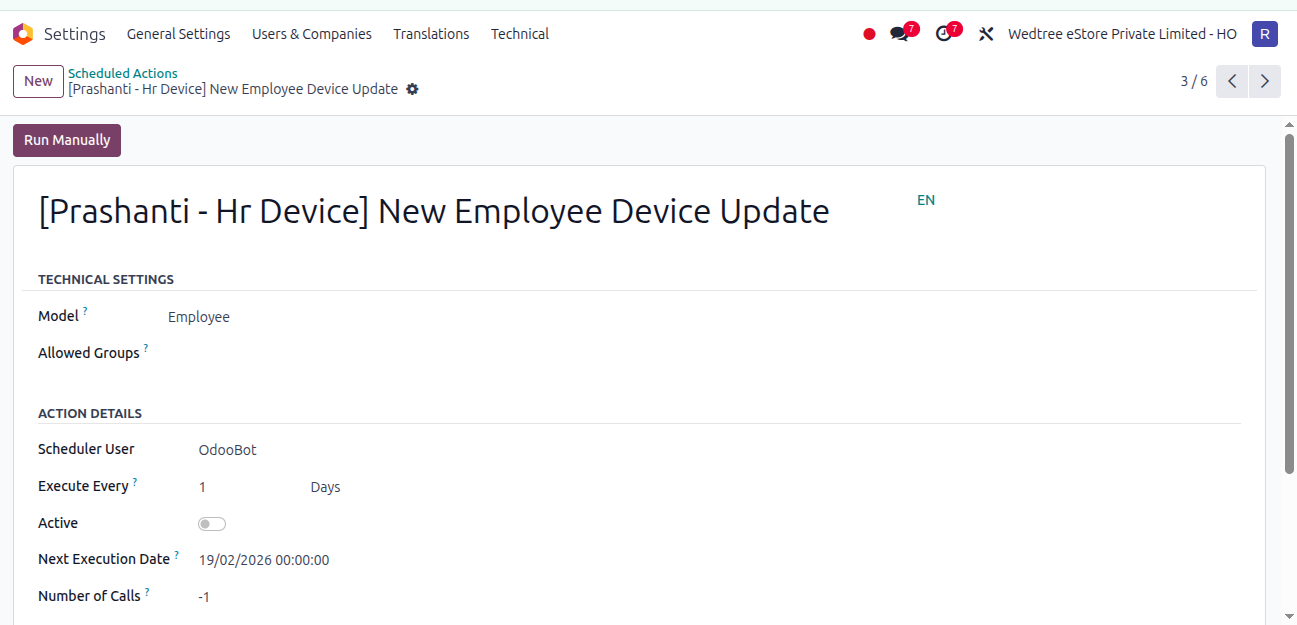
Add Employee on Joining A cron job runs at midnight (00:00:00) on the employee’s joining date to create the employee record in the attendance device at the assigned location.
Remove Employee on Transfer (Current Location) When an employee is transferred to another location, a cron job runs at 00:00:00 on the day after the employee’s relieving date to remove the employee record from the attendance device at the current location.
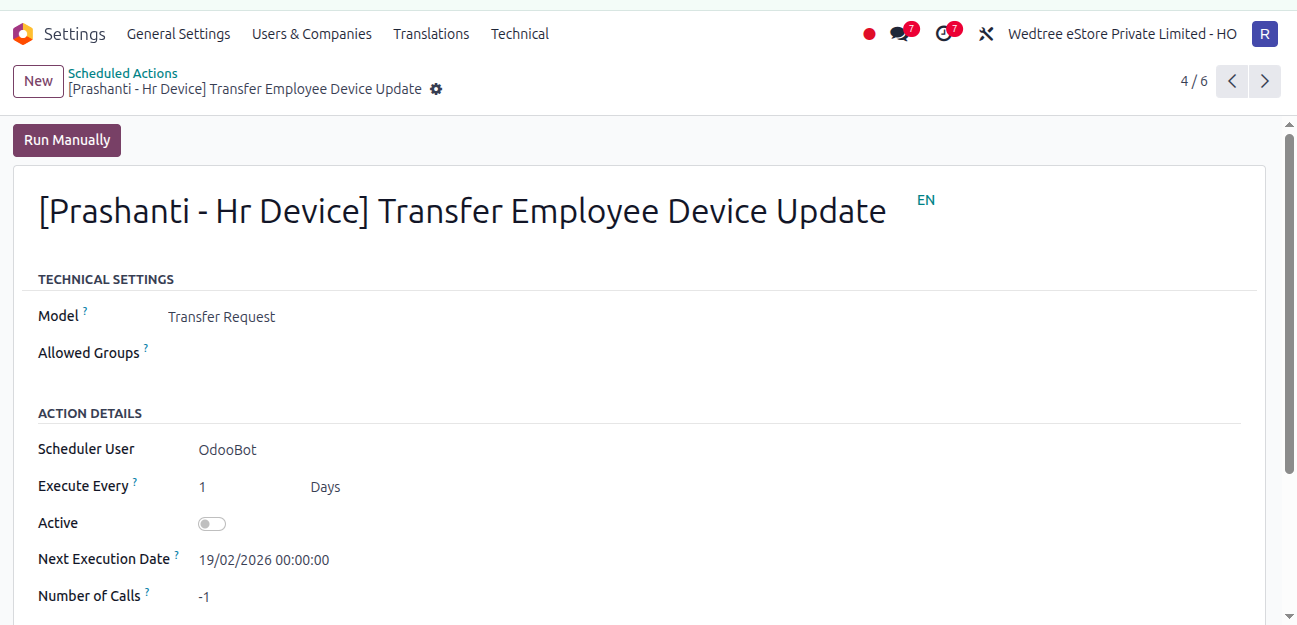
Add Employee on Transfer (New Location) Upon transfer, a cron job runs at midnight on the employee’s joining date at the new location to add the employee to the attendance device at the new location.
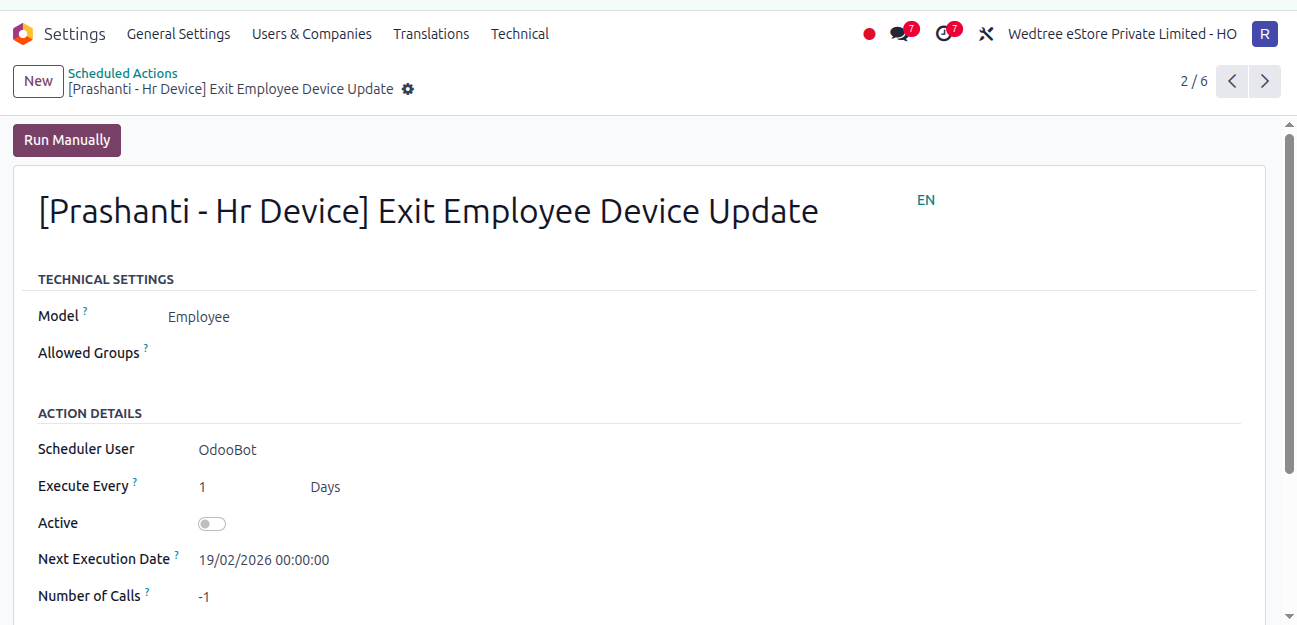
- Remove Employee on Exit (Current Location)
When an employee exits the organization, a cron job runs at 00:00:00 on the day after the employee’s last working date to remove the employee record and revoke access from the attendance device.