General Settings
About
The General Settings section is where you control the basic setup of the system. It helps you decide how everything should work.
Menu Path
To access the locations, go to
Users, Languages and Companies:
This section allows administrators to manage users, invite new users, and control their access. It also provides options to manage multiple languages and configure company details within the system.
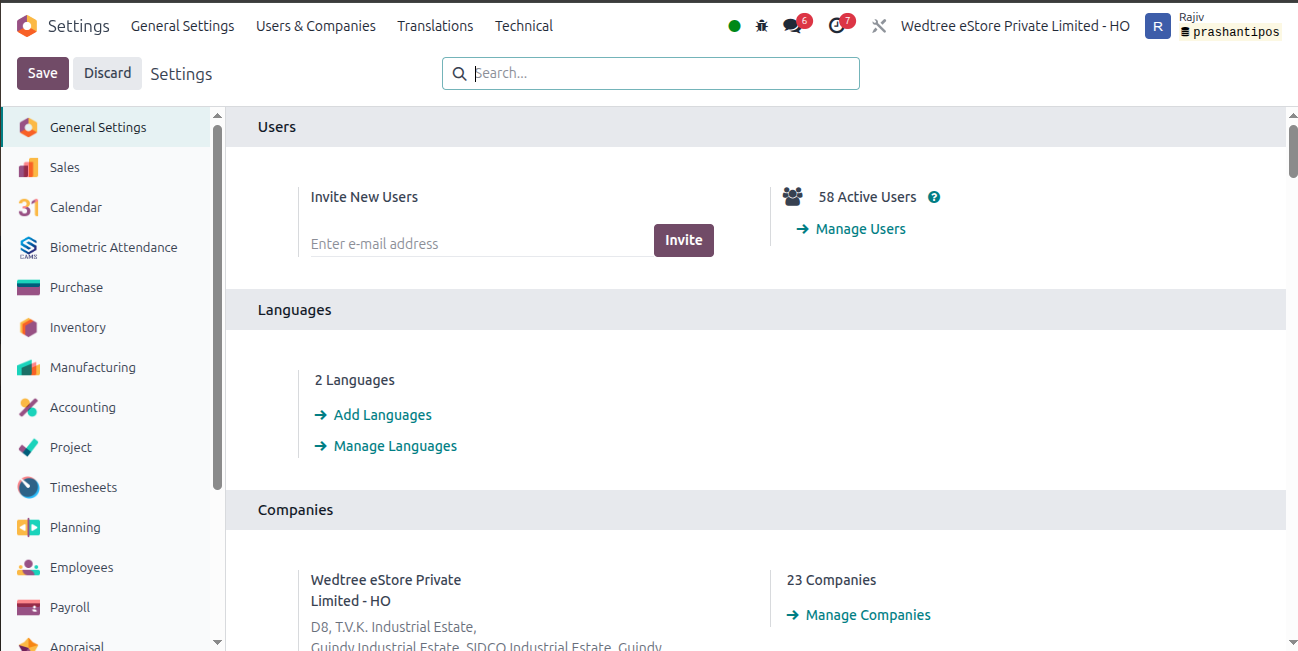
Users:
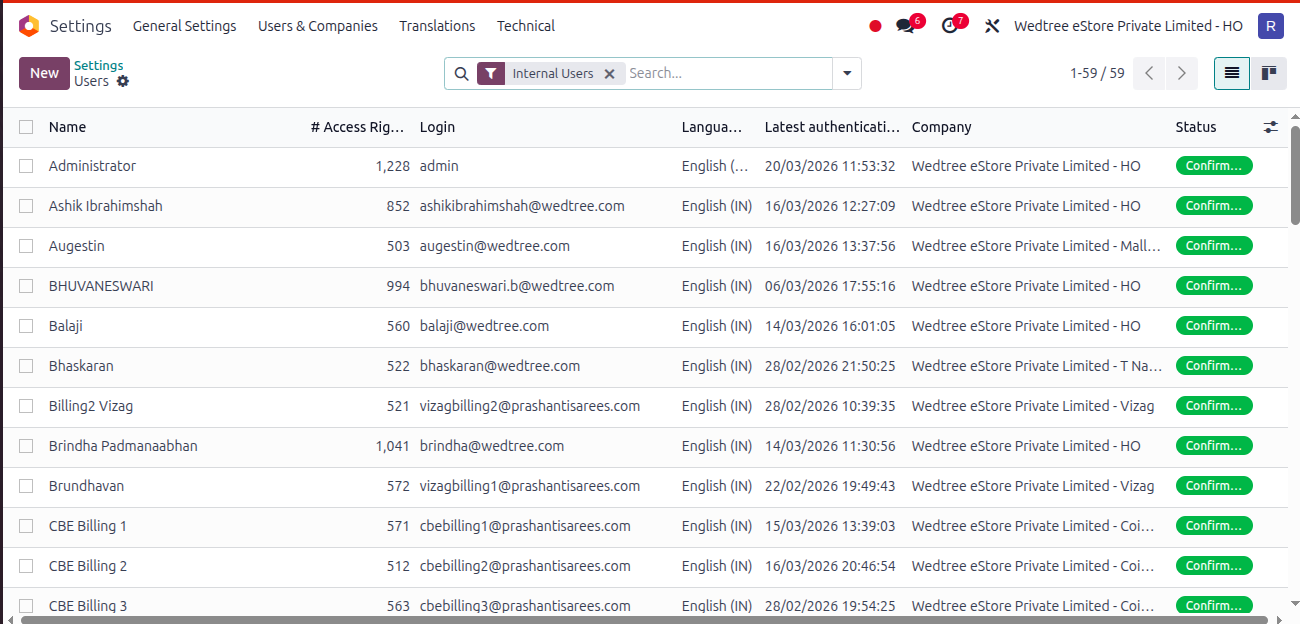
Click on Manage Users to see List view of Users in General Settings.
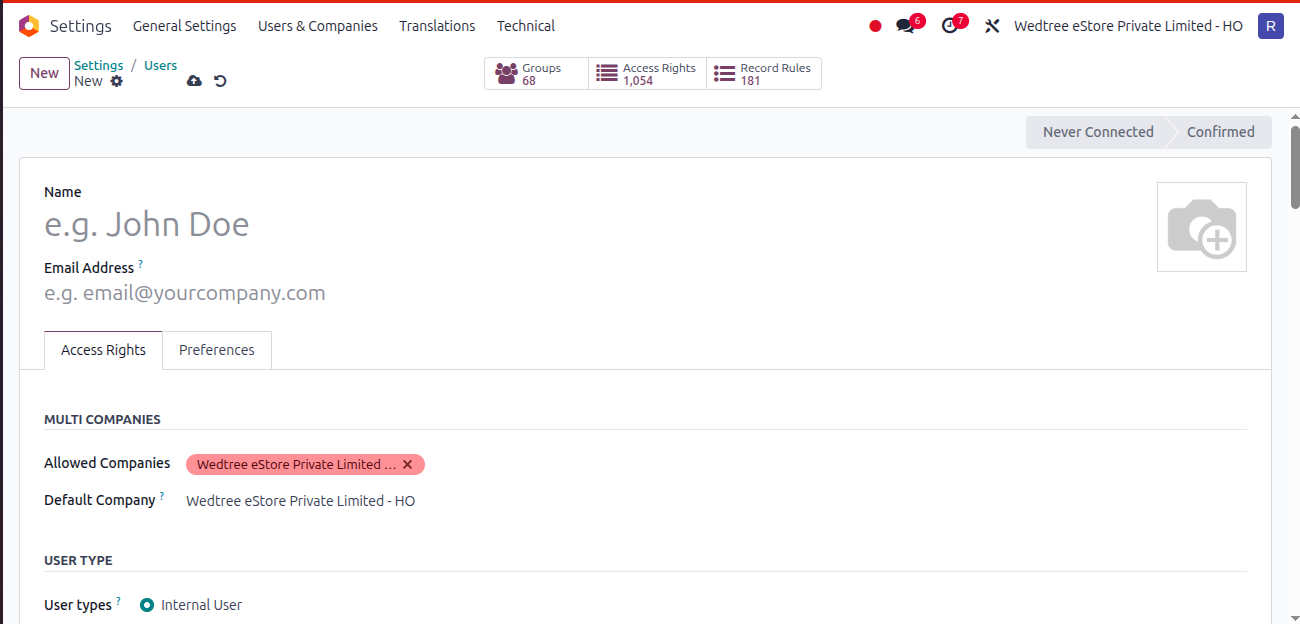
Click on New button to add new Users and it opens the Form View.
Form view of Users in General Settings.
Languages:
Click on Manage Languages. Here only English (IN) and English (US) is enabled.

Companies:
Click on Manage Companies, to see List View of Companies.
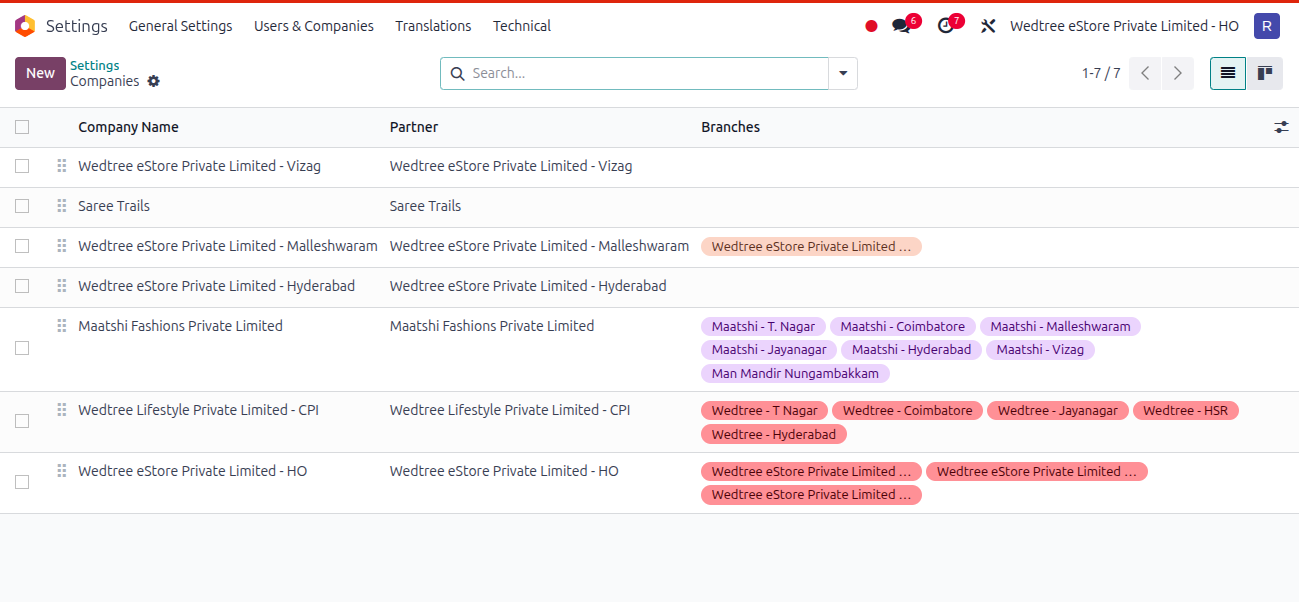
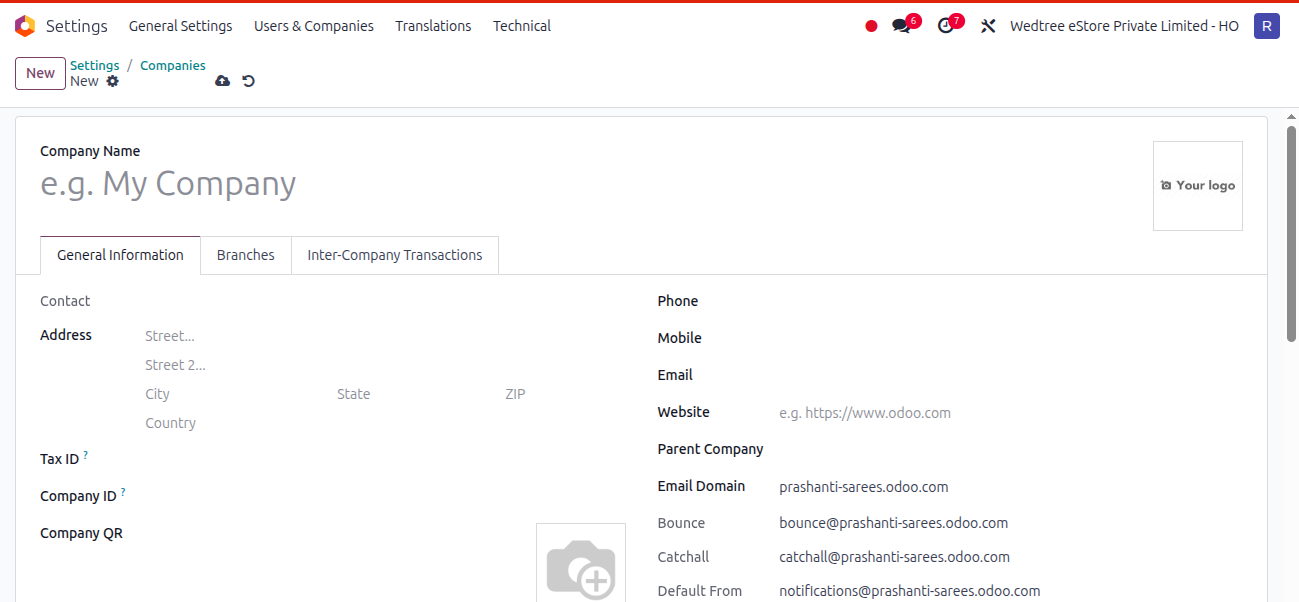
Click on New to create new company and it opens the Form View.
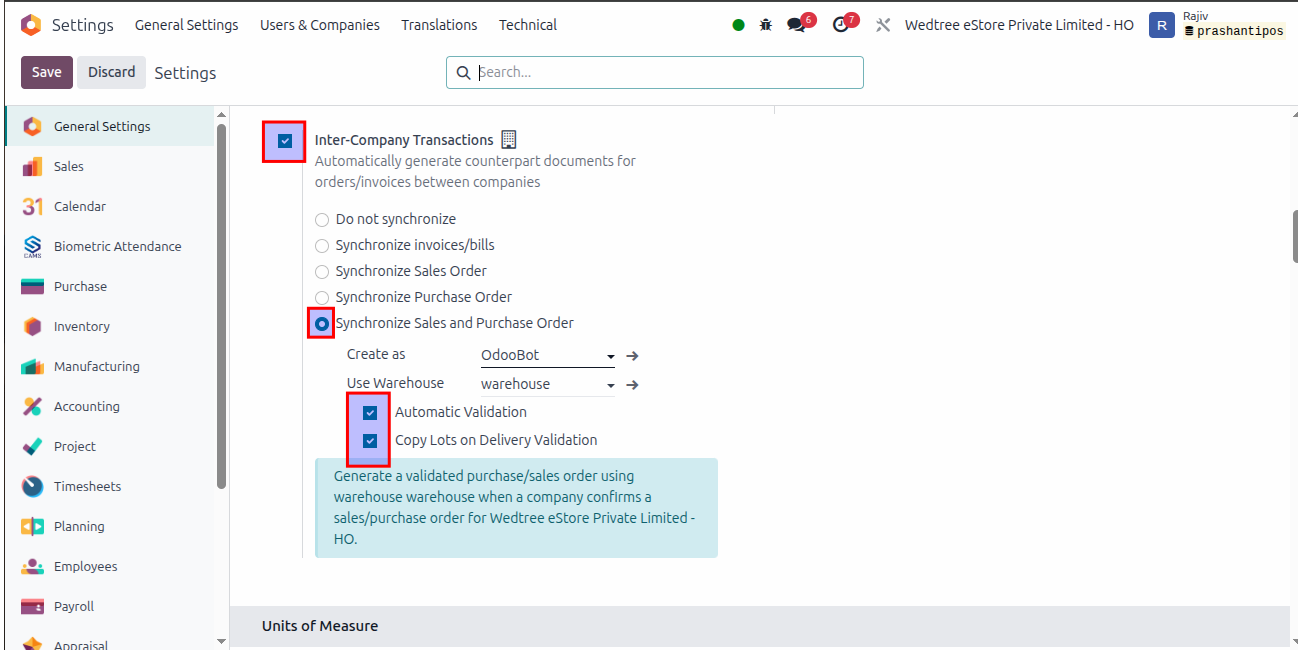
Inter-Company Transactions:
This feature allows automatic synchronization of transactions between different companies. It supports sales orders, purchase orders, and invoices, ensuring smooth and consistent inter-company operations.
Synchronize Sales and Purchase Order is enabled which Sale Order created in one company creates Purchase Order in another company, i.e. Sales Order ↔ Purchase Order sync both ways
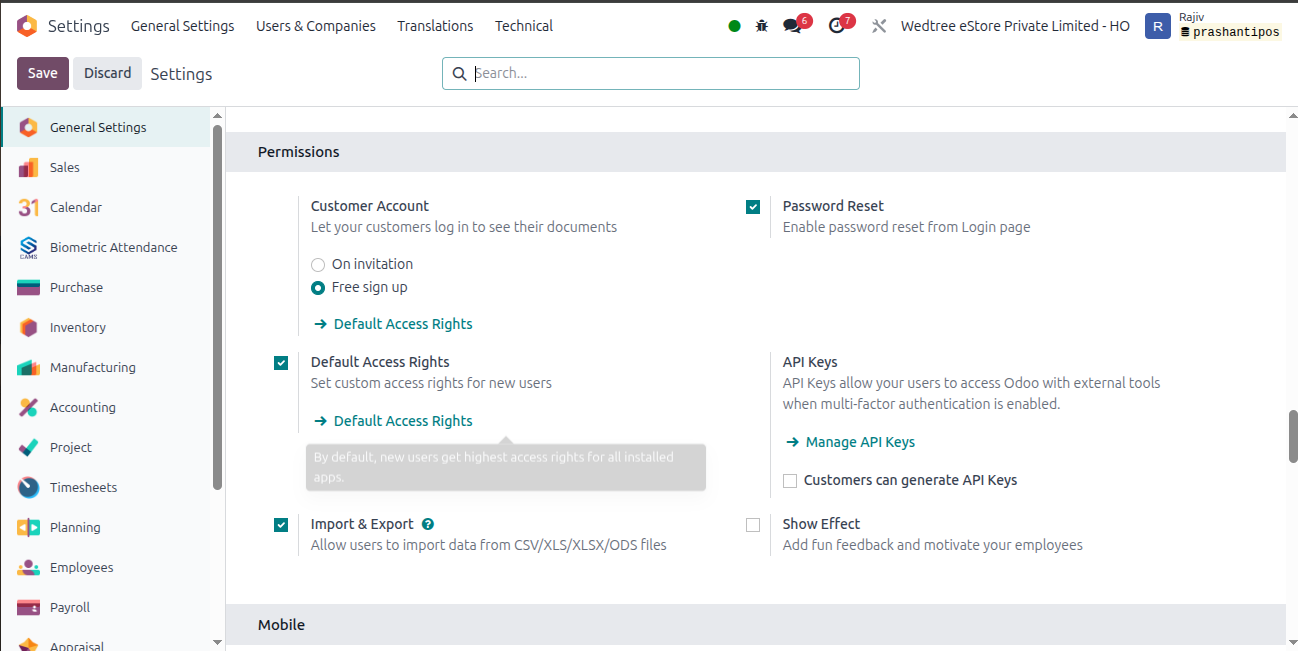
Permissions:
This section controls user access and security settings. It allows setting default access rights, enabling password reset, managing API keys, and configuring import/export permissions for users.
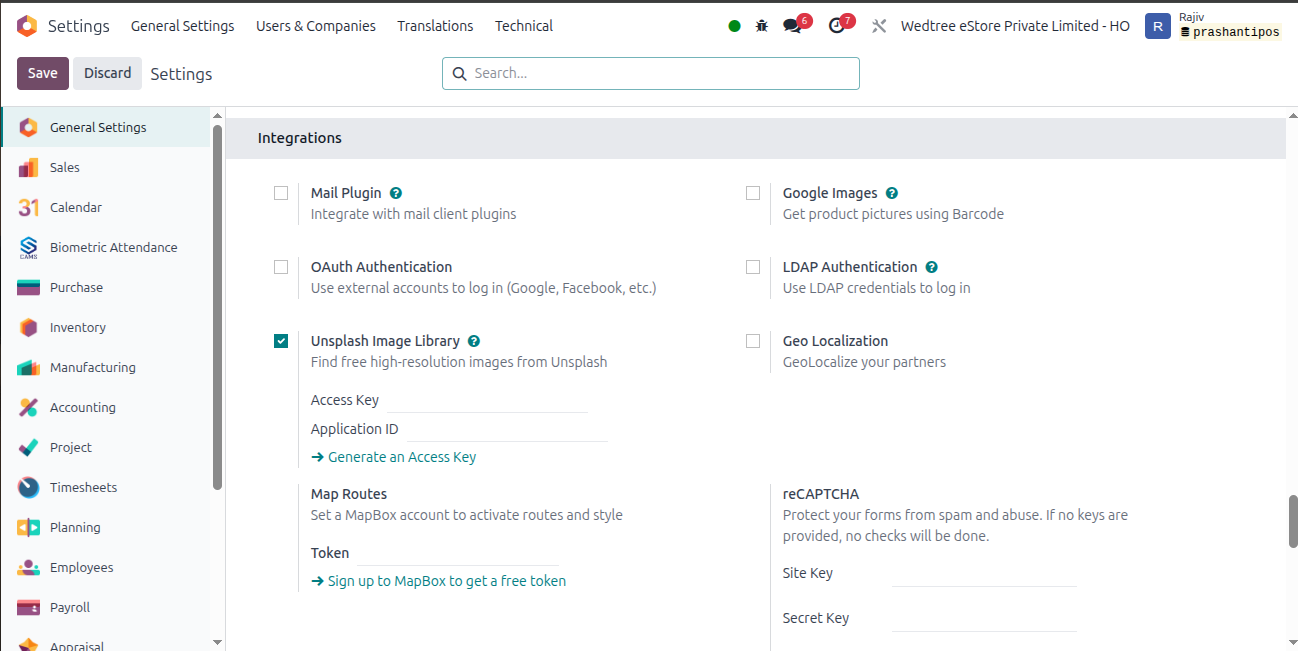
Integration:
It allows the system to connect with external services such as payment gateways, email servers, shipping providers, and third-party applications.
Here, the Unsplash Image Library is enabled. It gives you access to a large collection of free, high-quality stock photos directly inside the system.