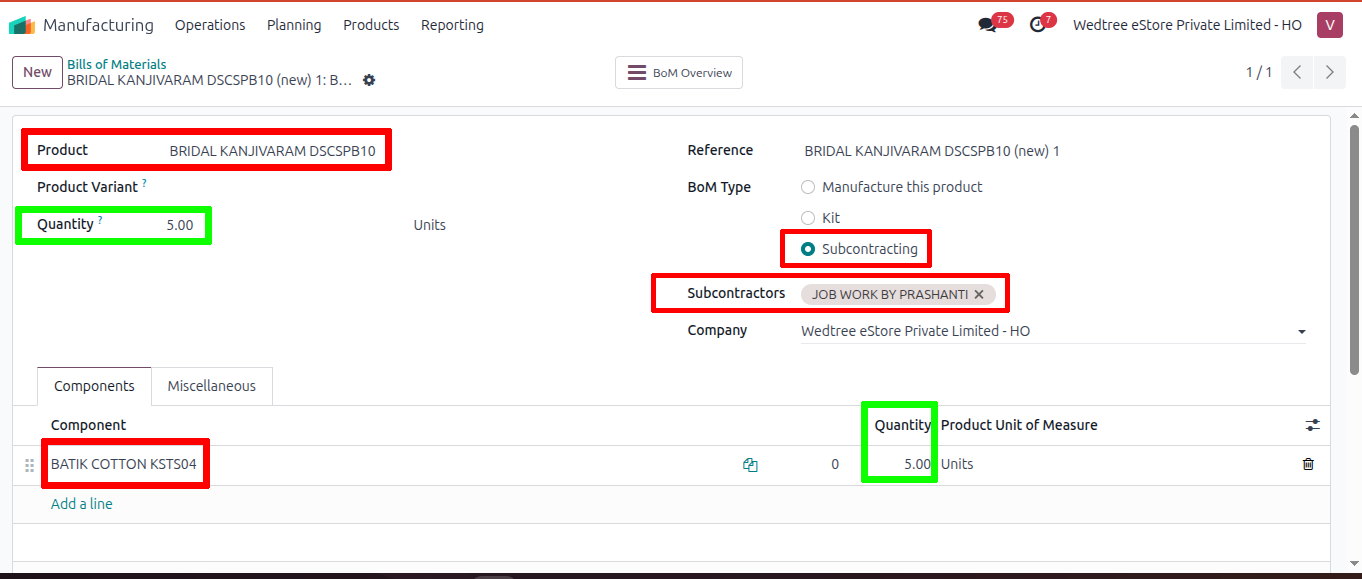
Bills of Materials
About
Bill of Materials (BoM) is a core concept in the Manufacturing app that defines what components are required to produce a finished product and in what quantities.
List View
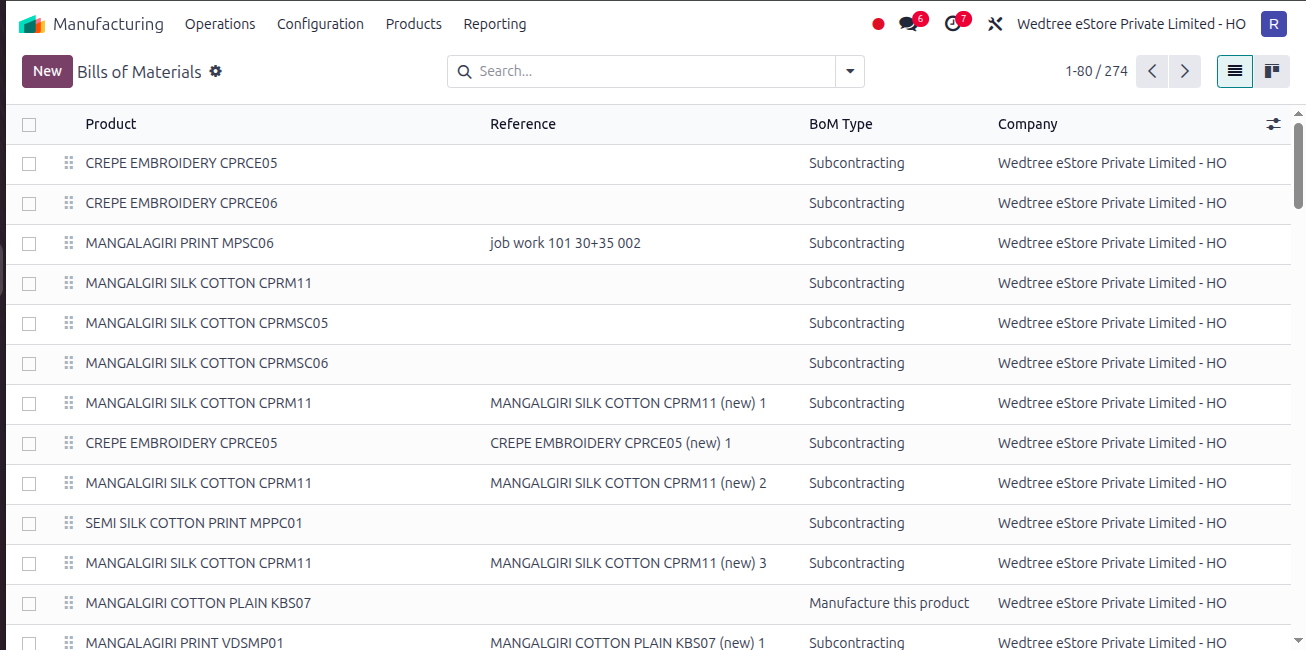
Form View
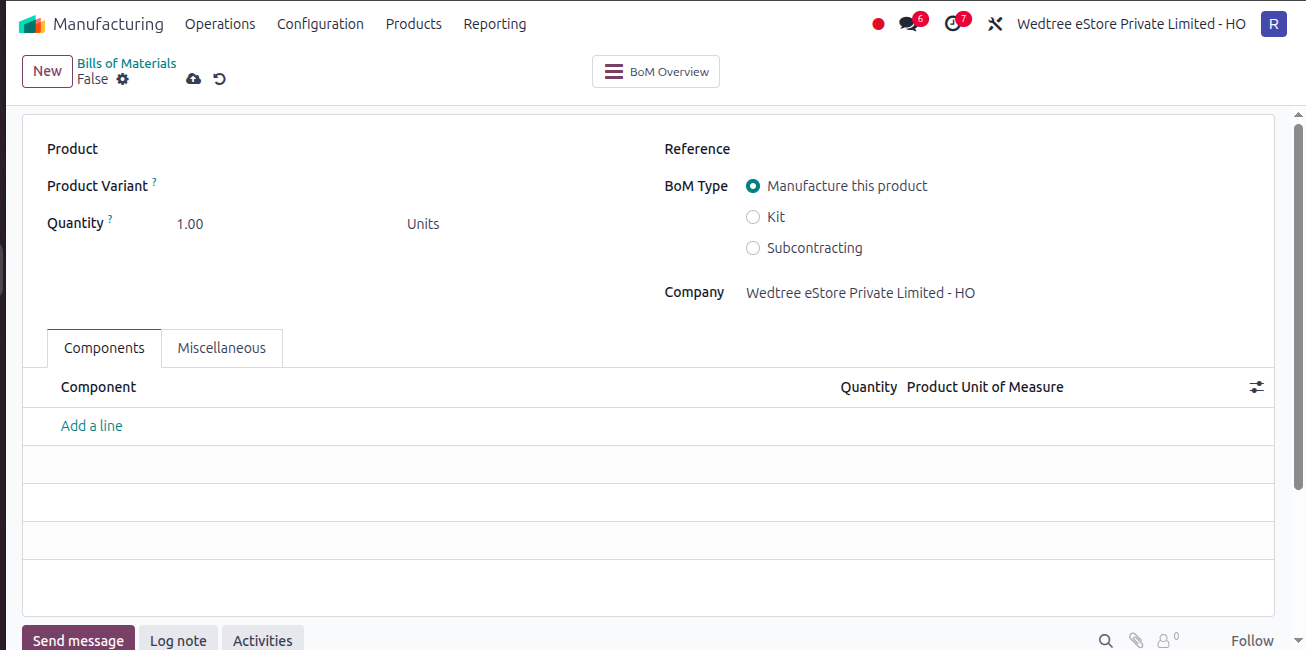
Bills of Materials
Go to
Click: New
Here, Give Product name (Finished product name after job work) and Quantity Units
Select the radio button Subcontractor in BoM Type
Give the name of the Subcontractor
Then go to Components and add first product name (plain saree) and the Quantity.