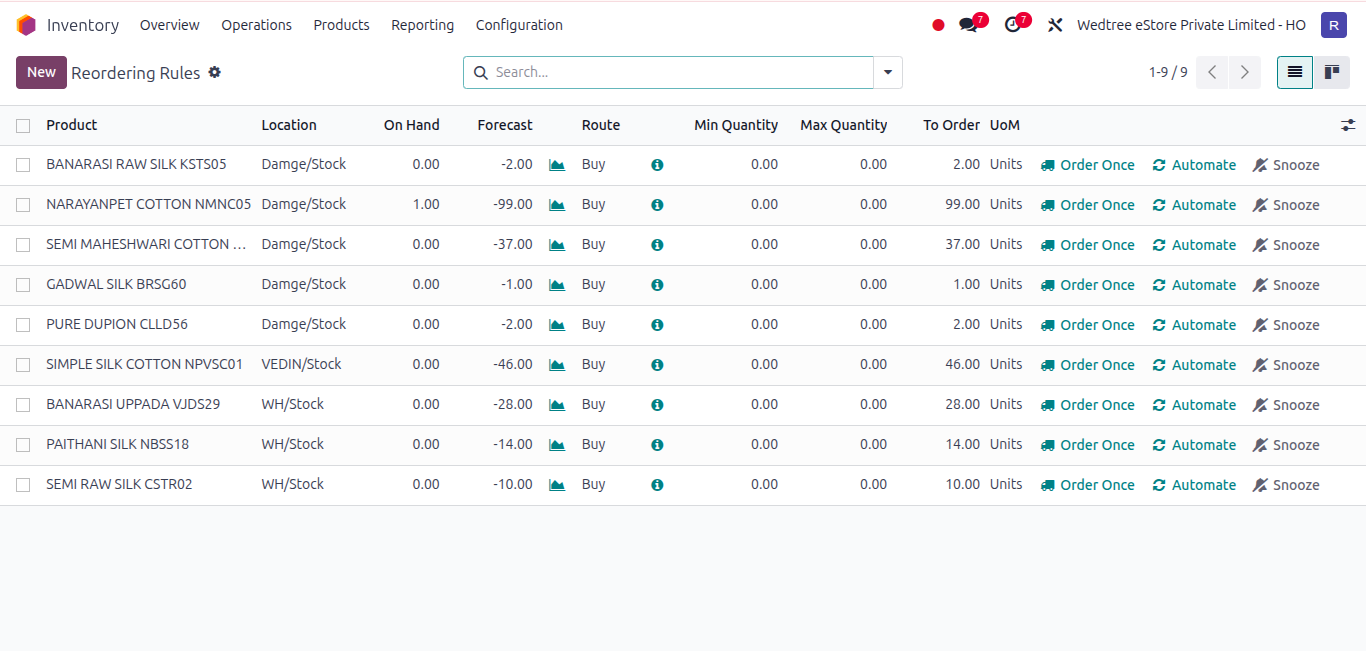
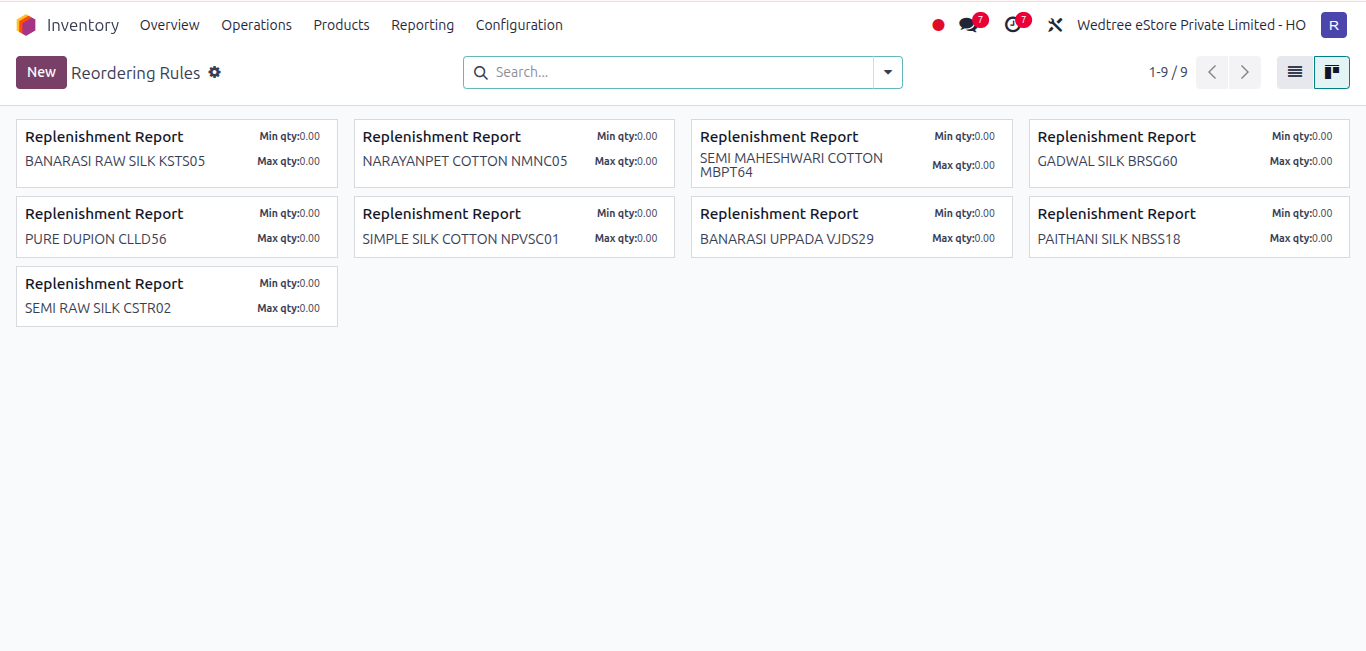
Reordering Rules in the Inventory module are defined as automatic replenishment settings that ensure stock is refilled when it falls below a specified level.
To access the Reordering Rules, go to Inventory ‣ Configuration ‣ Products ‣ Reordering Rules.