Settings
About
The Inventory module settings control how products are stored, moved, tracked, and valued.
Menu Path:
To access the menu, go to .
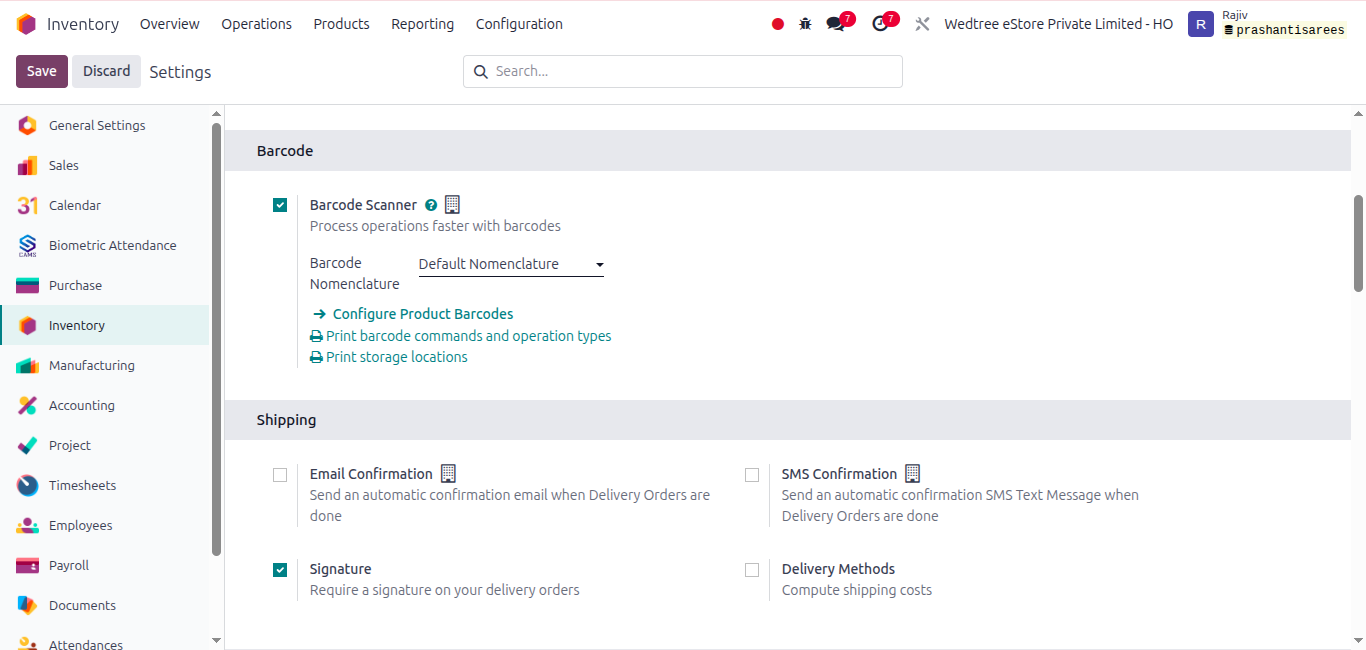
Under Barcode enabled the Barcode Scanner and under Shipping, Signature is enabled.
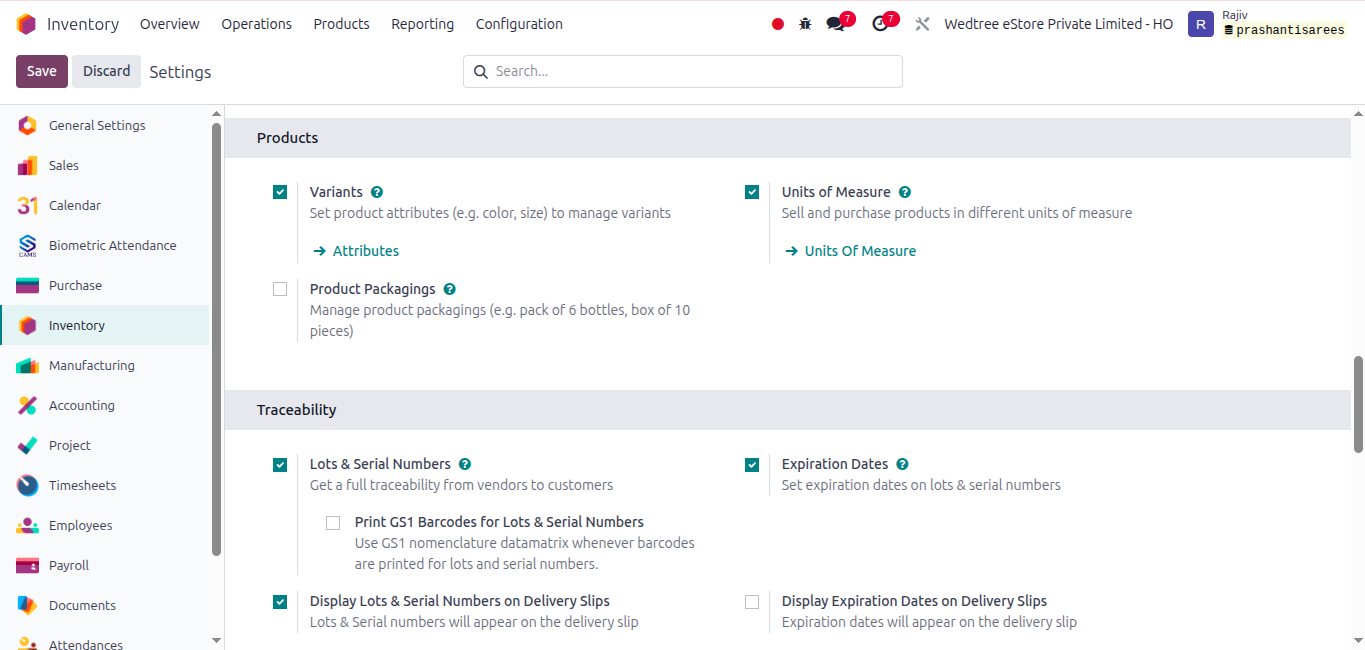
Under Products, Variants and Units of Measure are enabled. Under Traceability default settings are enabled.
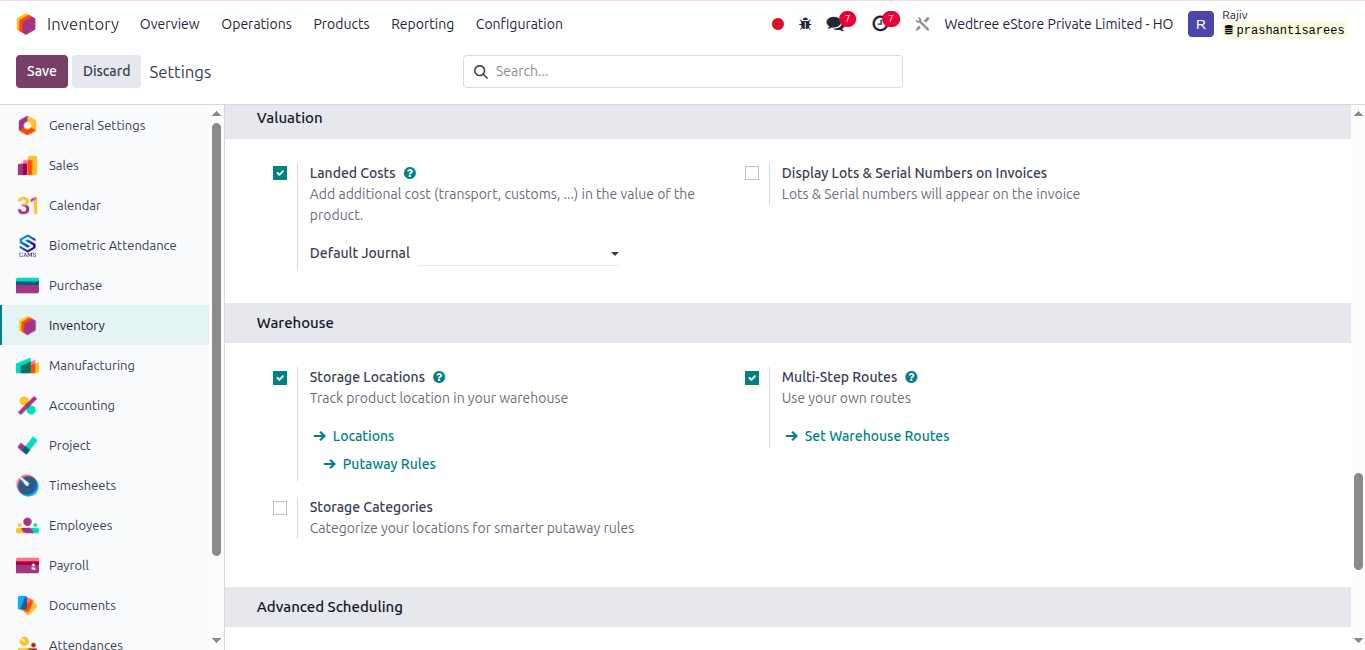
Enabled Storage Locations and Multi-Step Routes in Warehouse.