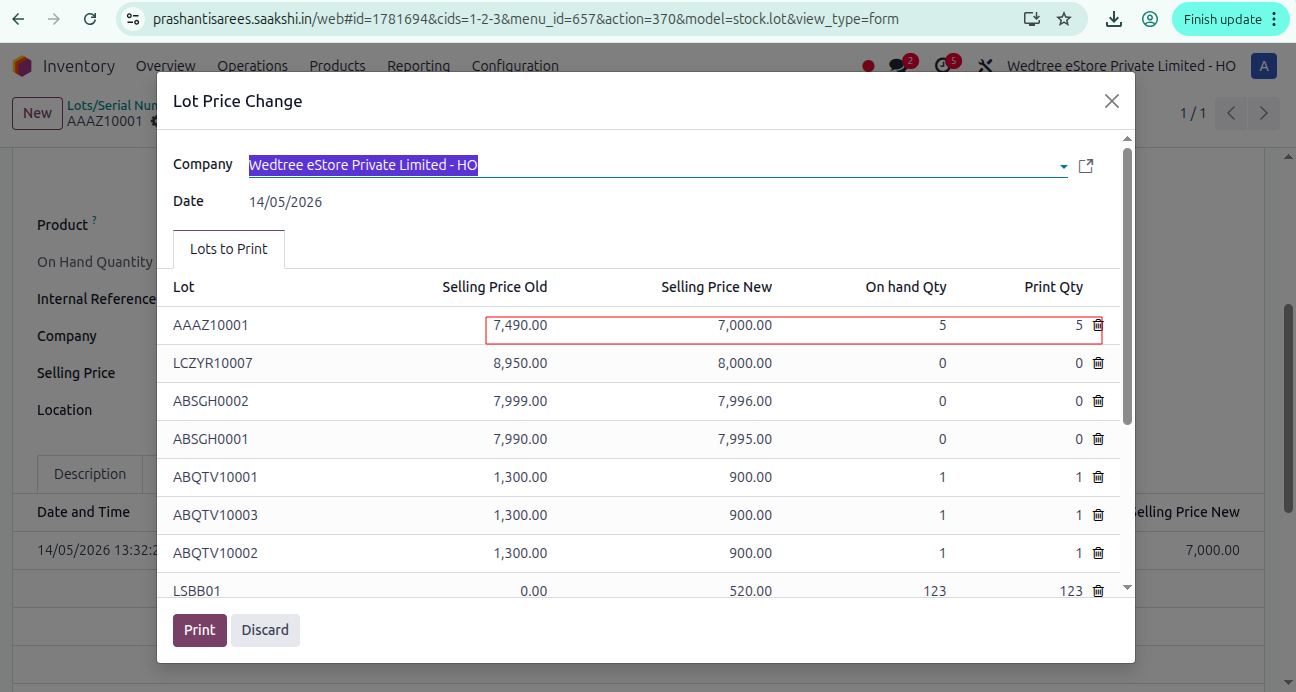
Lot Price Change
About
The Lot Price Change menu is a customized feature used to update product prices for selected lots/serial numbers and generate new price labels with the updated prices.
Process of changing Lot Price and taking bulk printout of labels:
Case 1. Changing price directly in Lots/Serial Numbers.
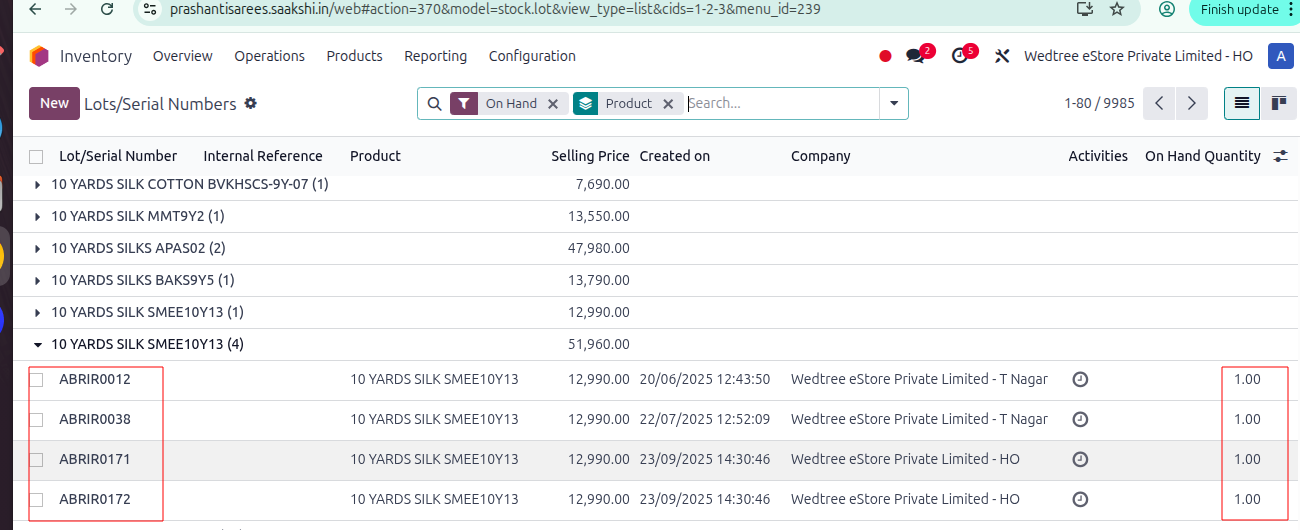
Take some Products with Lots/Serial Numbers.
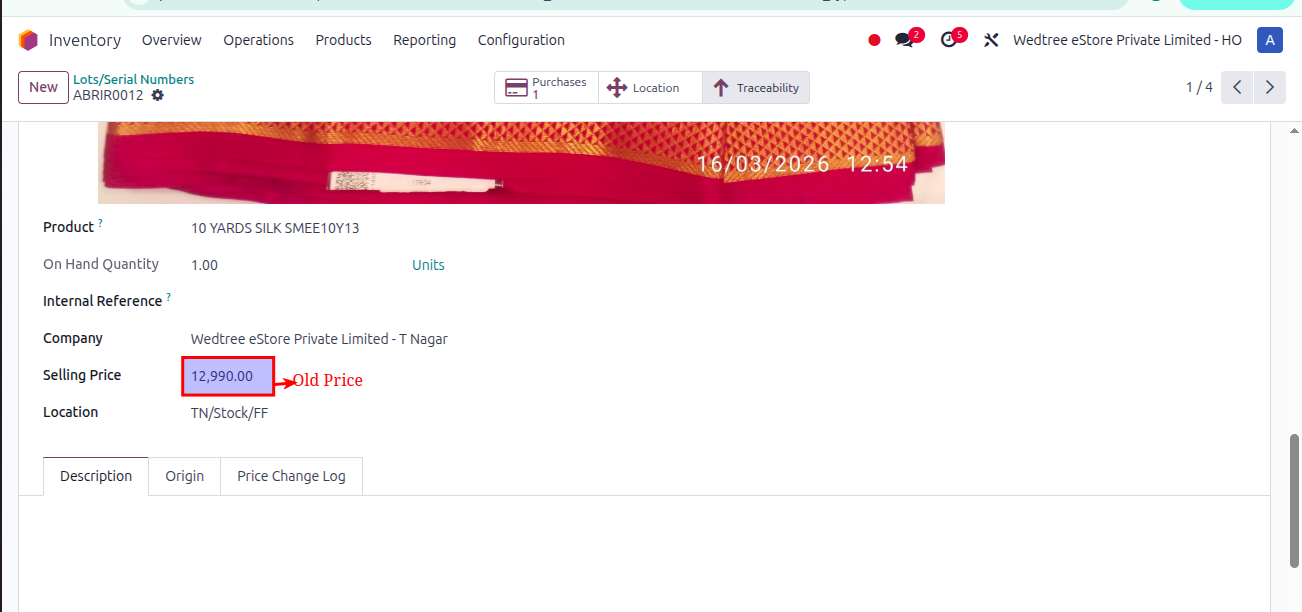
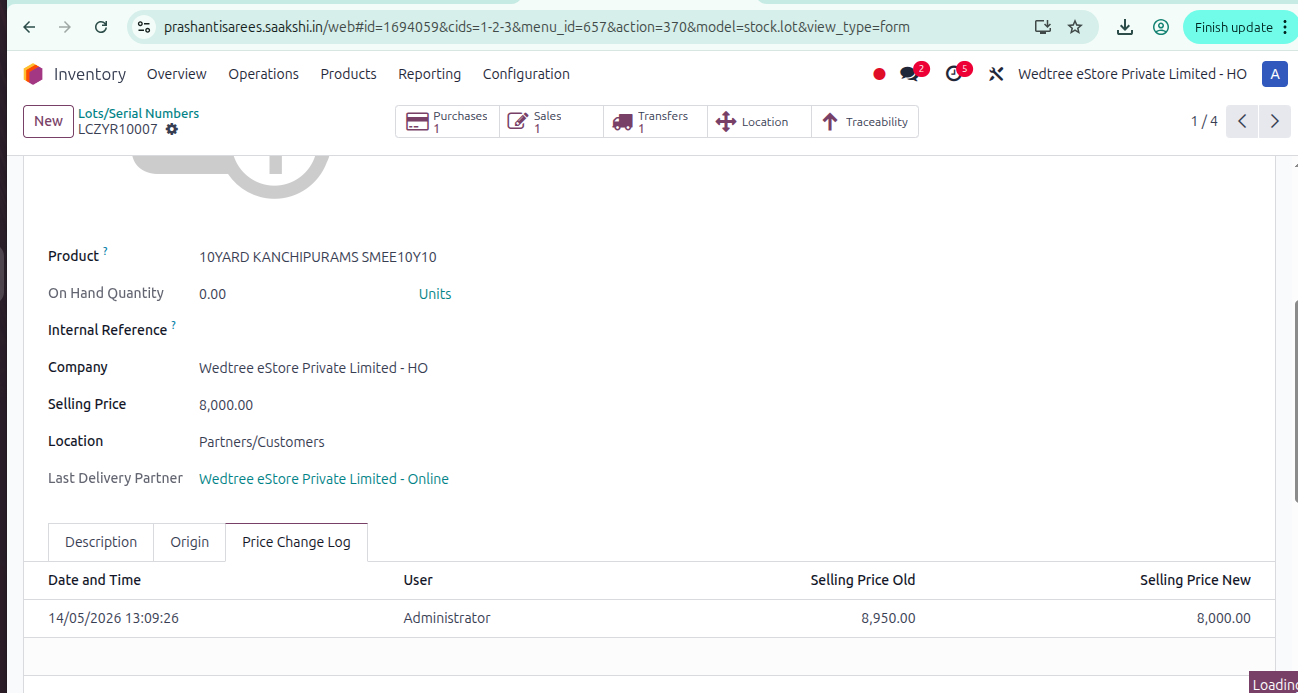
Old or default price is shown.
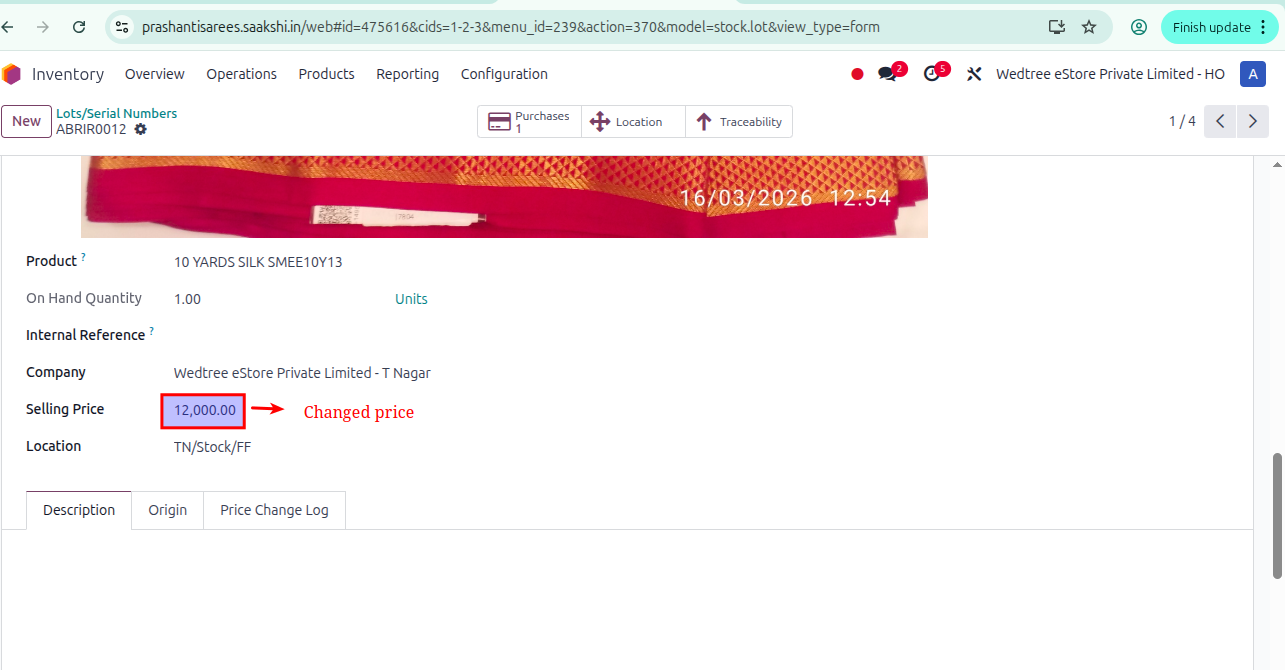
Price is changed.
Changed price is shown in Price Change Log.
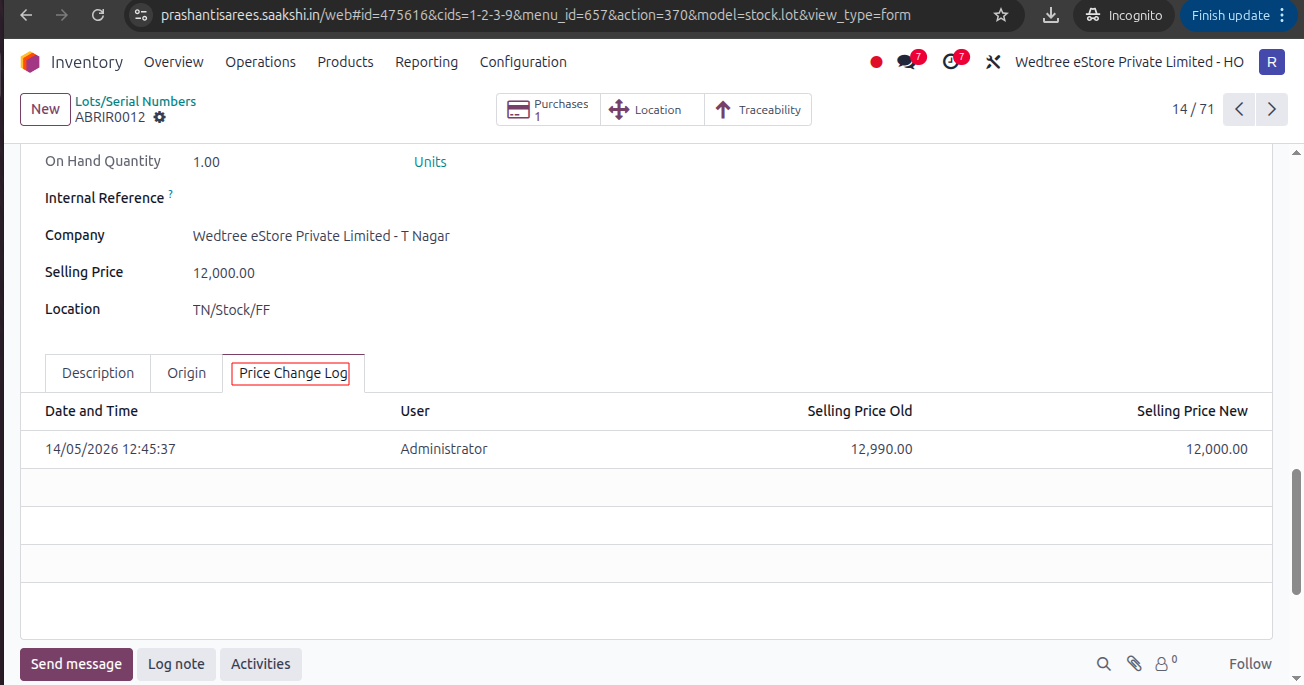
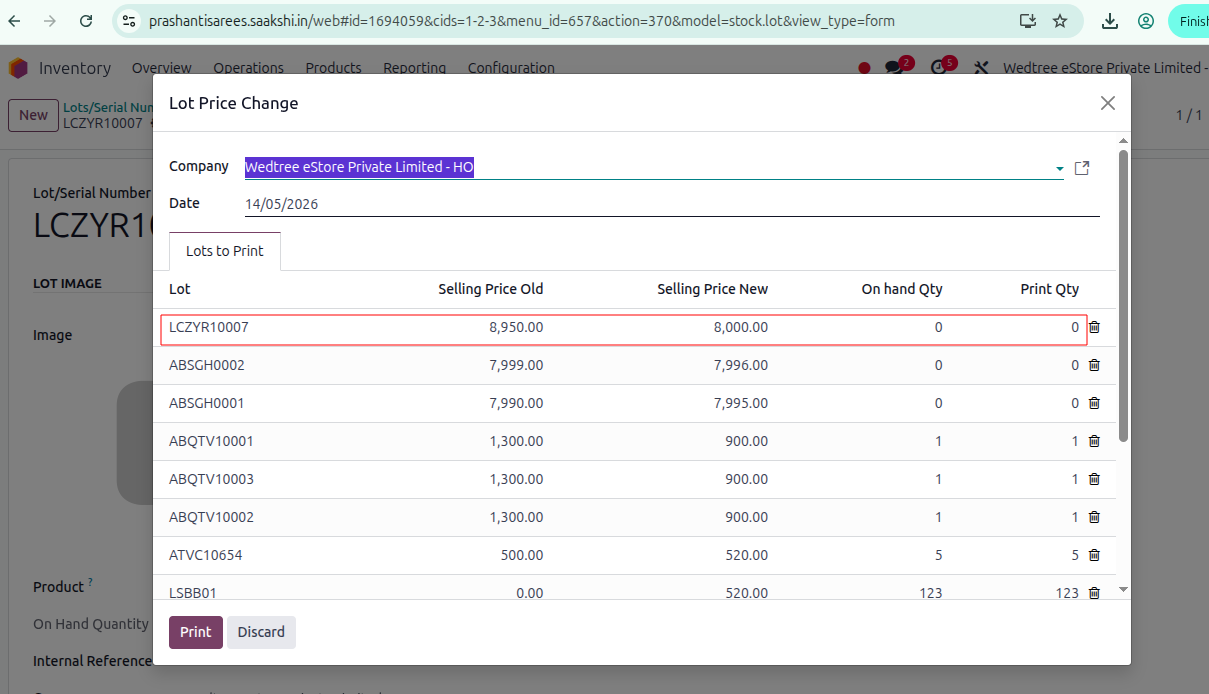
Label can be printed by clicking Print button.
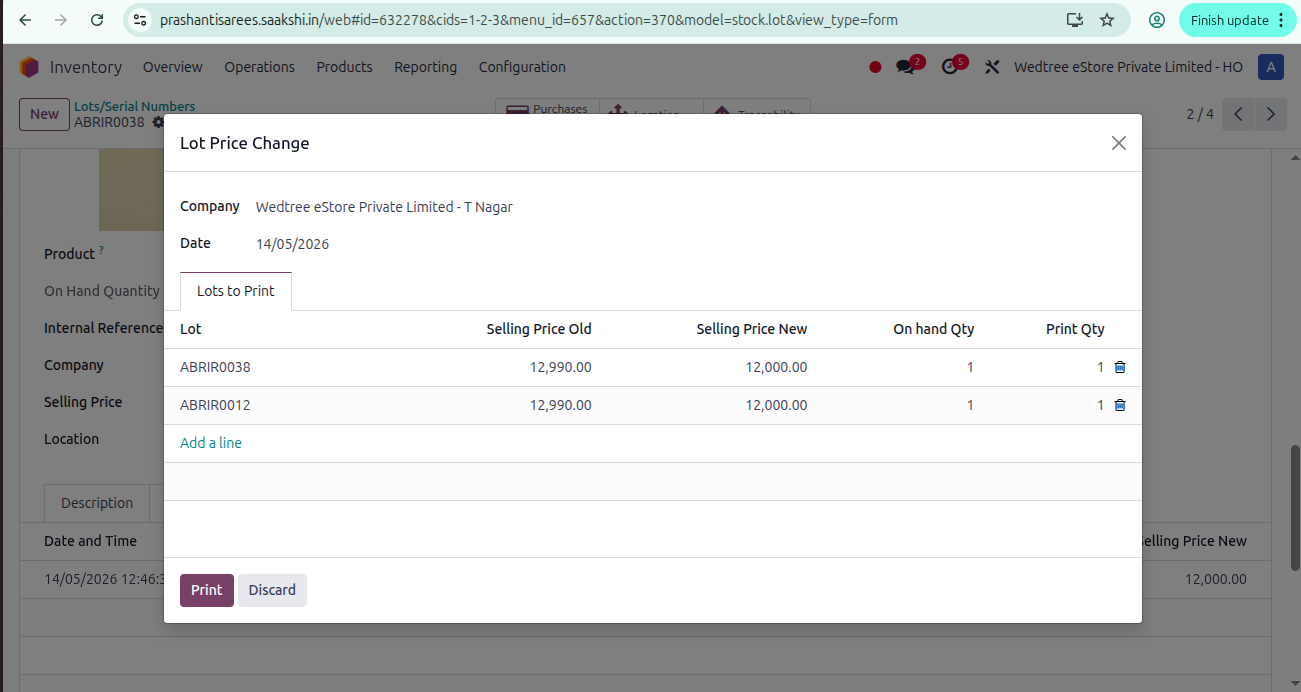
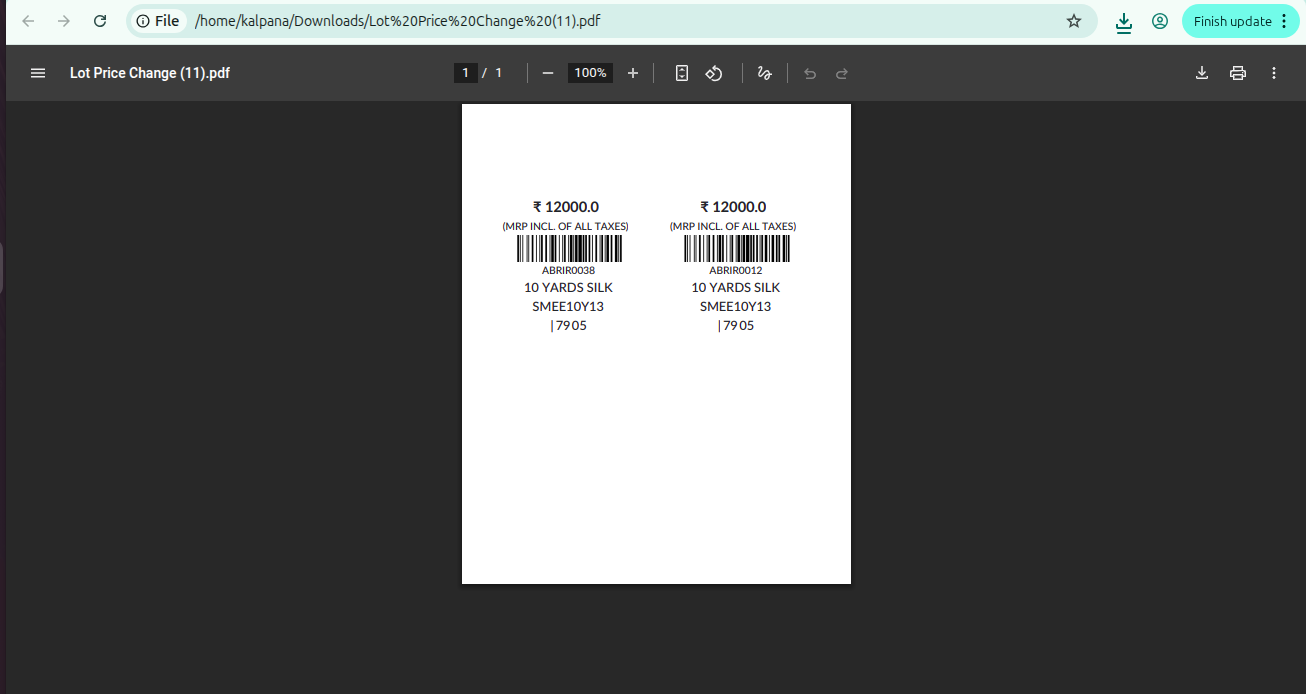
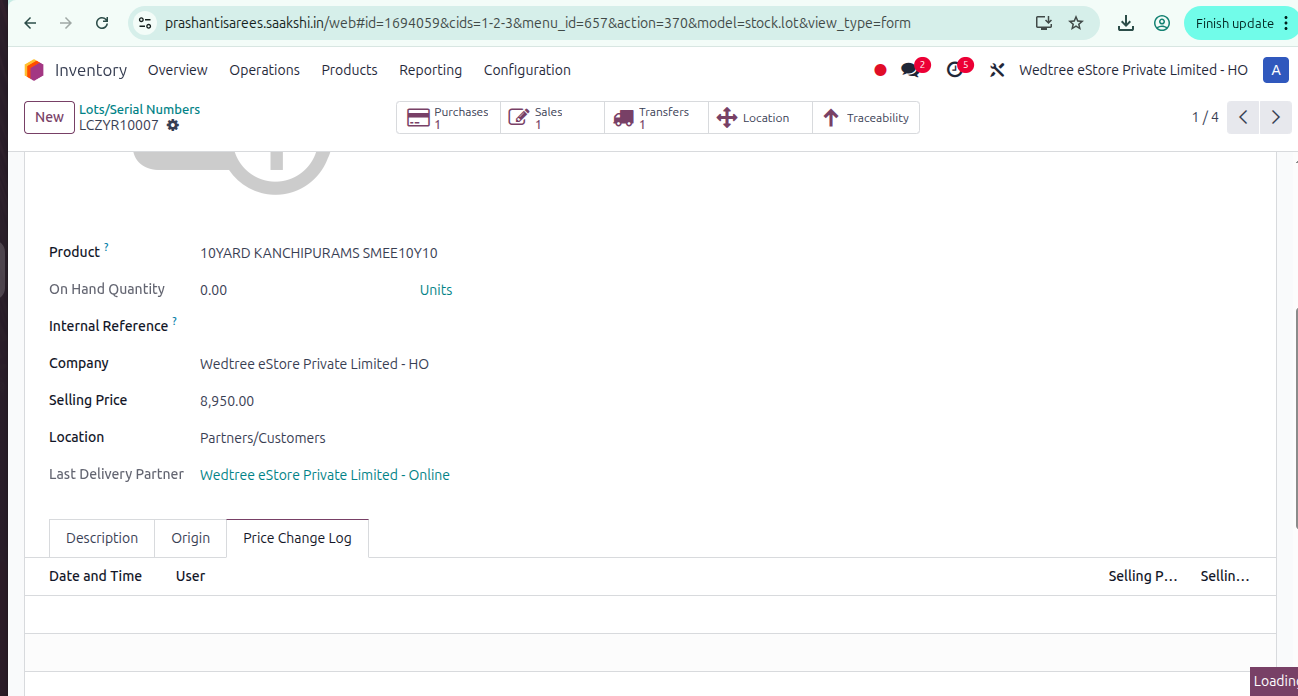
Changing price for Zero Quantity Product: If we change price in Lots/Serial Numbers by selecting each Product means, it will change the Price, but while Printing, it will not Print label.
Demo Video for Lot Price Change directly in Lots/Serial Numbers:
Case 2: Changing Lot Price by Exporting, changing price, and Importing:
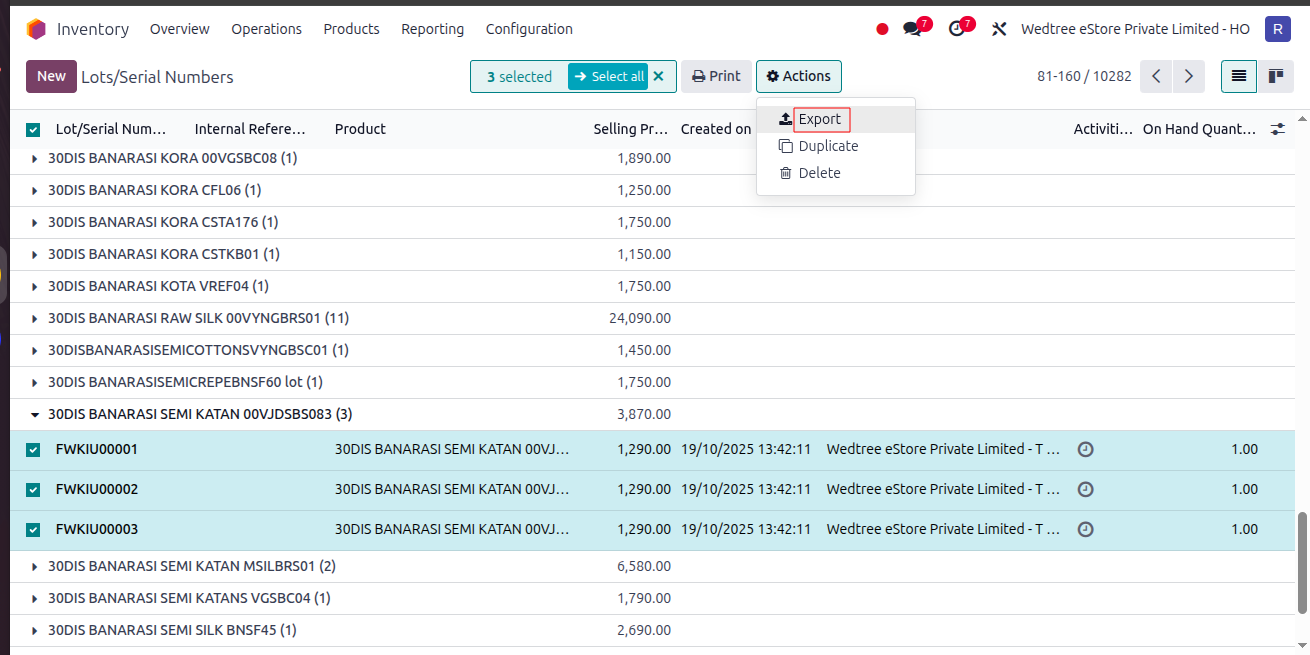
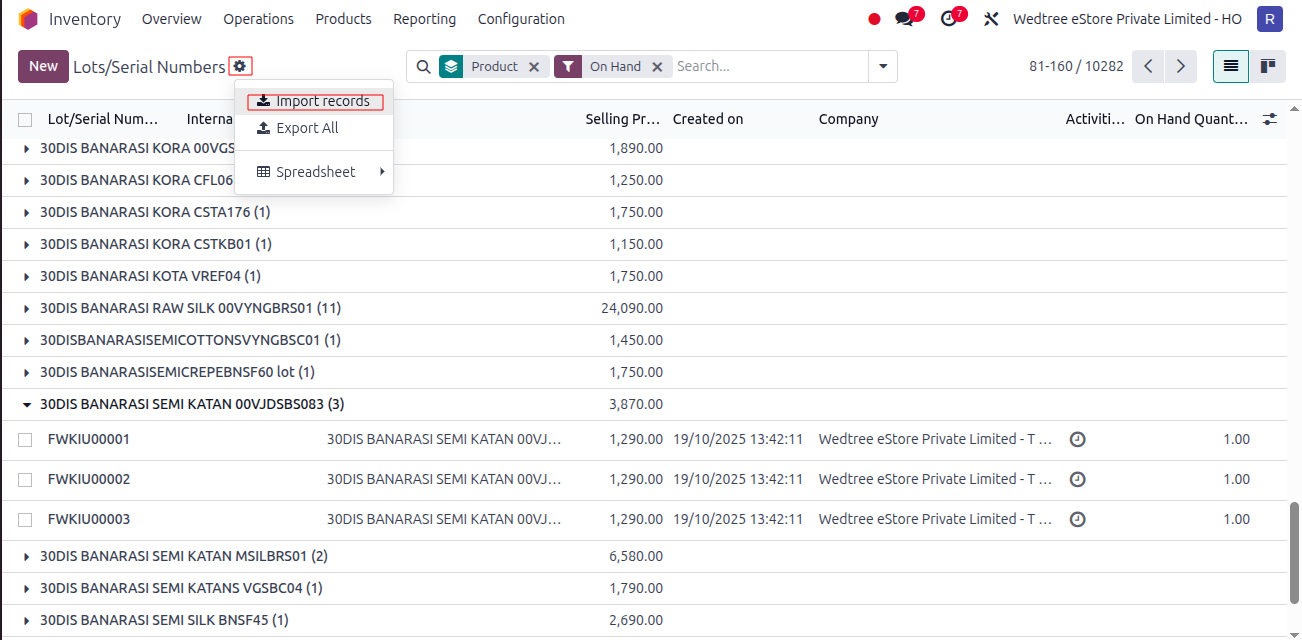
Select Products from Lots/Serial Numbers and Export.
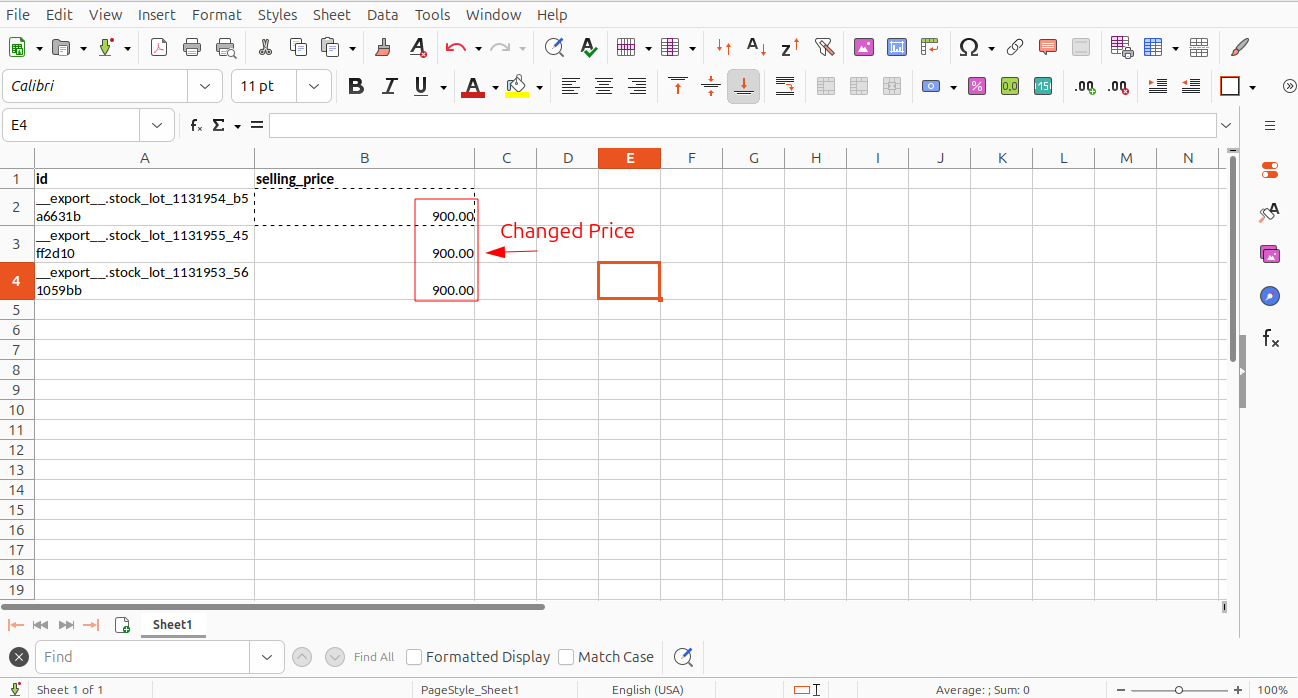
Exported file.
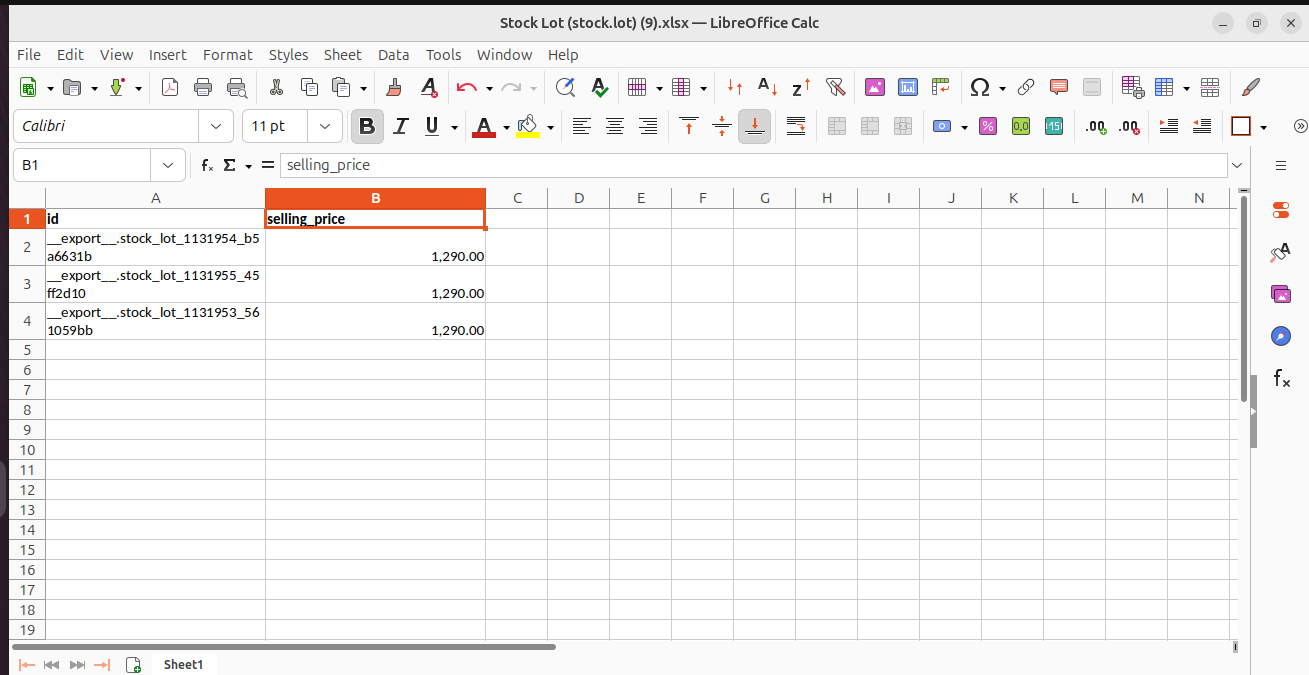
Change Price.
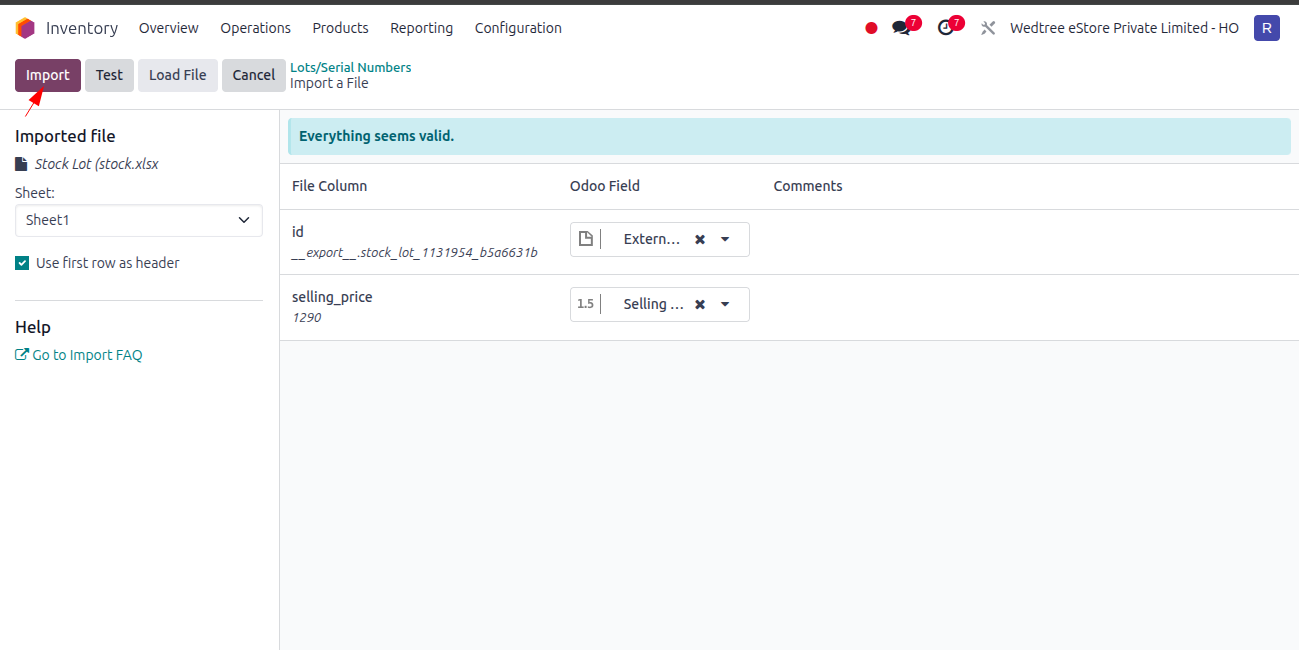
Click on Import to import the file.
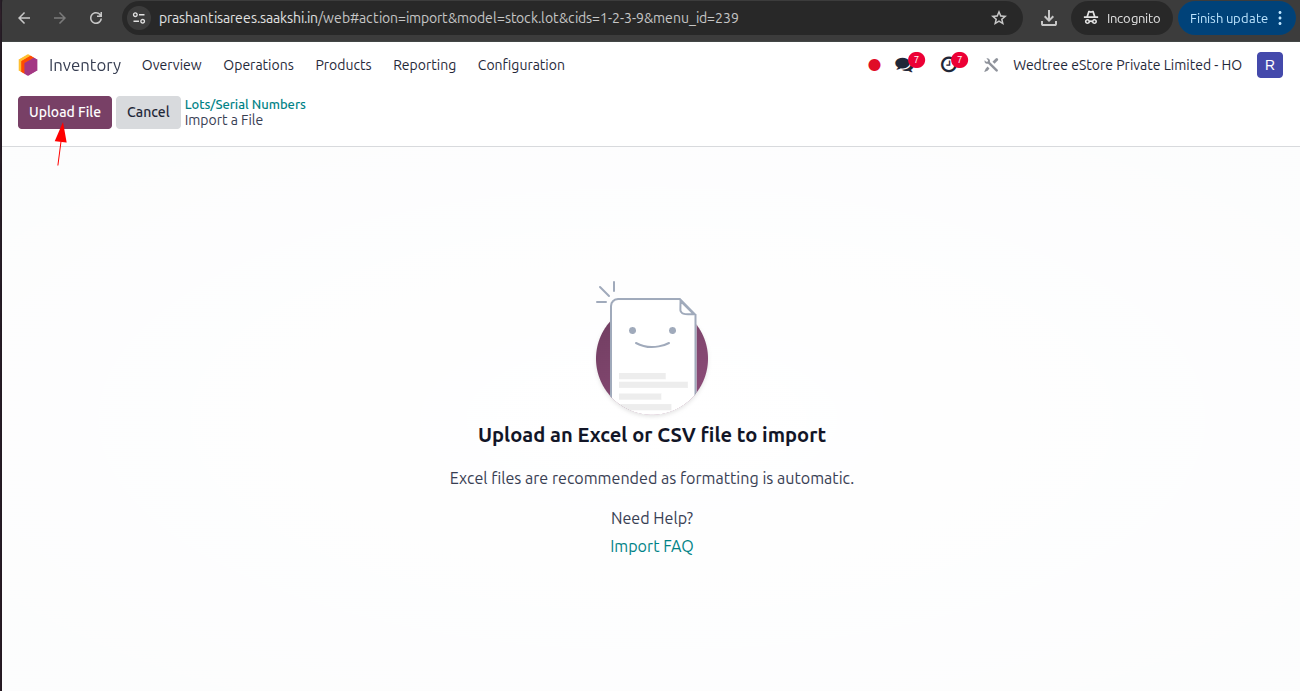
Click on Upload button and upload the file.
Click on Test.
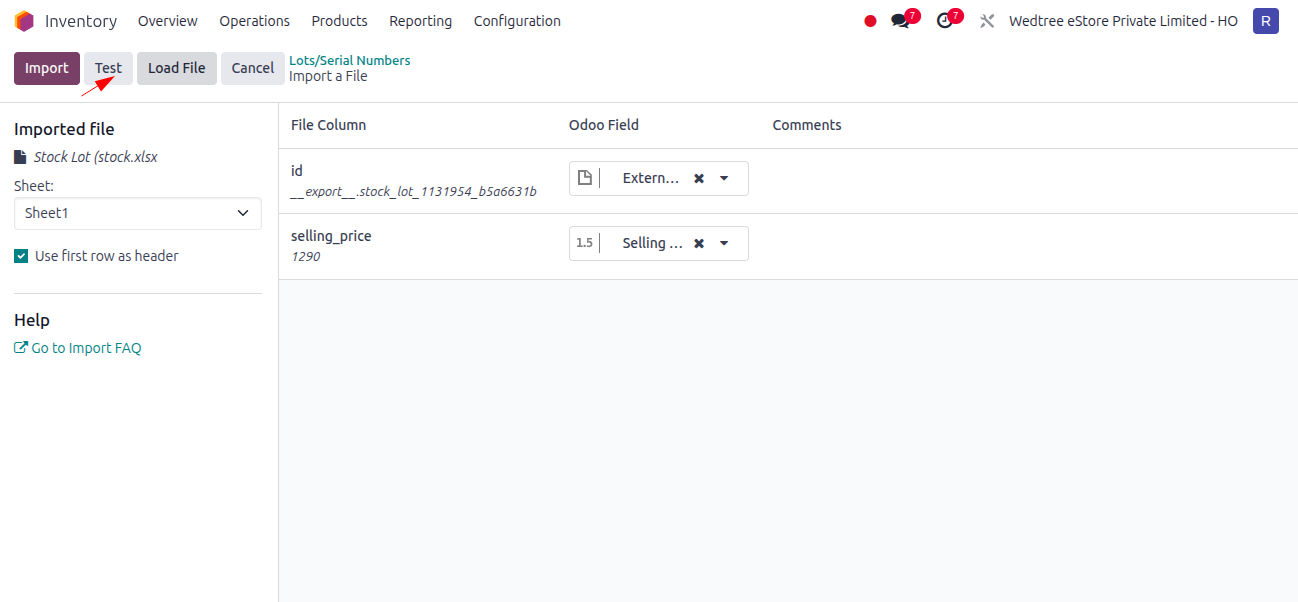
Click on Import.
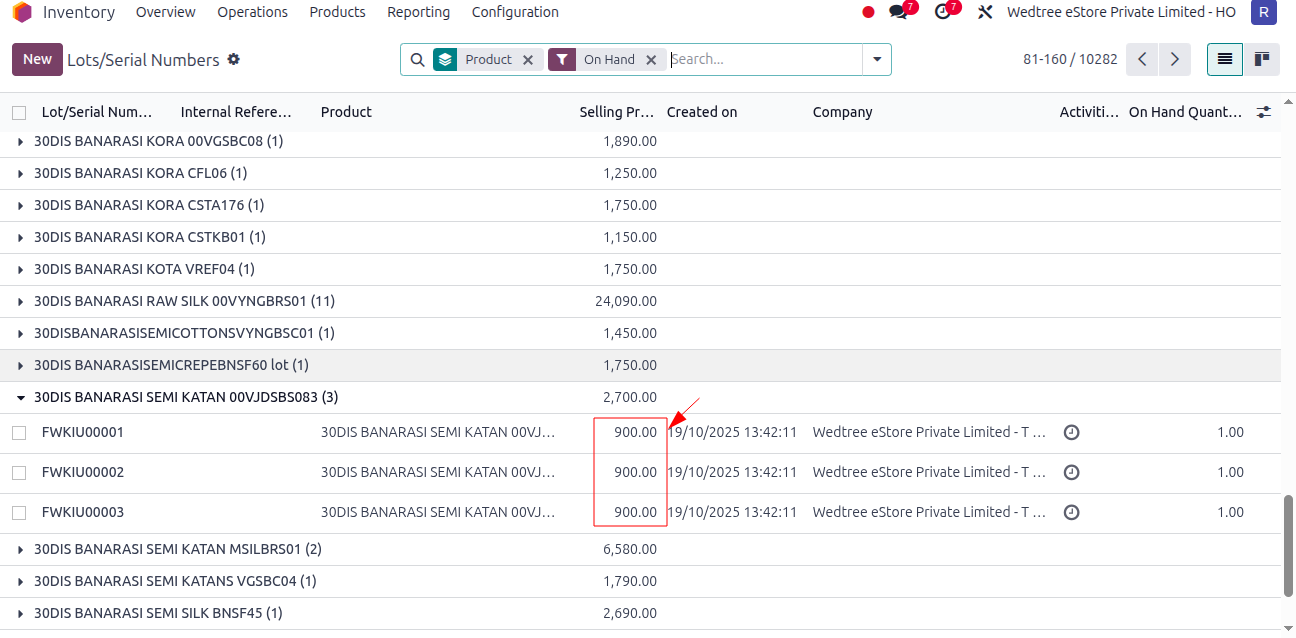
After successful importing, the price is changed in Lots.
Open Lot Price Change, Old selling price and new selling price is shown.
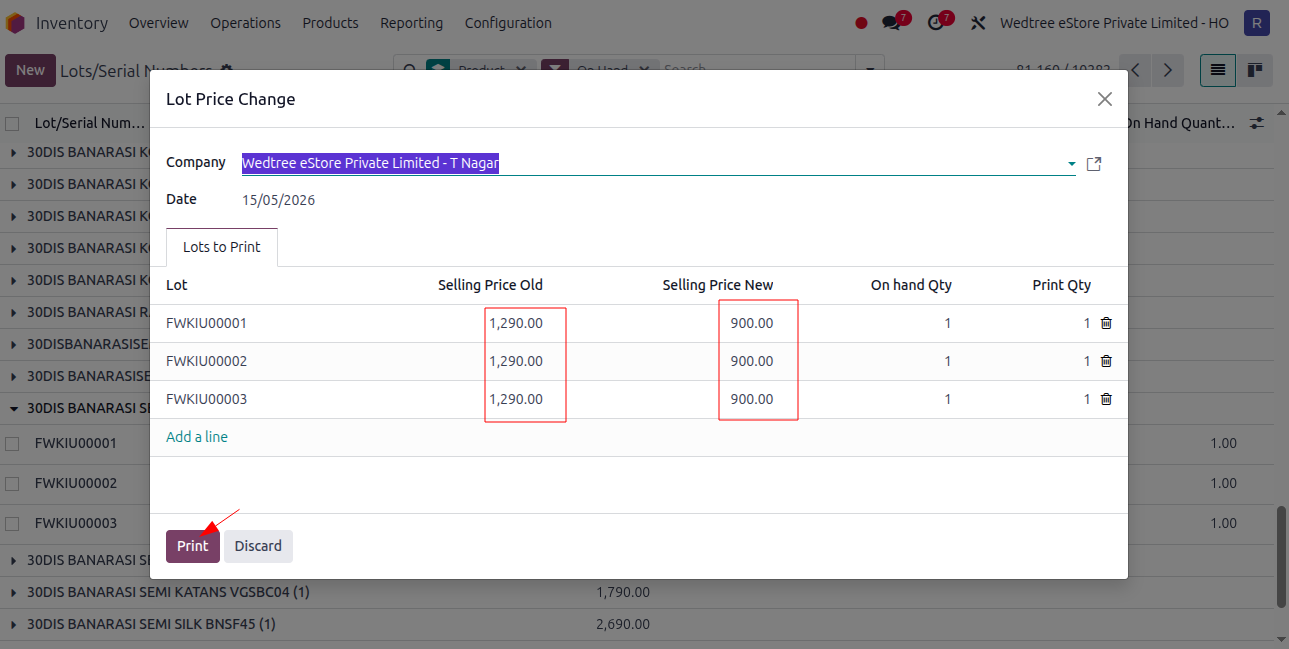
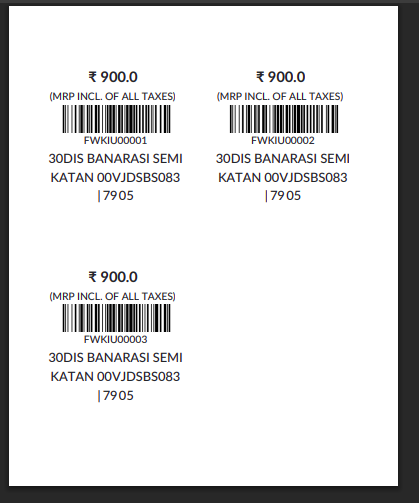
Click on Print for Price Label print.
Demo Video for Lot Price Change by Exporting, change price, and then Importing:
Case 3: Changing Price in Products Master and updating.
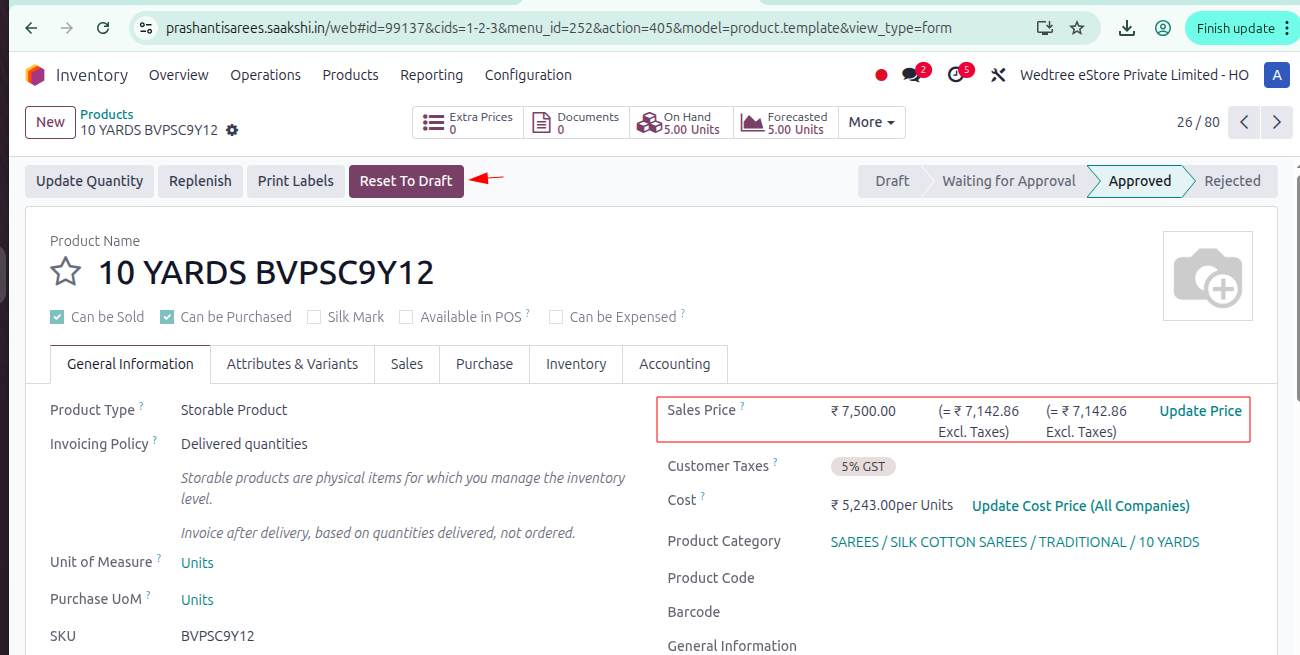
Change Selling Price in Products master itself and click Update Sales Price, it will update price in all lots.
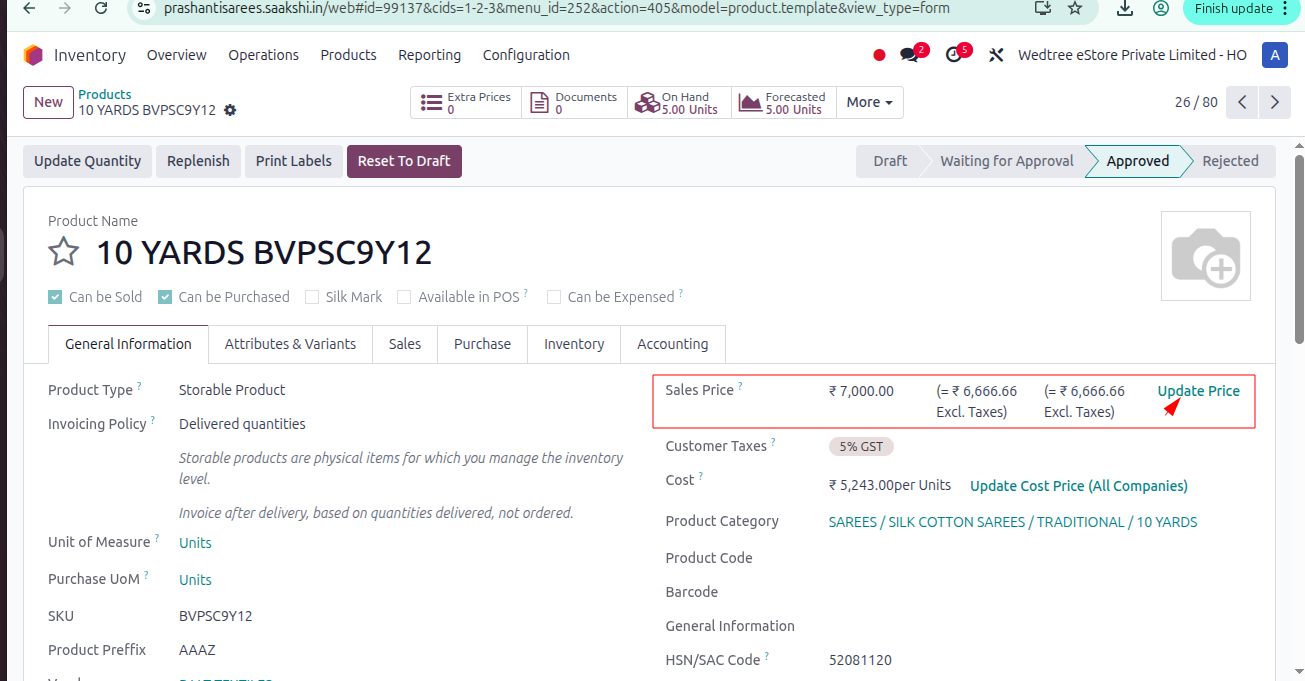
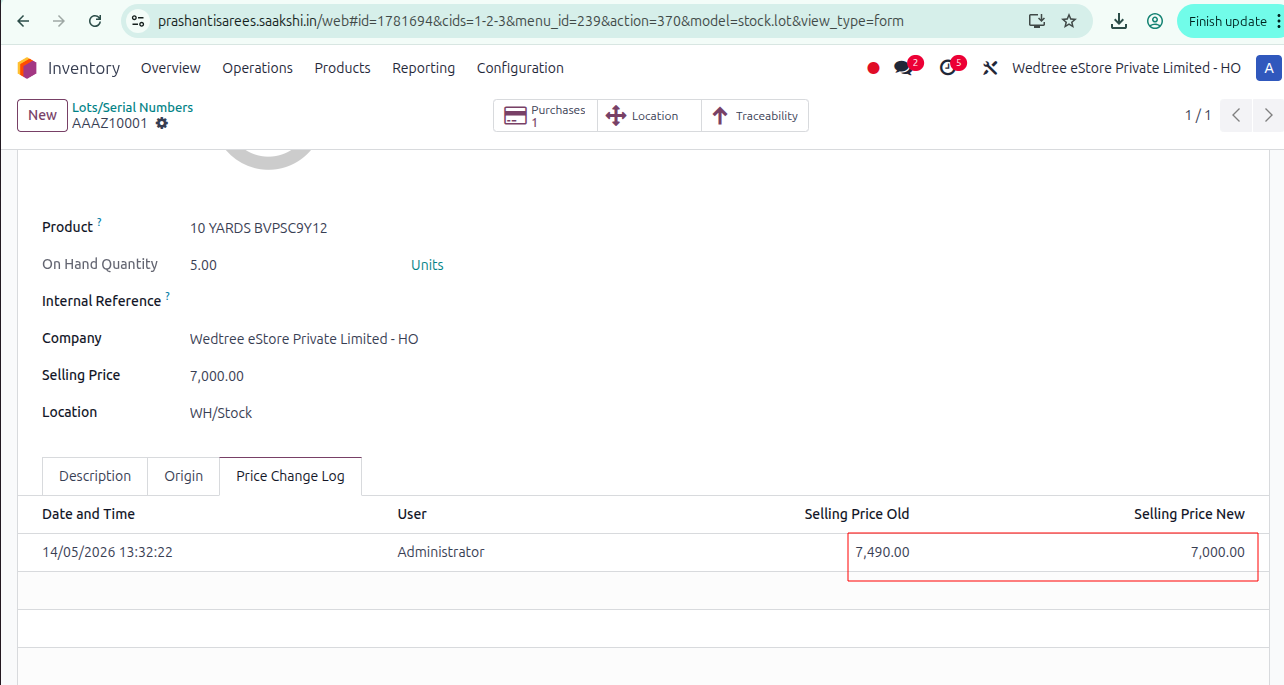
The updated price is shown in Price Change Log.
New price label will be printed in Lot Price Change.