Point of Sale
About
The Point of Sale module enables businesses to manage in-store sales efficiently by processing orders, payments, and customer transactions in real time. It integrates with inventory and accounting to ensure accurate stock levels and financial records.
Workflow of POS Session
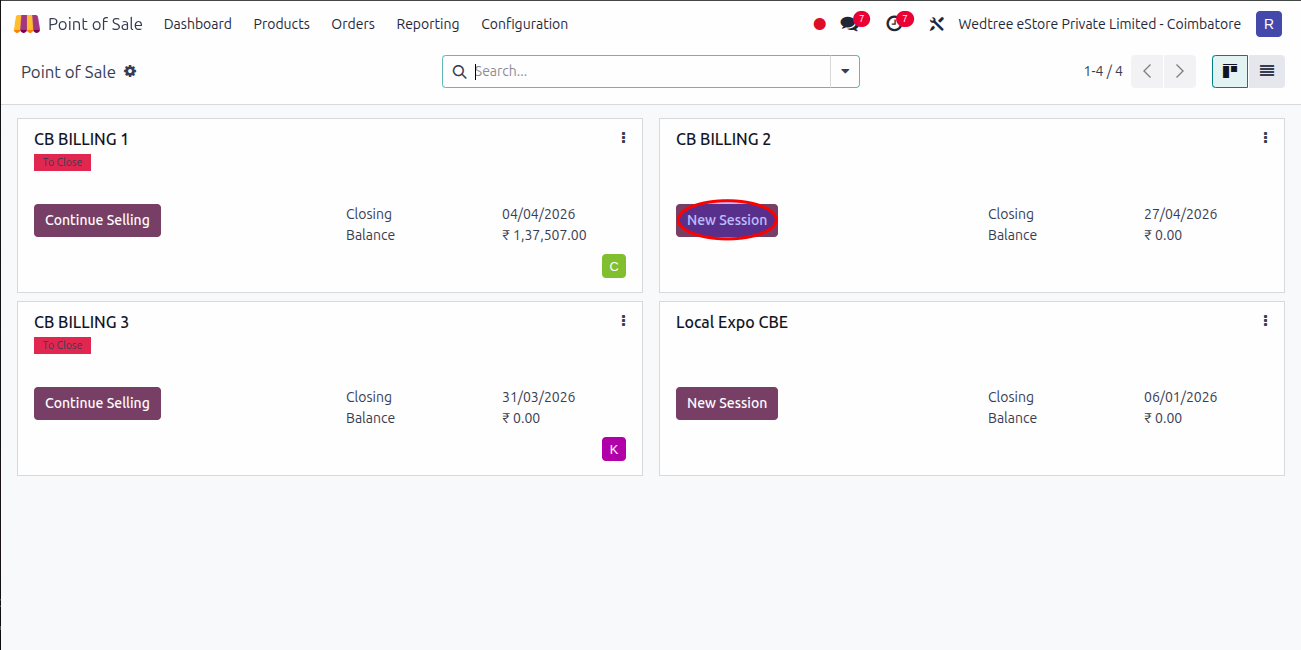
Open any New Session in Dashboard in POS. One session will be free for Admin purpose to check if there is any issue.
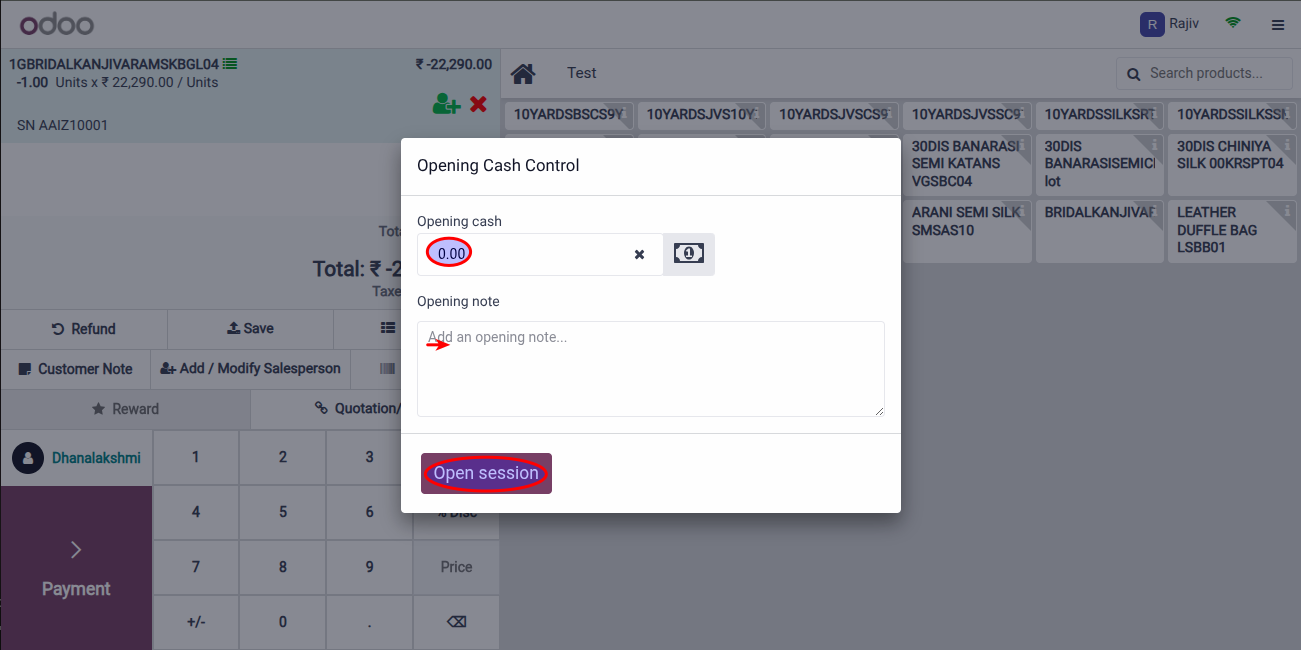
Click on Open Session by entering the opening cash which is the cash left on the store previous day.
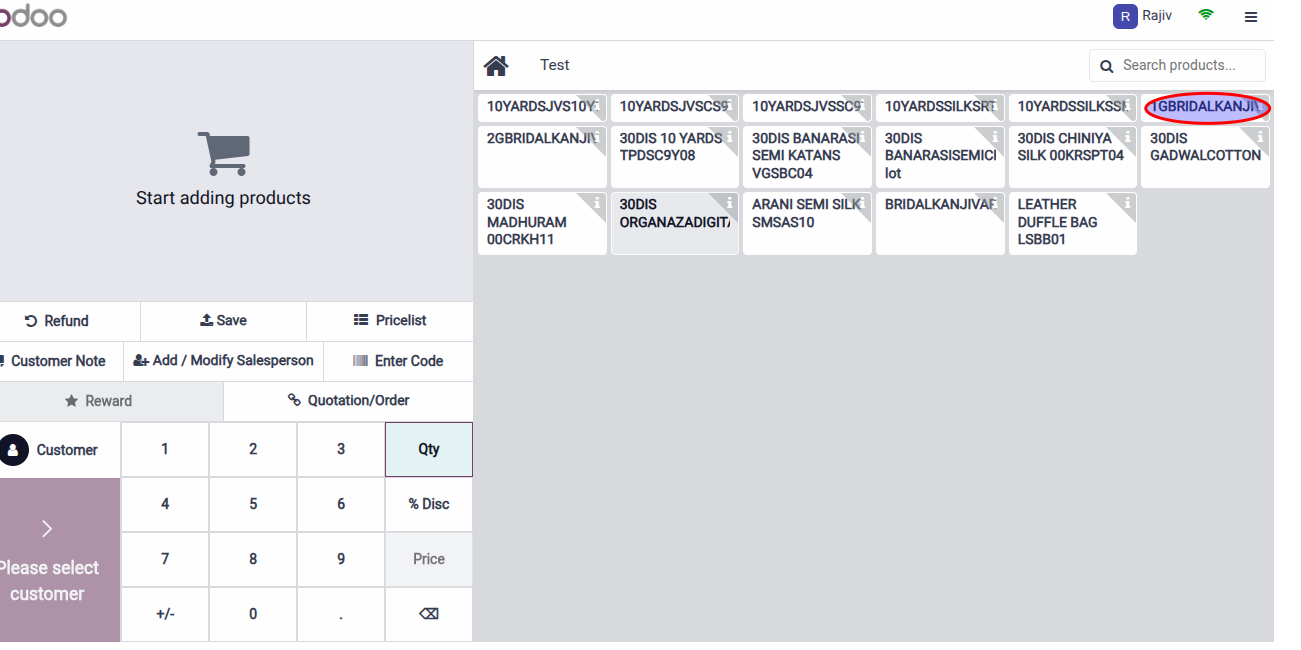
Scan Product for billing or search by entering the product name.
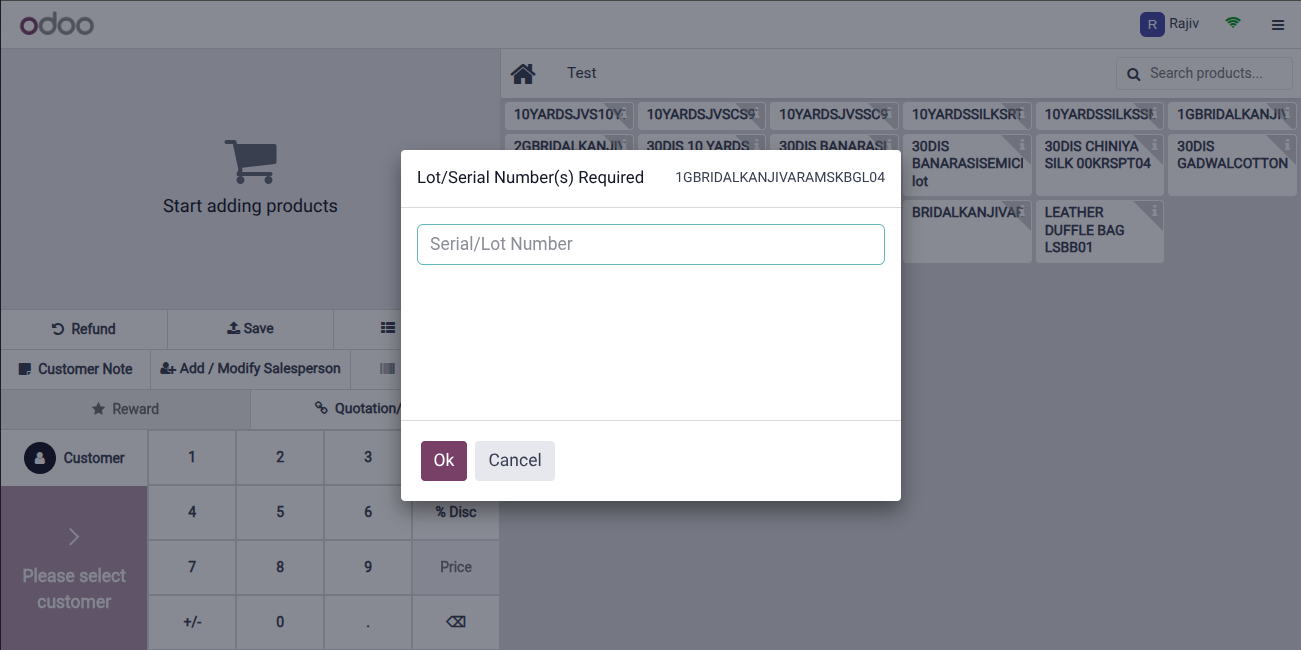
Then, select Lots/Serial Number of the product.
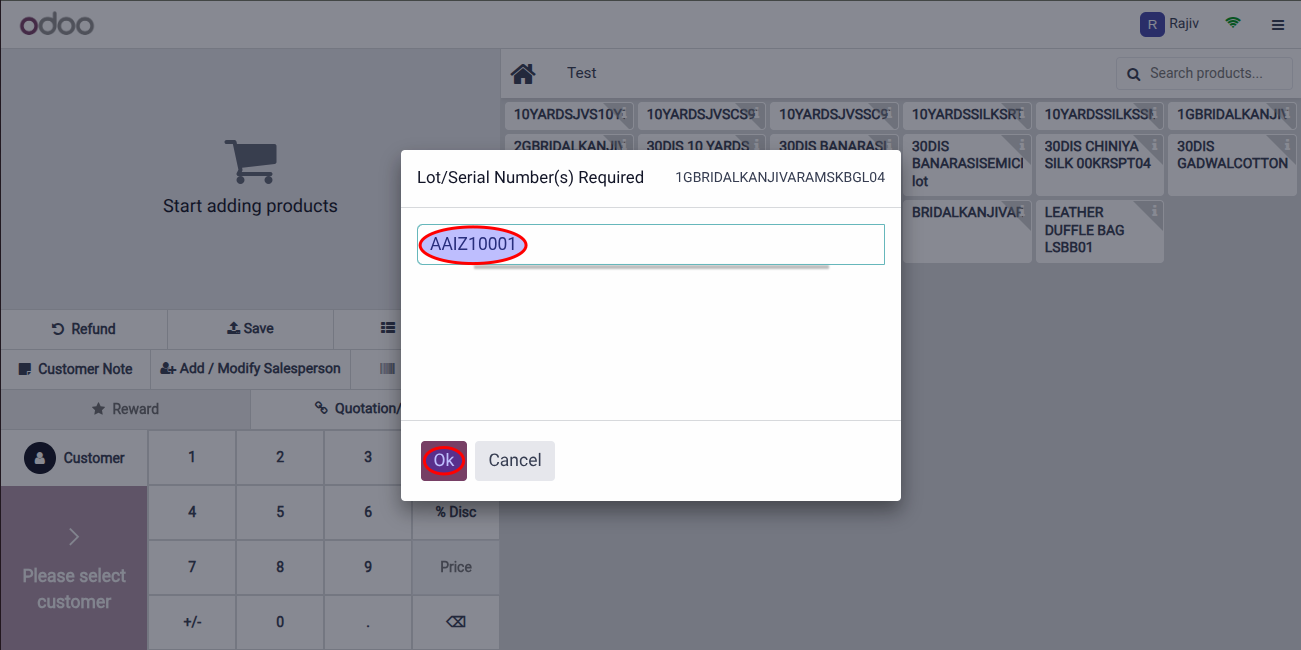
Enter OK.
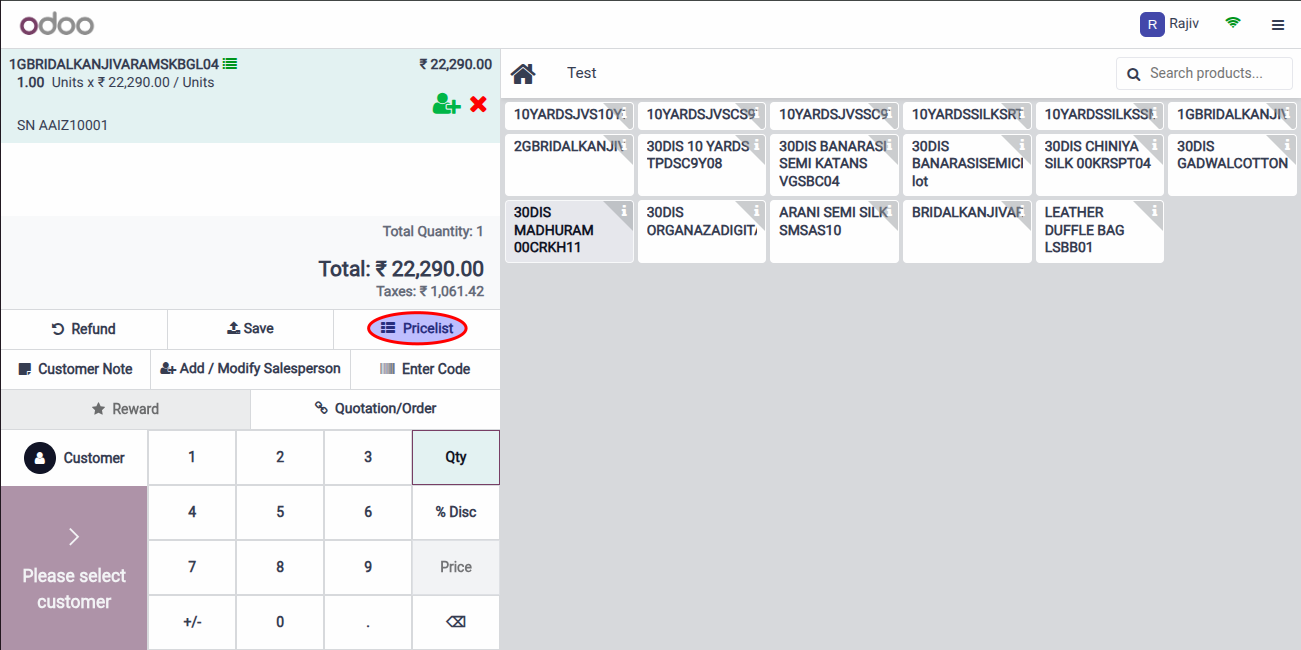
Then, select the Pricelist.
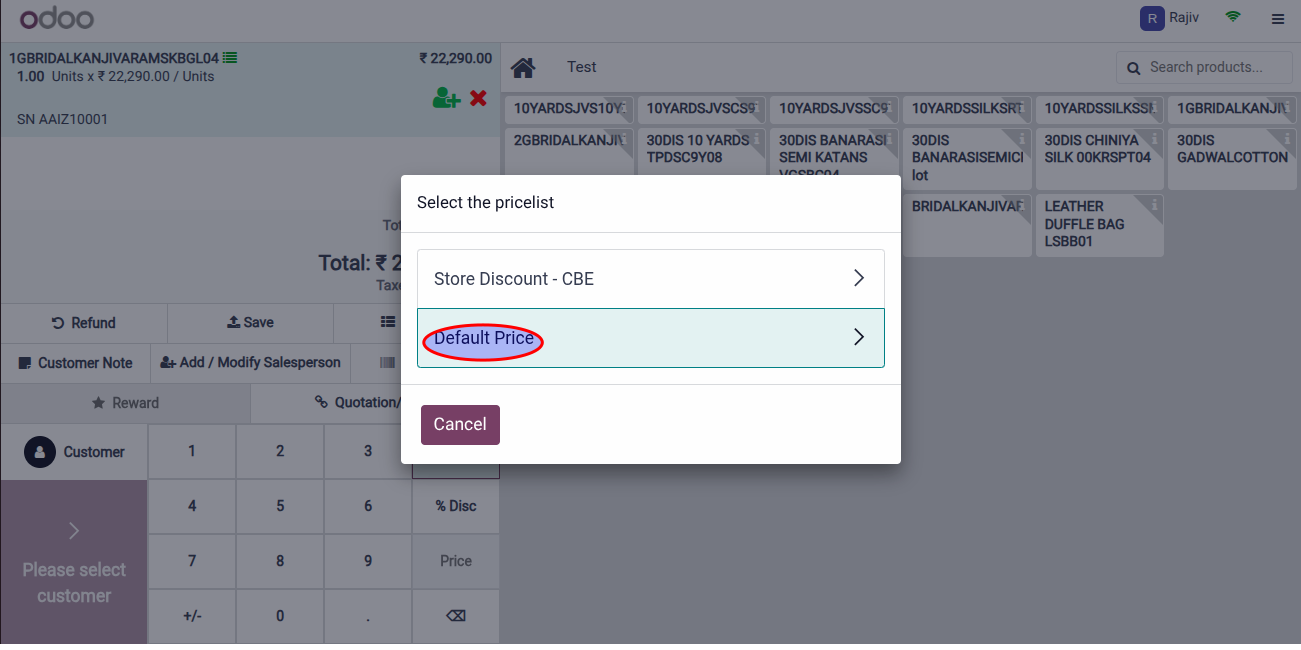
For demonstration, Default Price is selected.
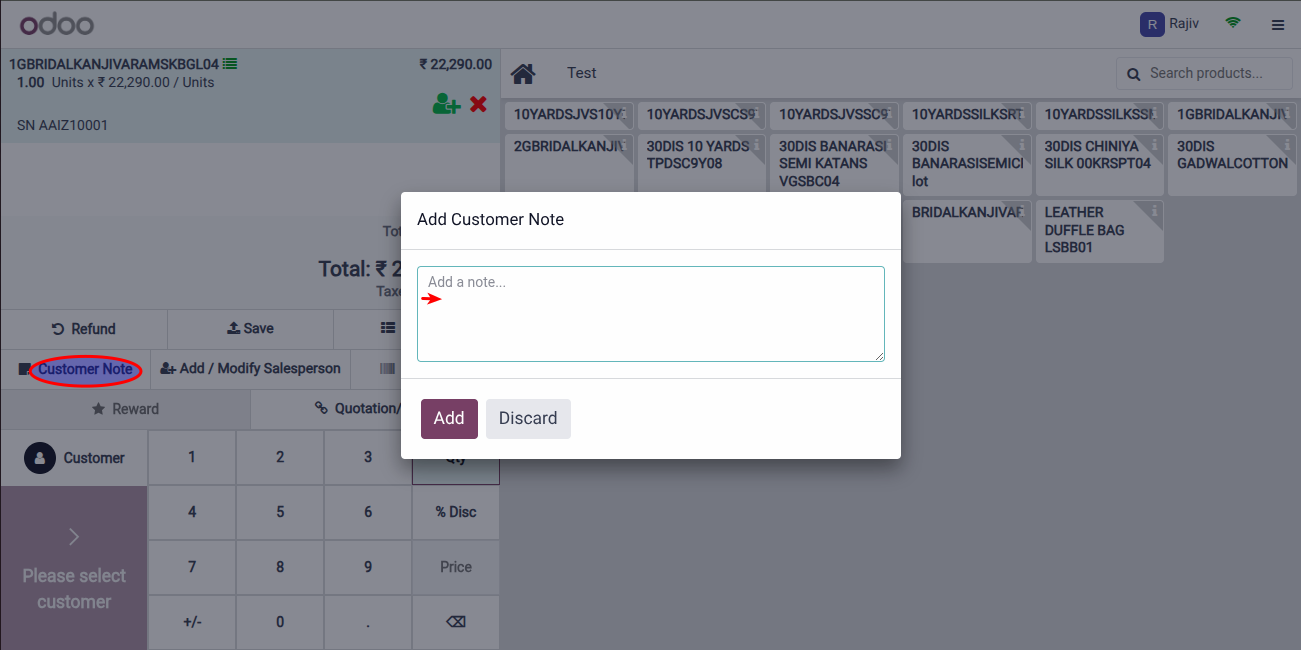
Enter if there is any Customer Note by clicking on the Customer Note.
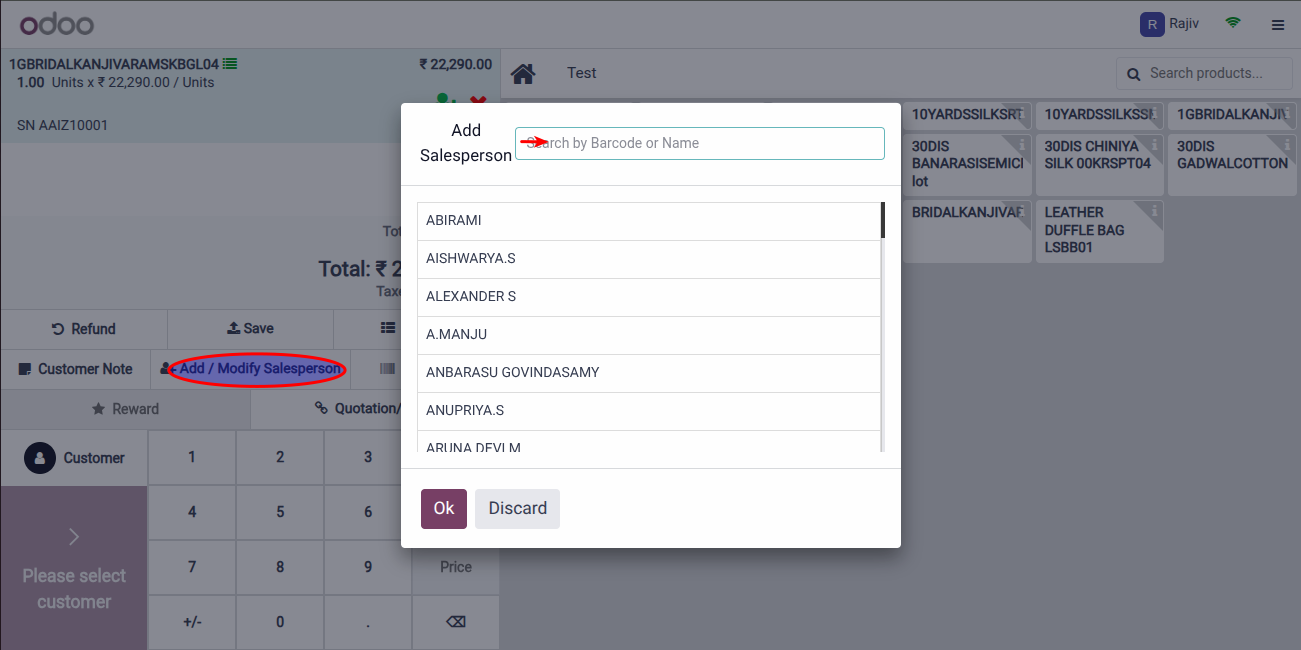
Add Salesperson name to display in the Receipt.
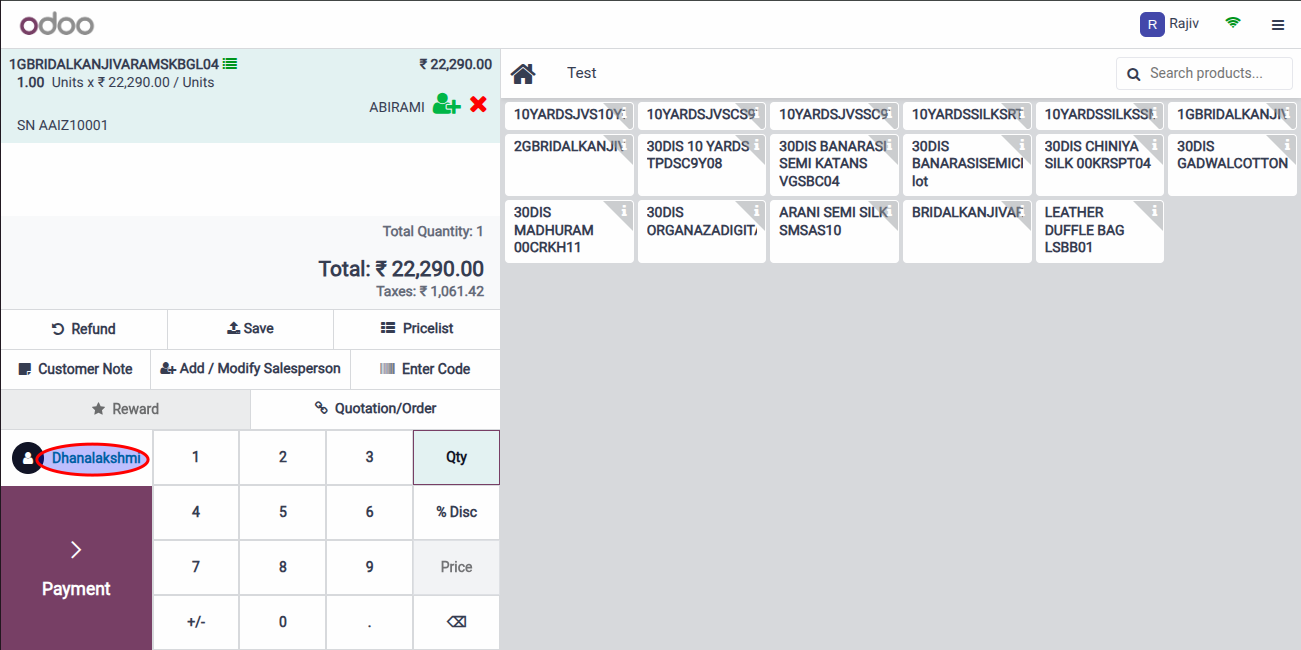
Add Customer Name by selecting or if new customer, create Customer by entering customer details.
Then, finally click on Payment.
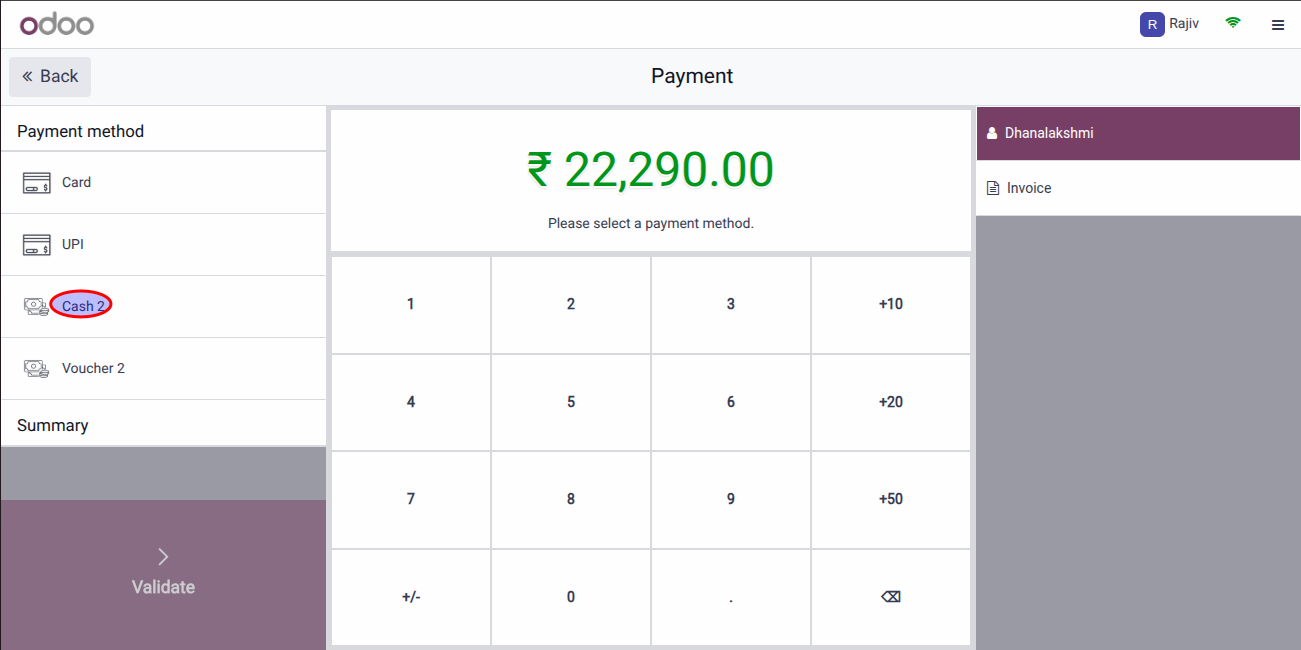
Select the mode of payment, Cash, Card, or UPI. For demo, Cash is selected and Validate.
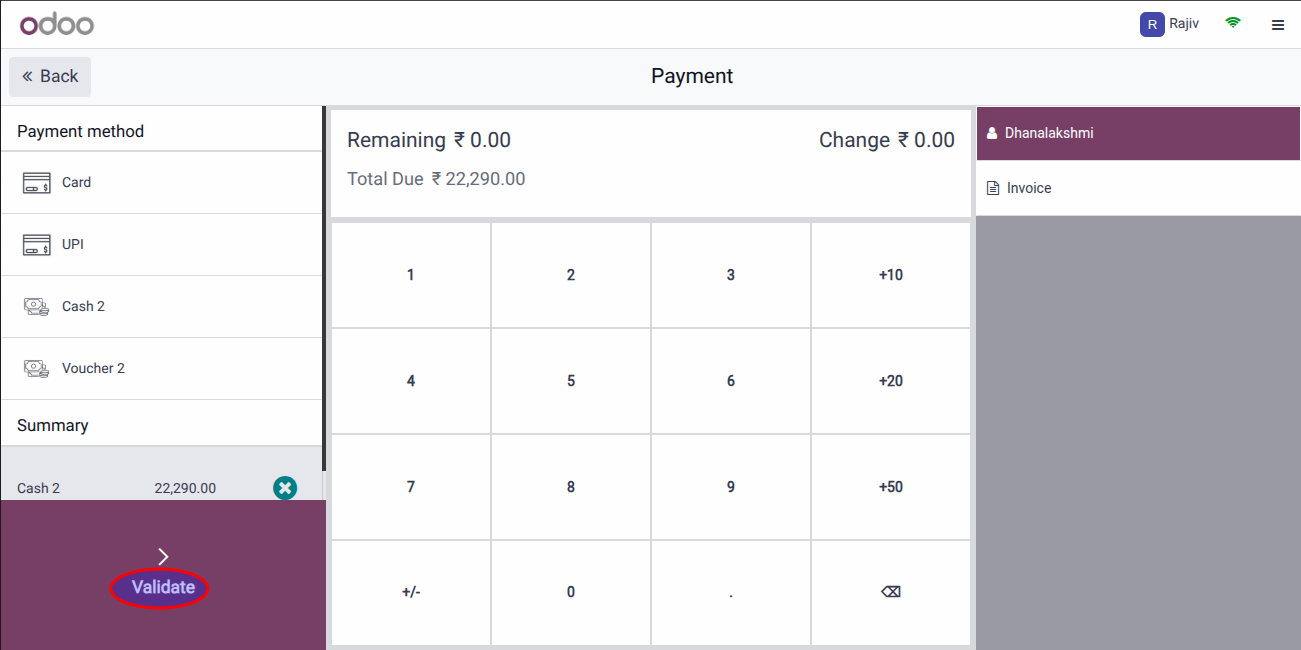
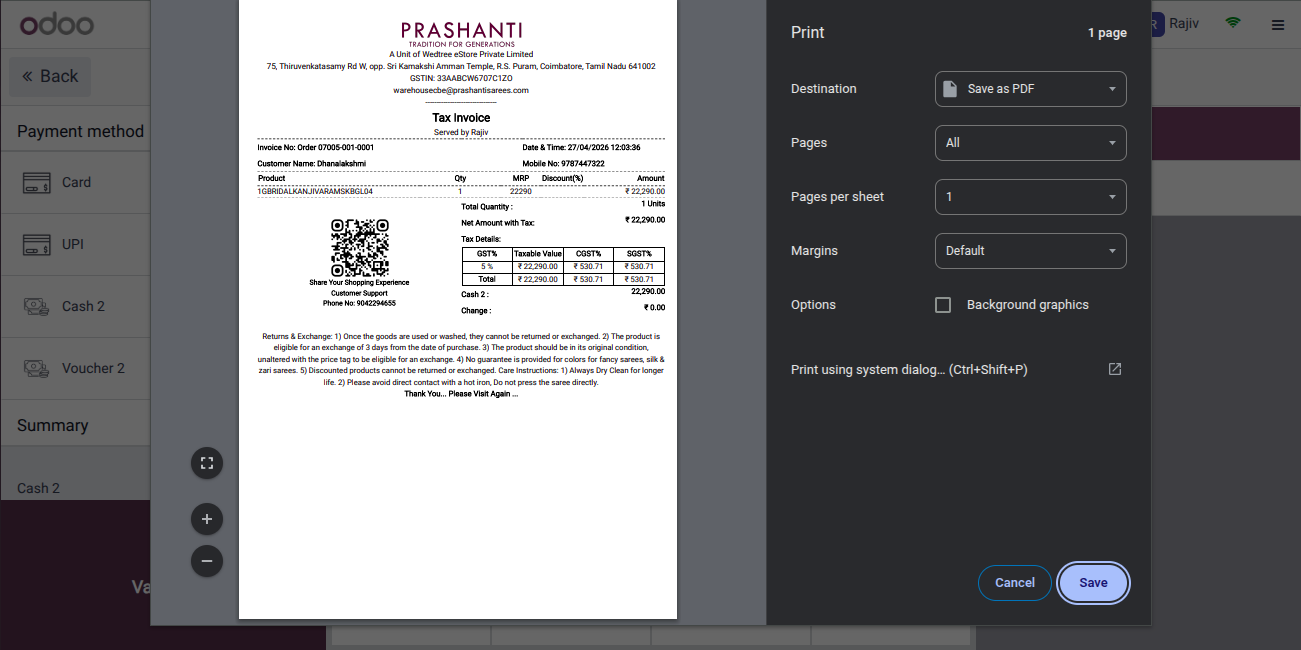
After validating, customer invoice is generated.
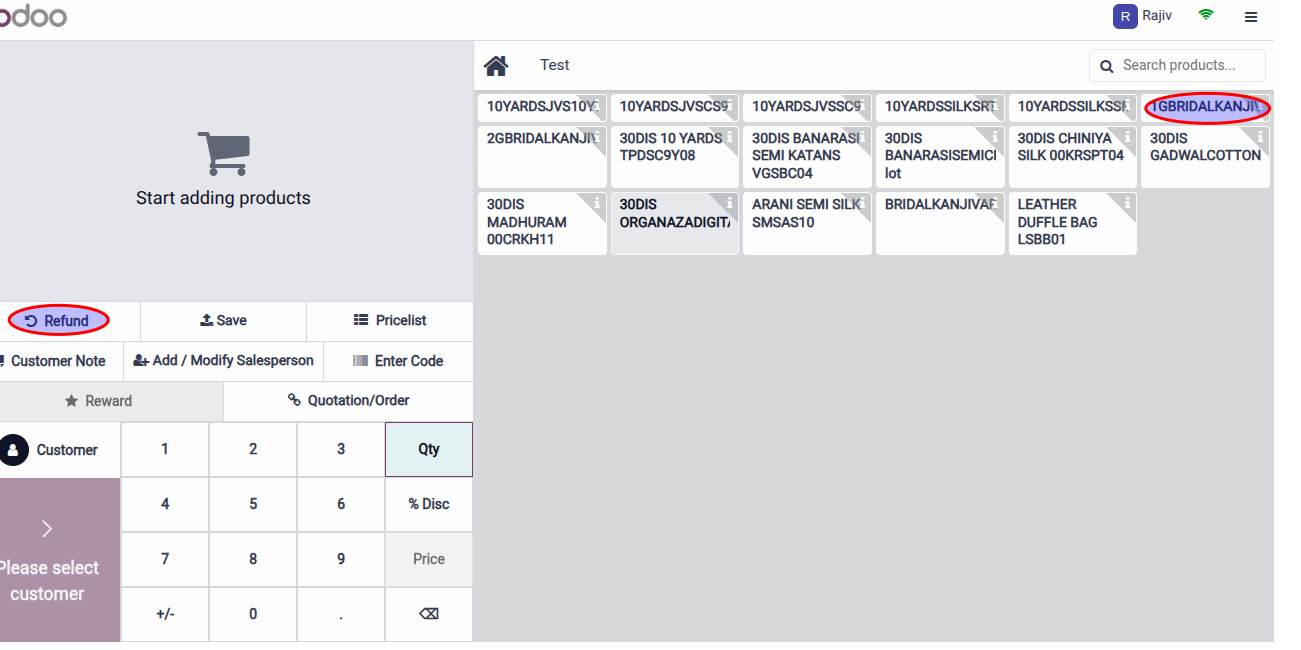
Refund Process in POS:
If Customer is returning some products, the amount is not paid back, but instead, the customer has to get other products equal to the amount or more than that and pay. If the Customer does not want to buy any product, then the store will give Gift Cards so that they can buy later.
Click on Refund.
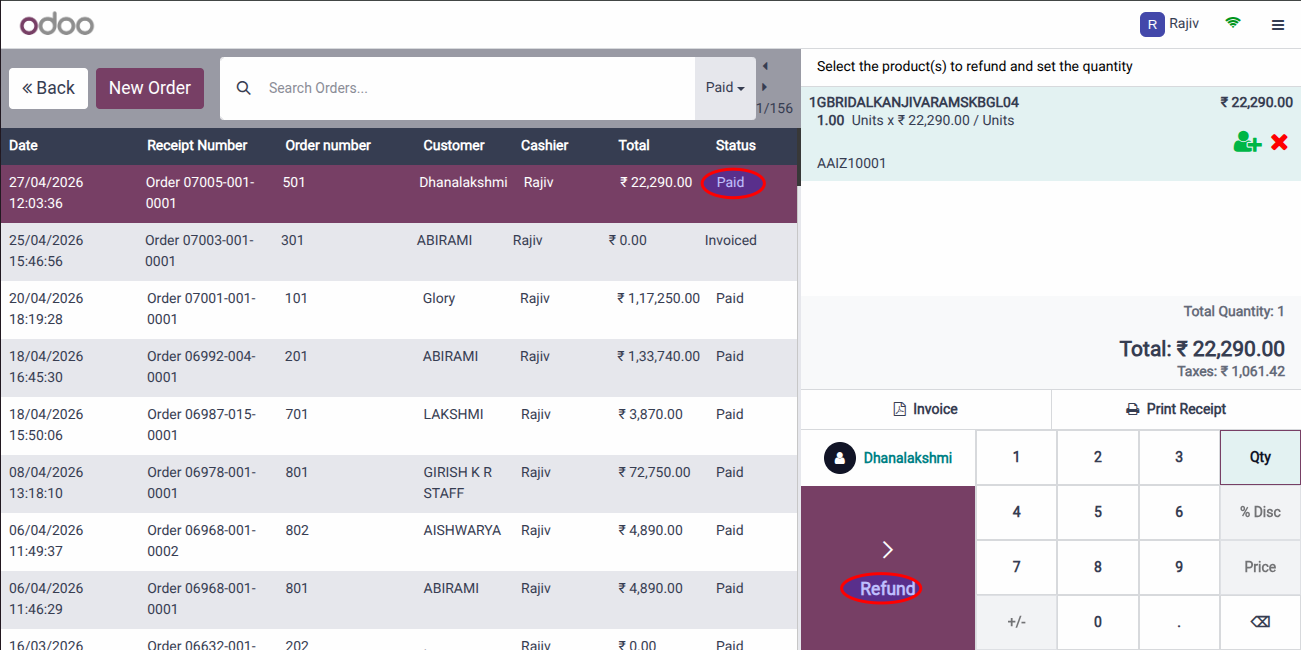
It goes to Order page, open Paid and click on Refund.
Again, it goes to billing page.
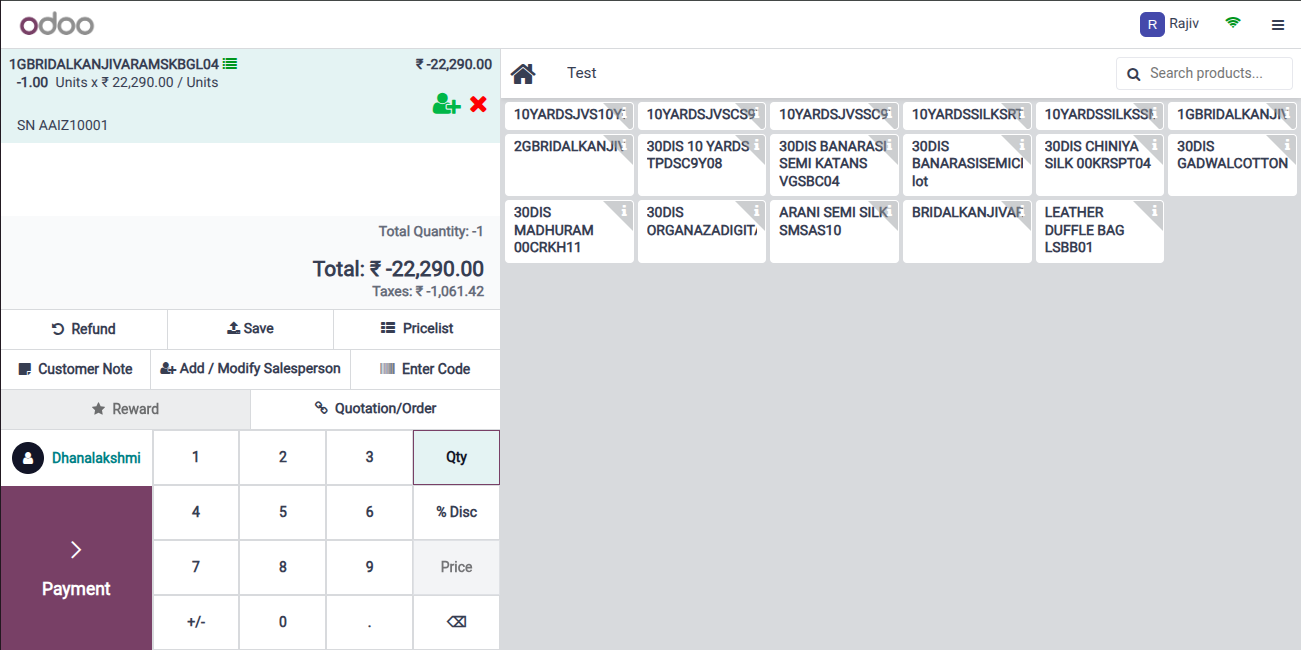
click on Payment. If customer is taking other product, then it is added to the bill or it is made 0 by scanning Gift Card. For demo, Voucher is selected.
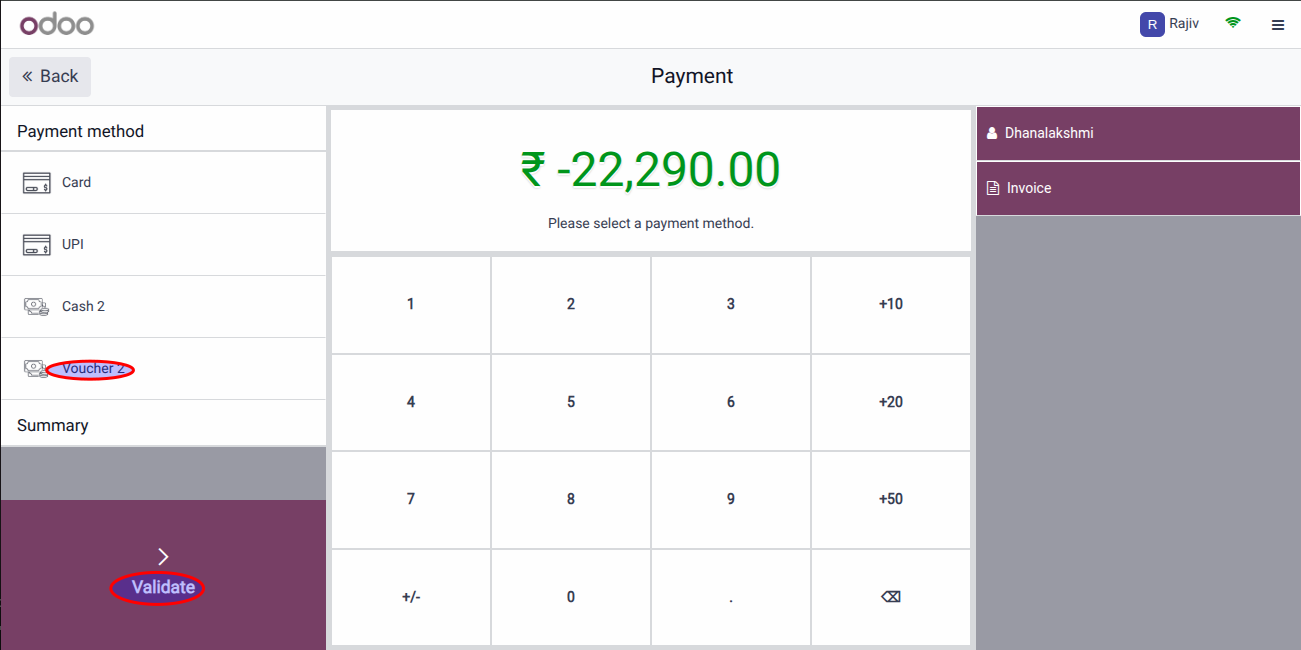
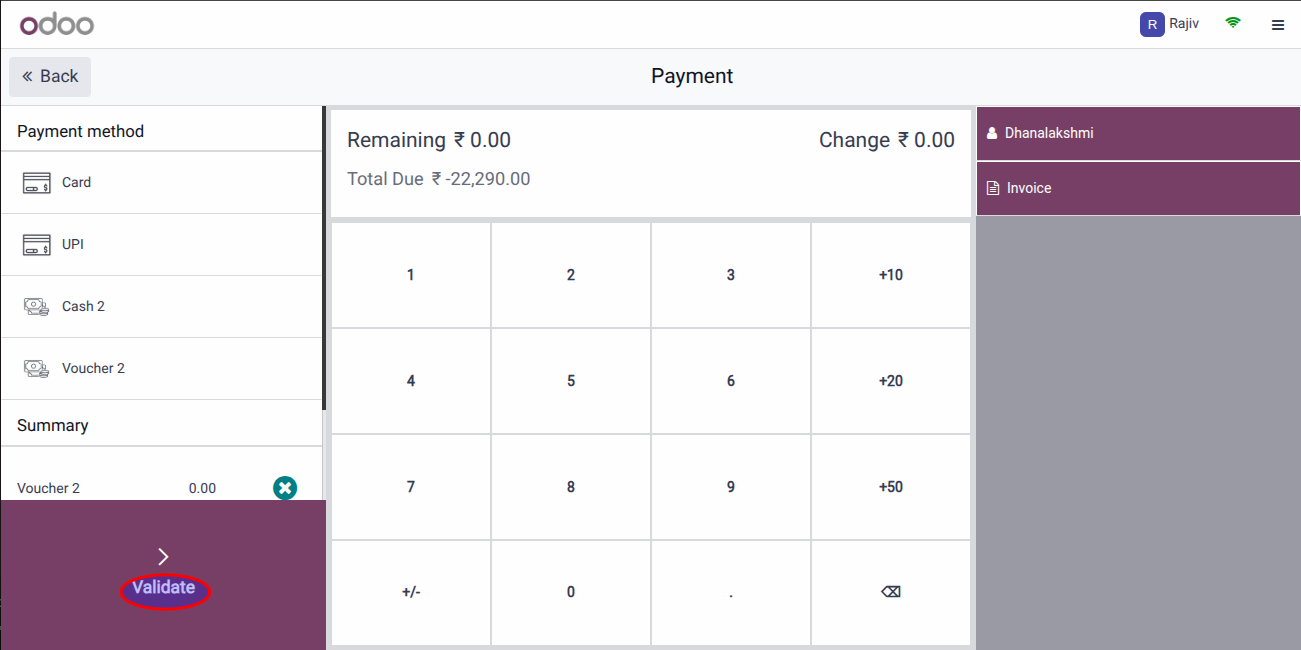
Validate the payment.
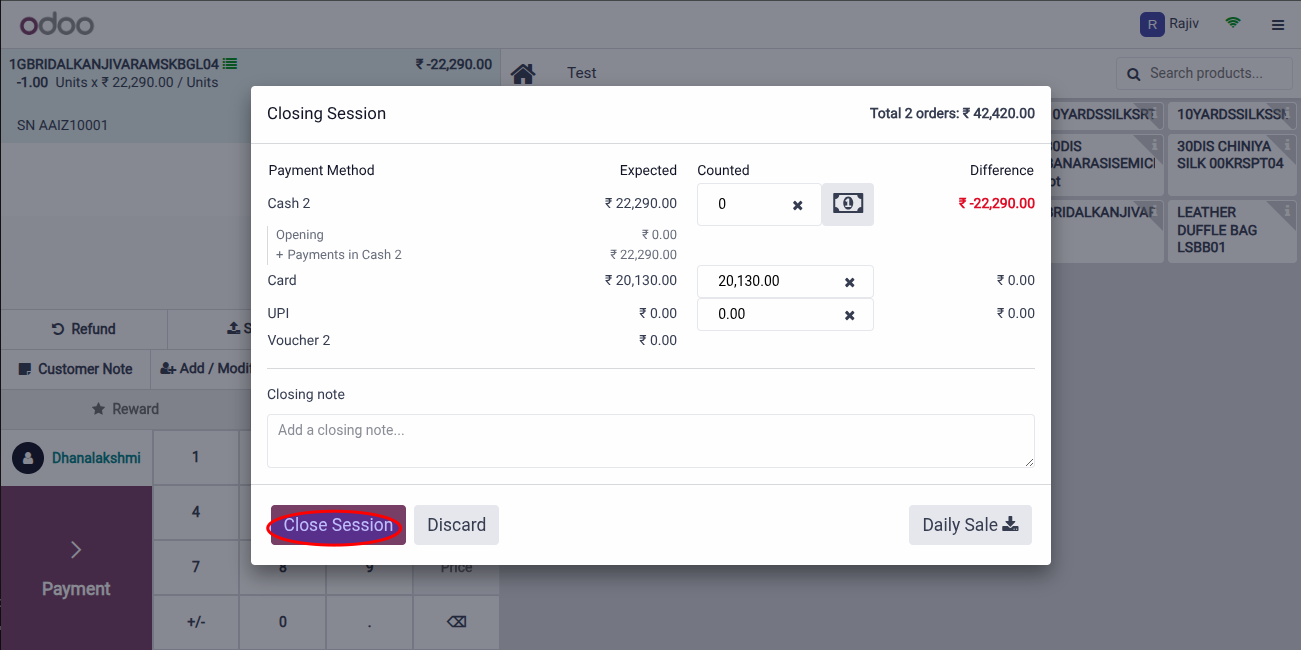
To Close the session, click on Close Session.
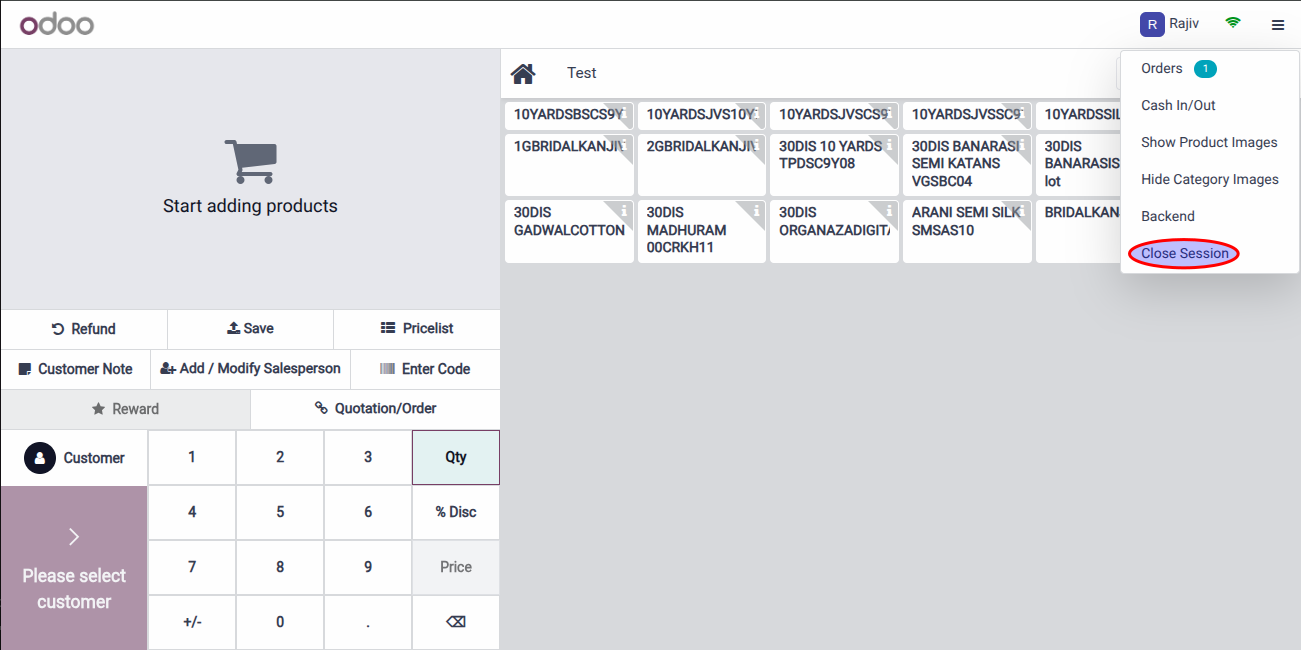
All the details will be populated by default and if there is any closing note, enter and close session.