ID Card Request
About
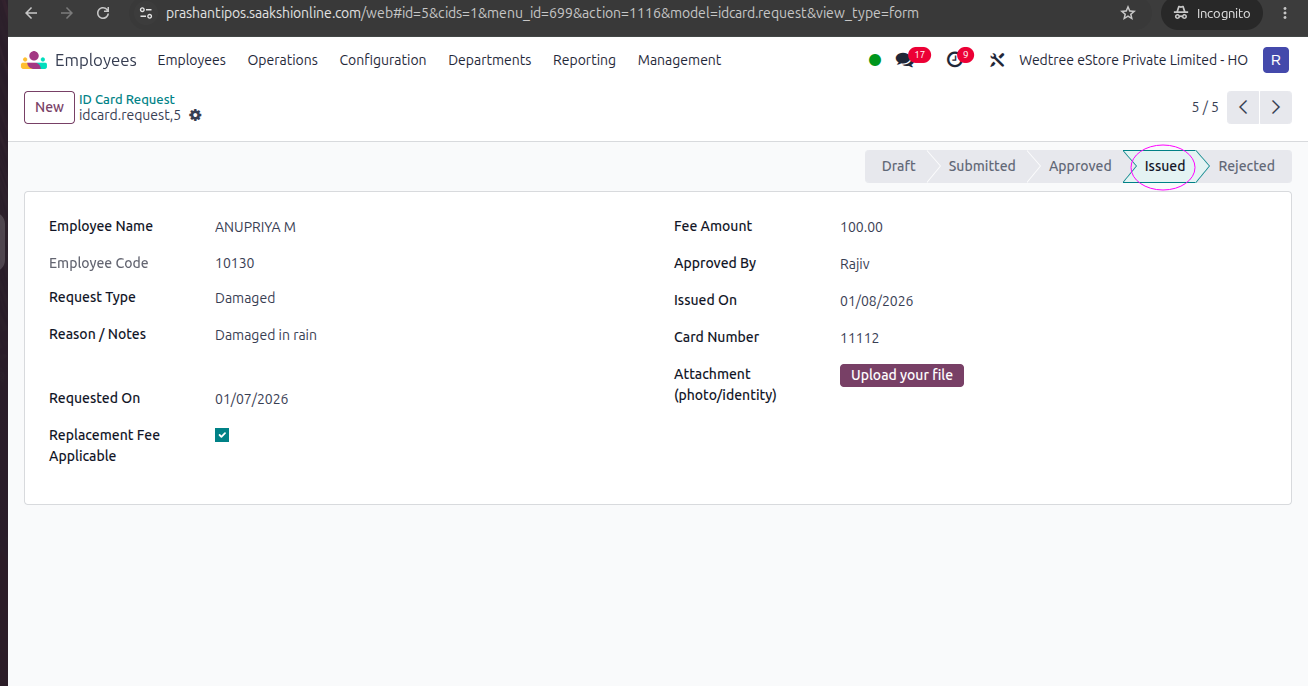
A form used by employees to request a new ID card in cases such as loss, damage, or replacement of an existing ID card. The form captures the required employee and request details to facilitate verification, approval, and issuance of the replacement ID card.
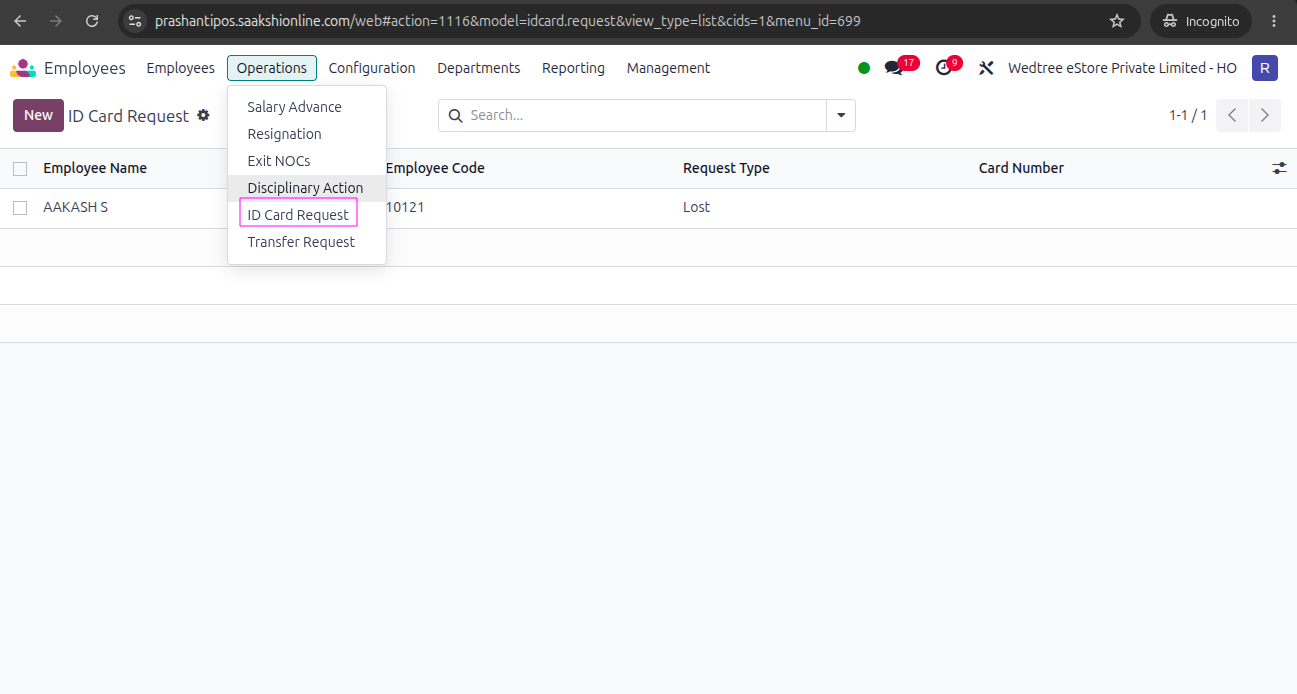
Tree View
Form View
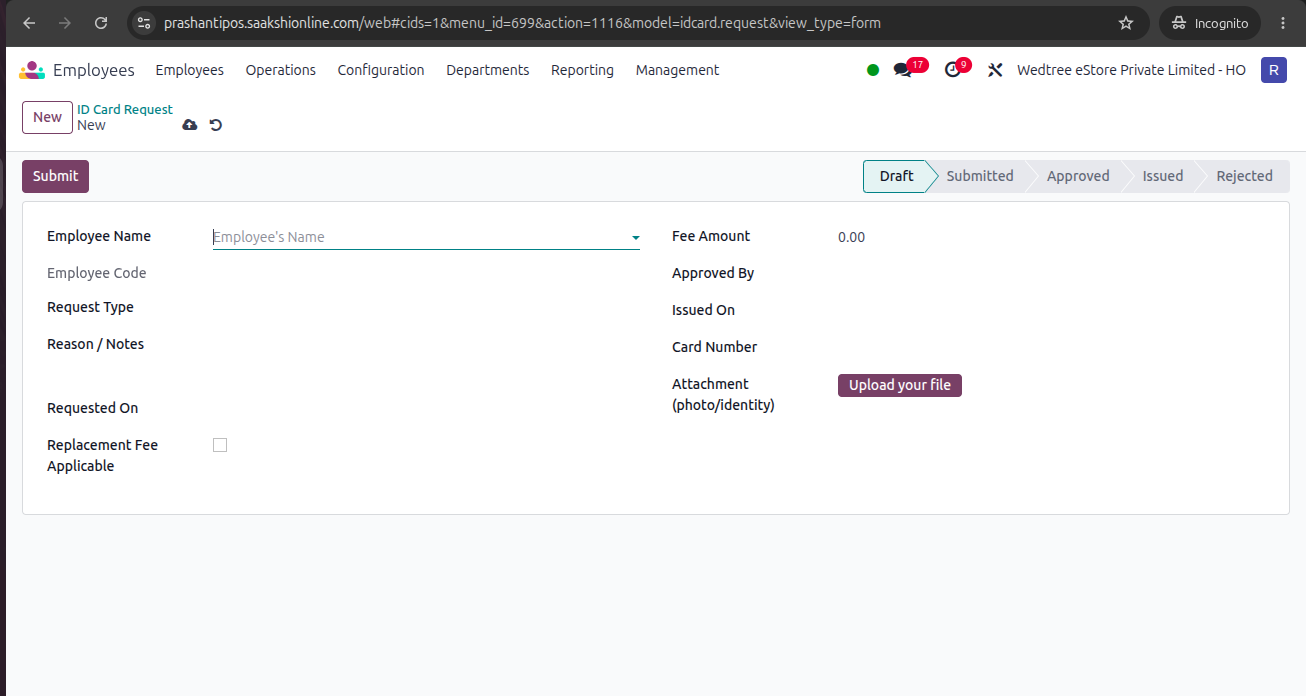
Workflow of ID Card Request Form
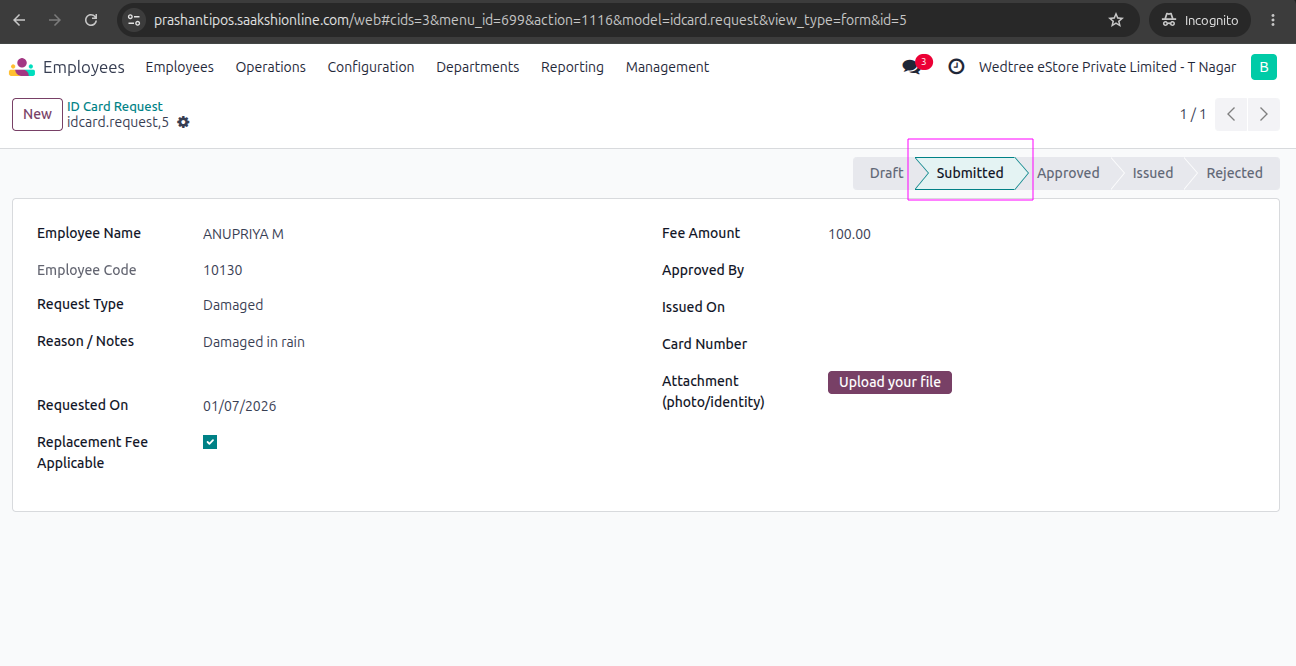
Form is submitted by the Store Manager. For demonstration purposes, login with Store Manager bhaskaran@wedtree.com from T. Nagar store. Enter all the required data and give Submit. It goes to the Submitted state.
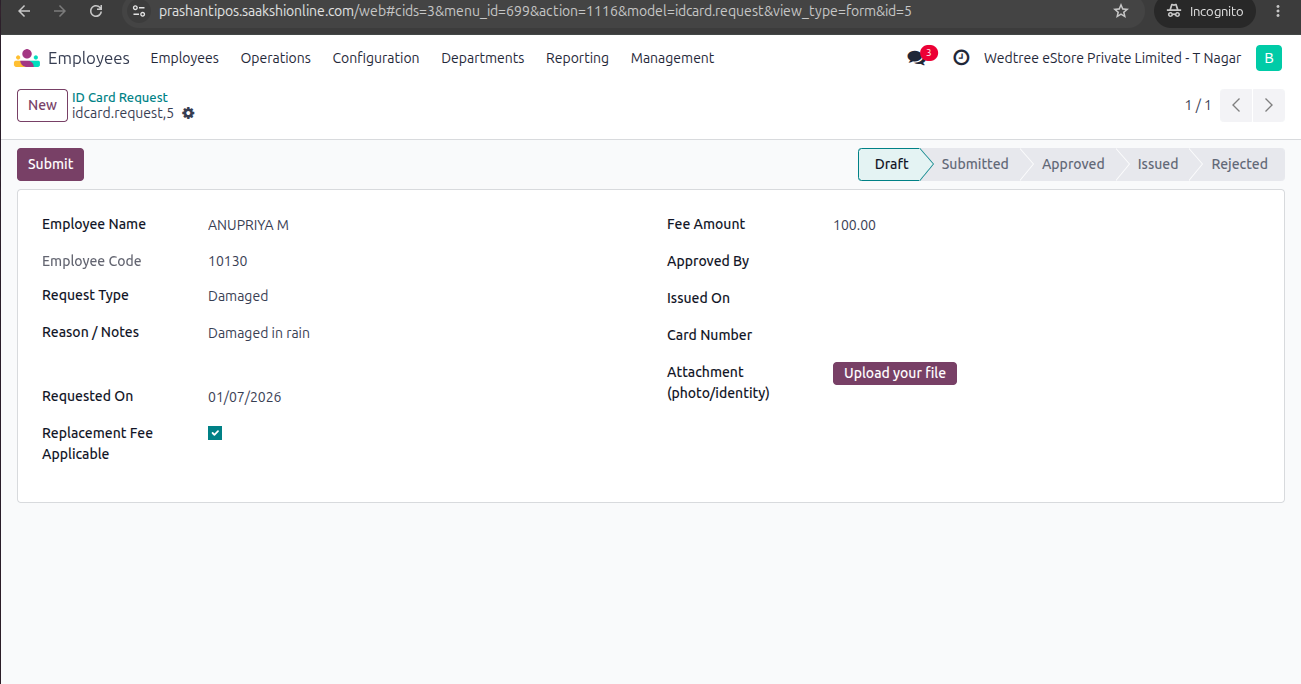
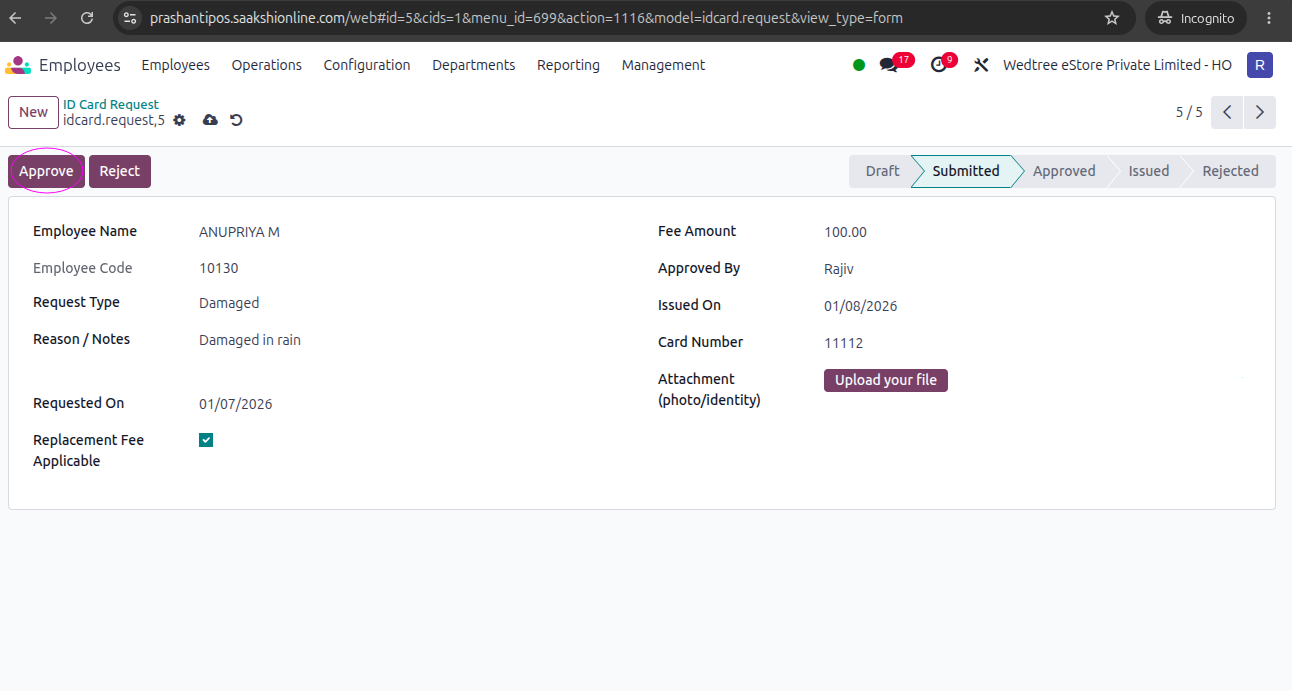
Log in with Admin or HR Manager ID to Approve the request. rajiv@wedtree.com ID is used for demo. ID card request is shown in List view.
Open that and check for details and give Approve and the state goes to Approved state.
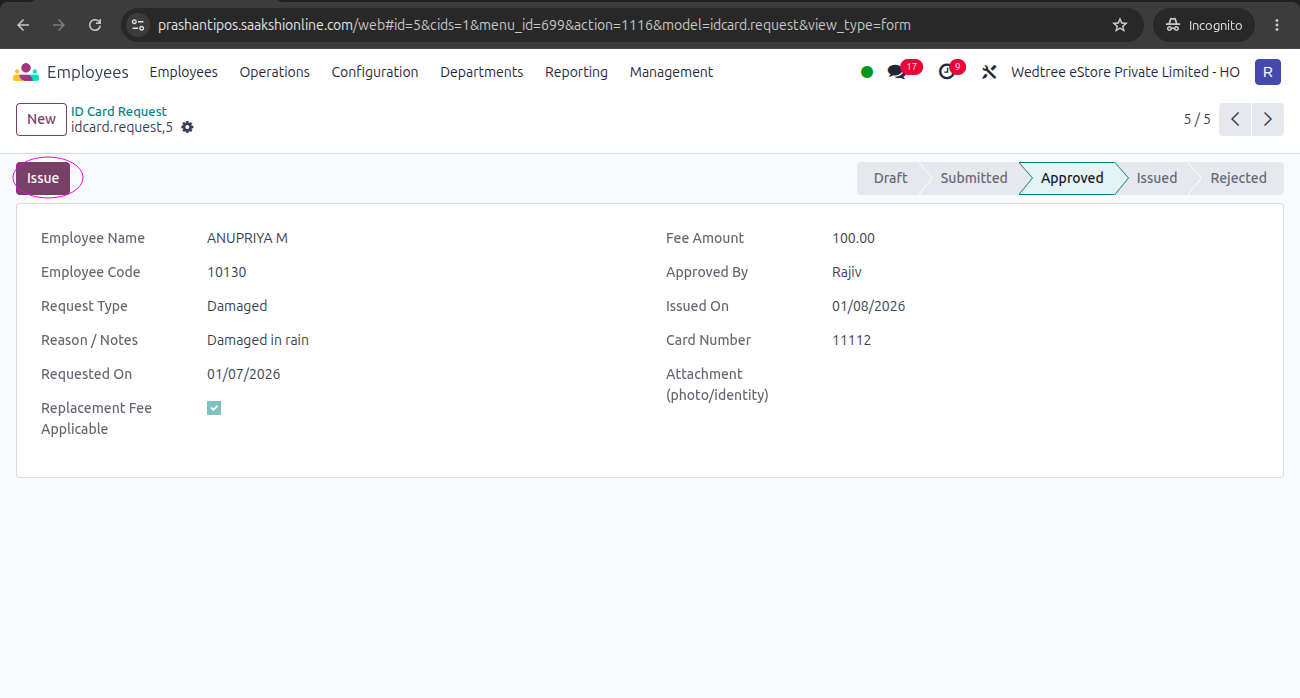
Then, enter the Issue date and click on Issue button, the state goes to Issued state.