Employee Advance
About
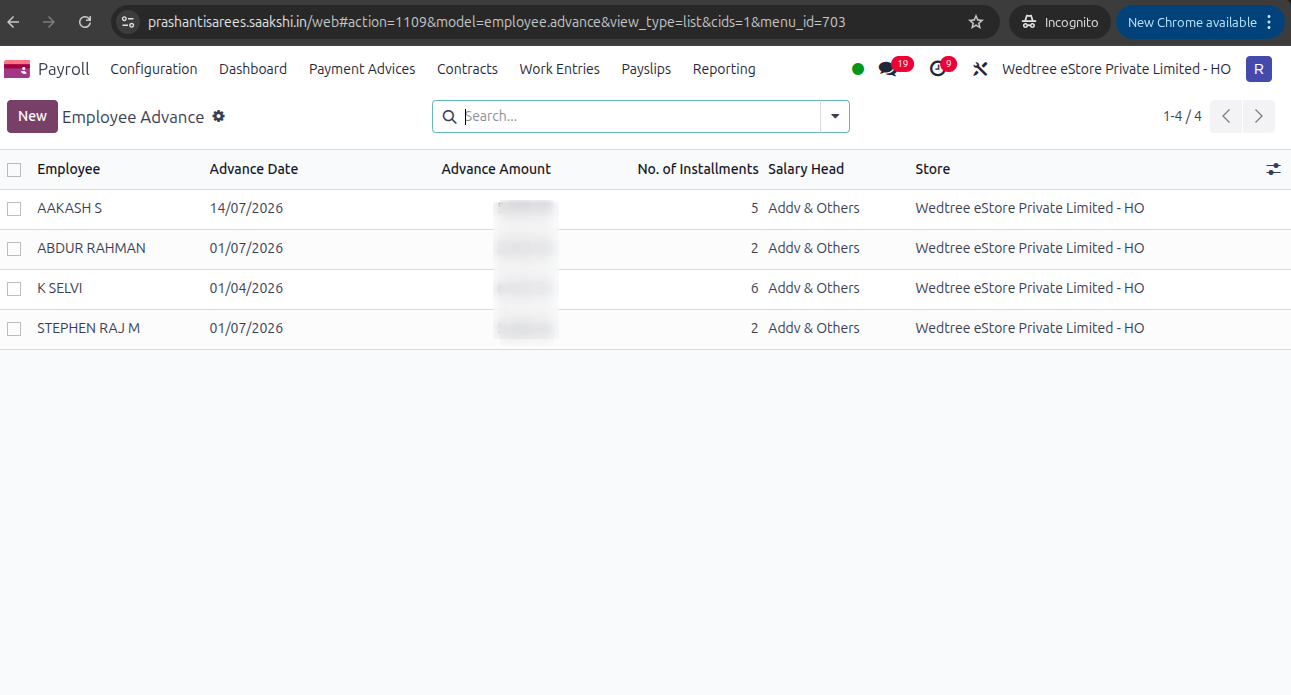
Employee salary advances are managed in this menu, where details such as the advance amount, number of installments, and repayment schedule are recorded.
Tree View
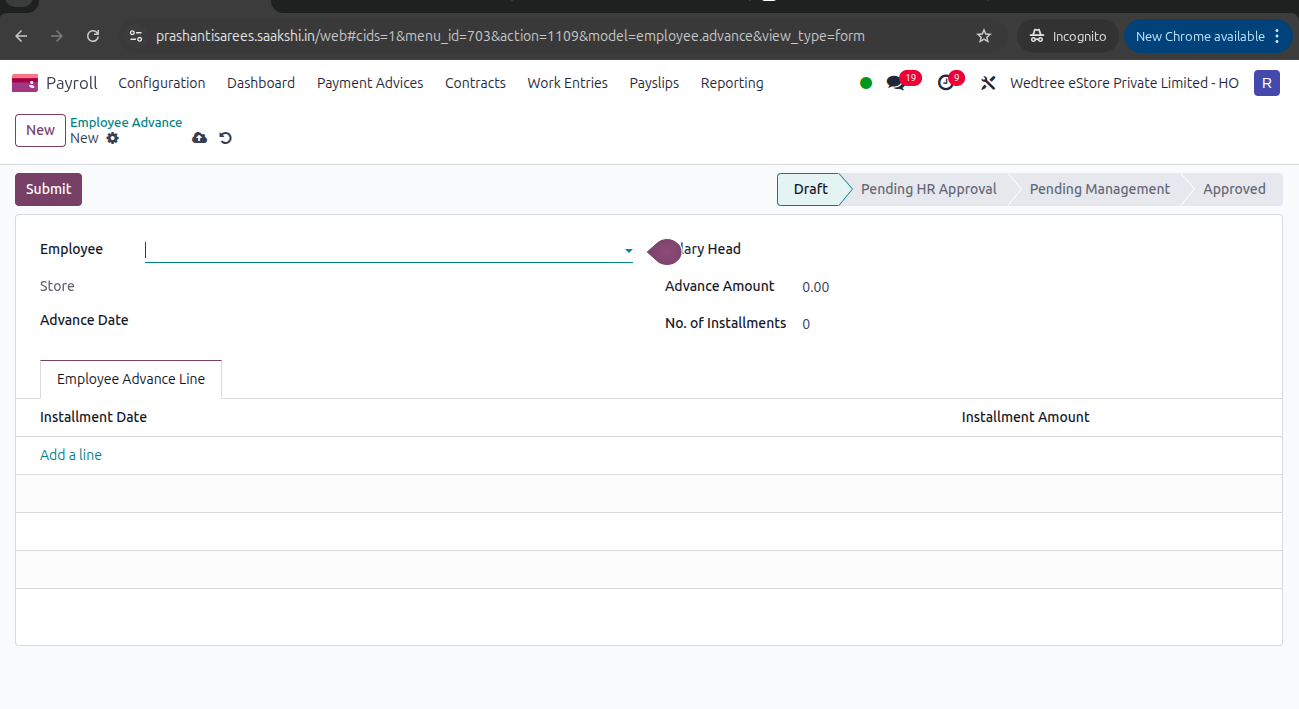
Form View
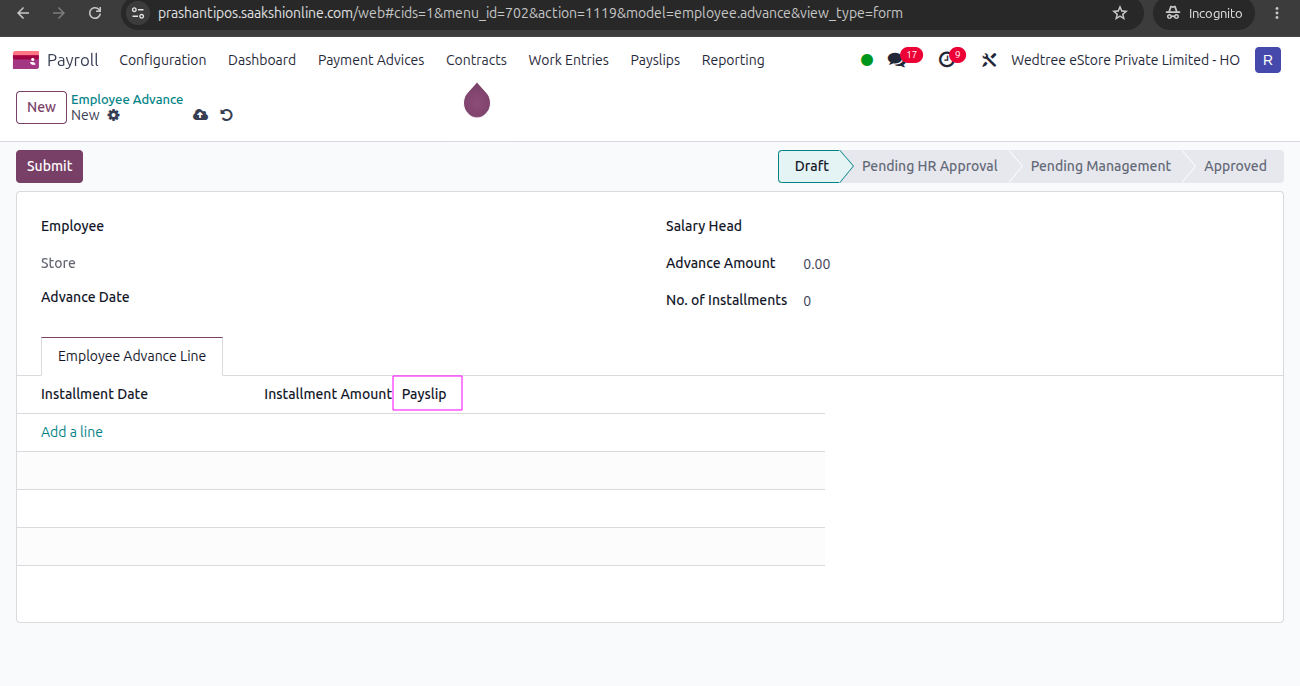
New Payslip field is added to link this Employee Account to Payslip.
Process of Employee Advance Approval
The Store Manager creates this by entering mandatory fields like Employee Name, Advance Date, Salary Head, Advance Amount and Number of Installments, then submits for Approval by the HR. HR Manager checks and approves it. It goes to the Management approval. The Payroll Manager gives final approval.
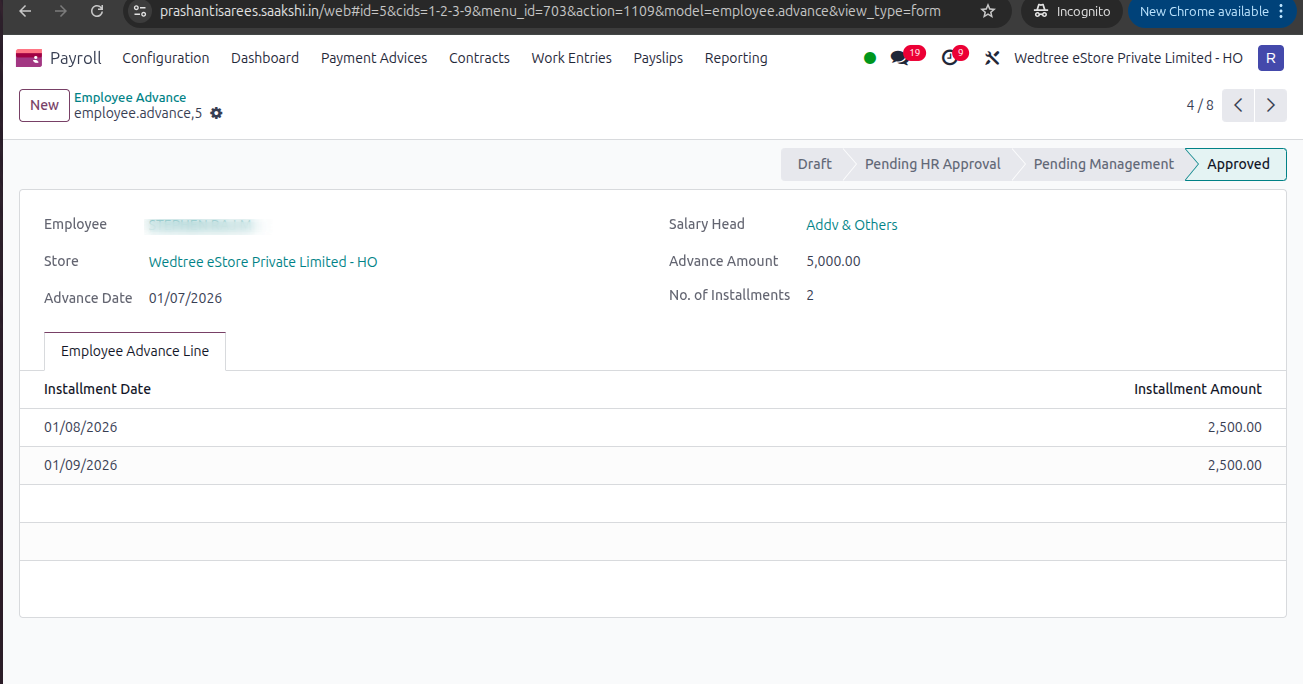
Employee Advance approved by the Payroll Manager.
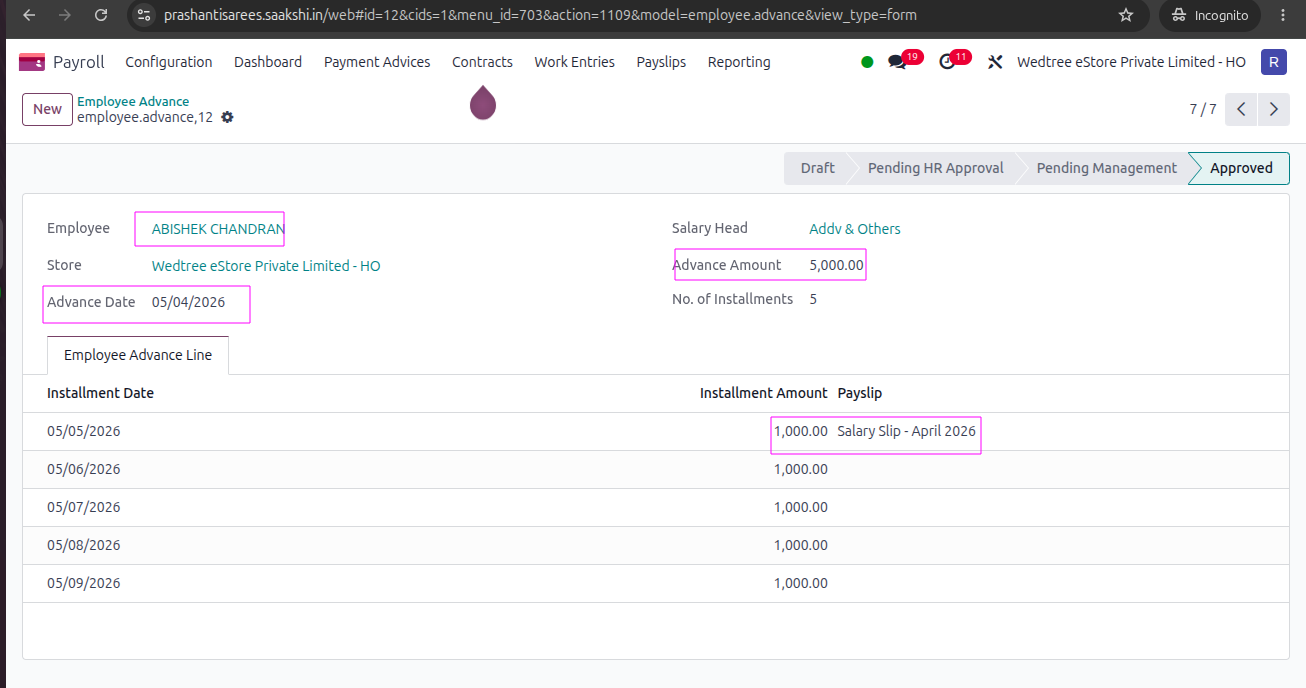
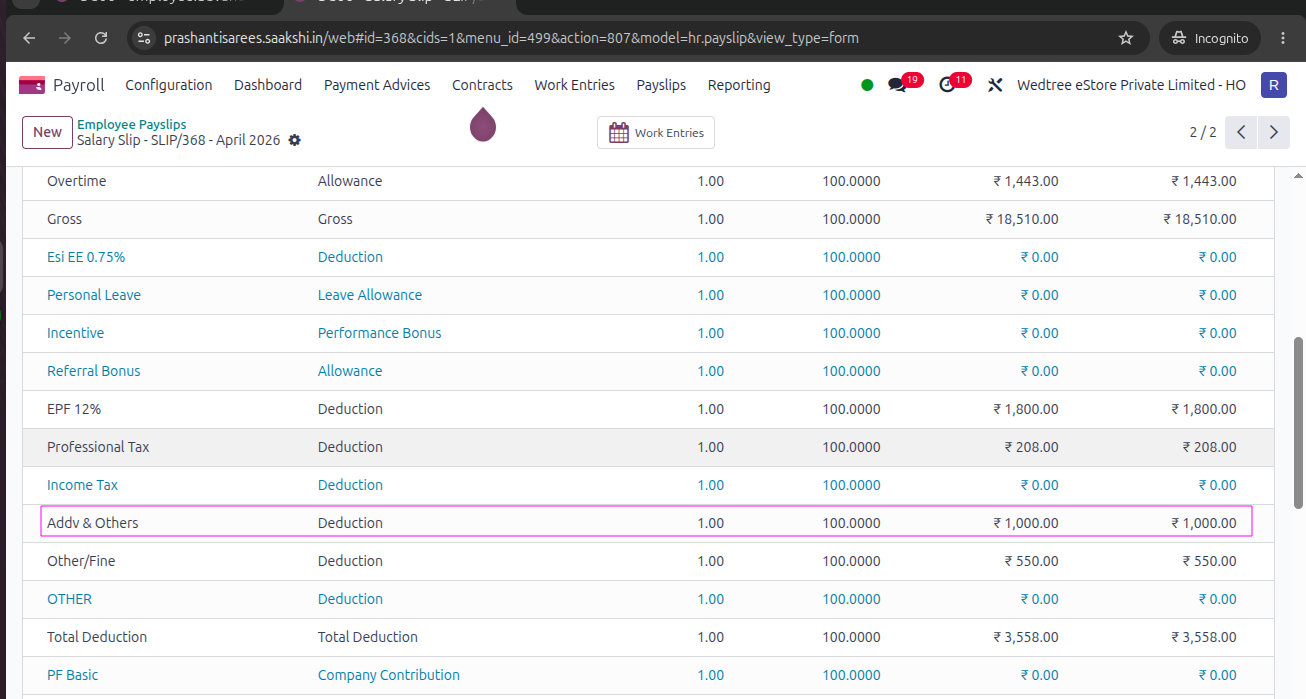
In Payslip, after giving Compute Sheet the Employee Advance for that month if any installment falls in the date range will be computed in the Payslip as shown below.