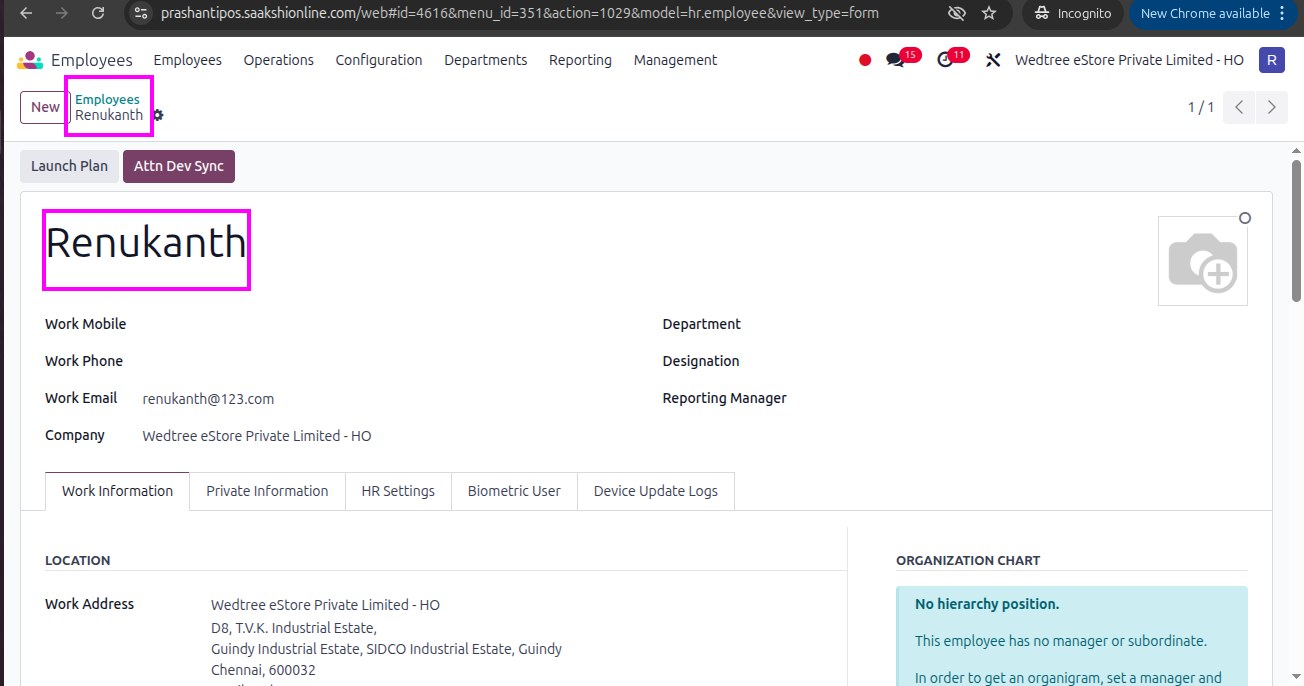
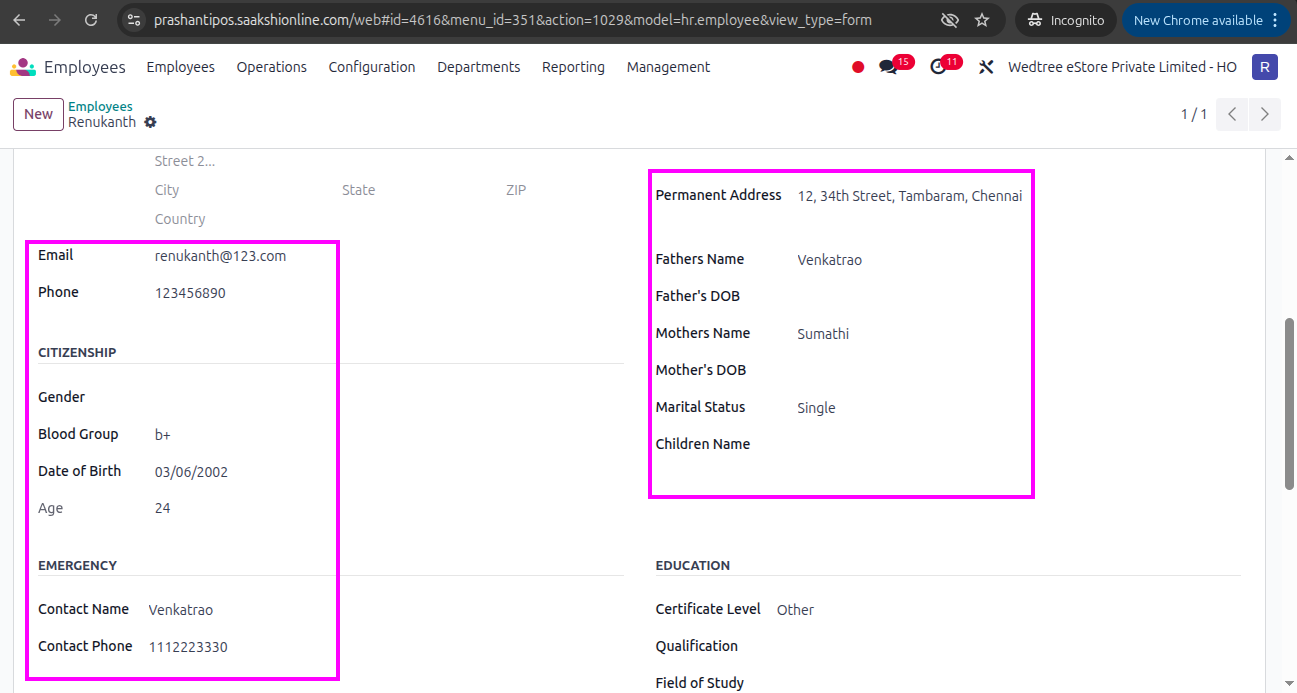
All Applications
About
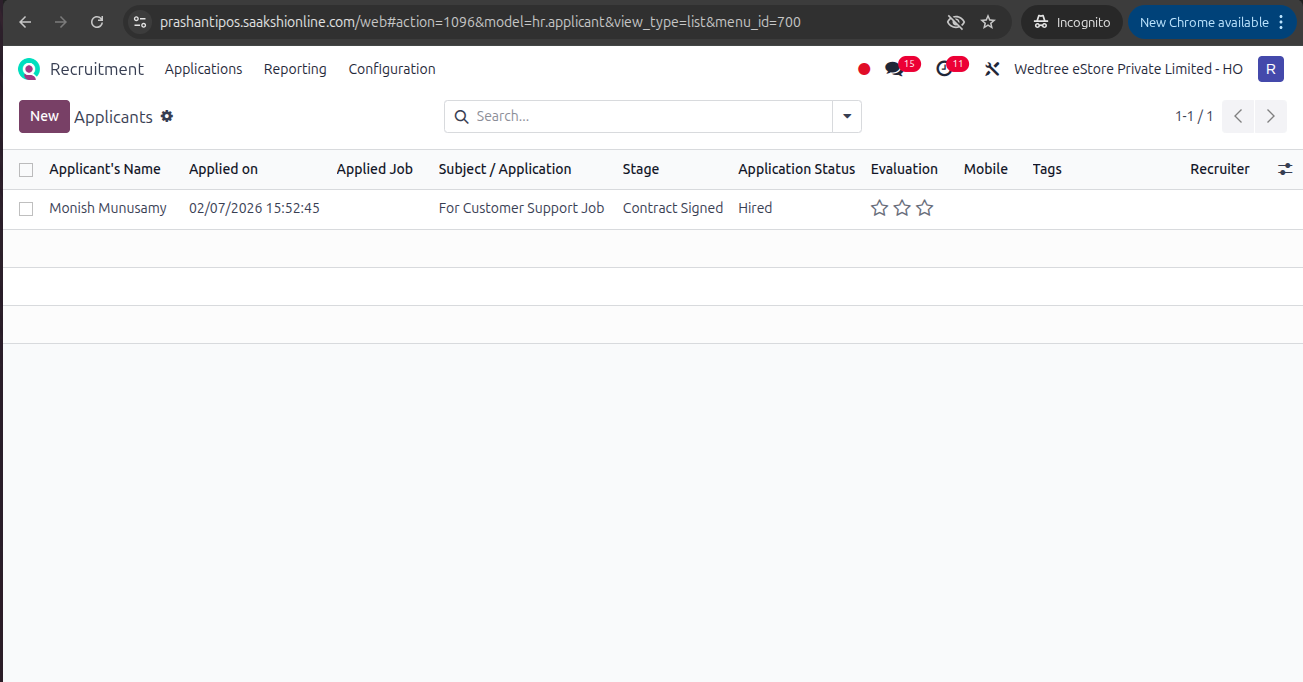
The All Applications menu provides a consolidated view of all candidate applications across all job positions, allowing recruiters to track, manage, and process applications throughout the recruitment workflow.
Tree View
Form View
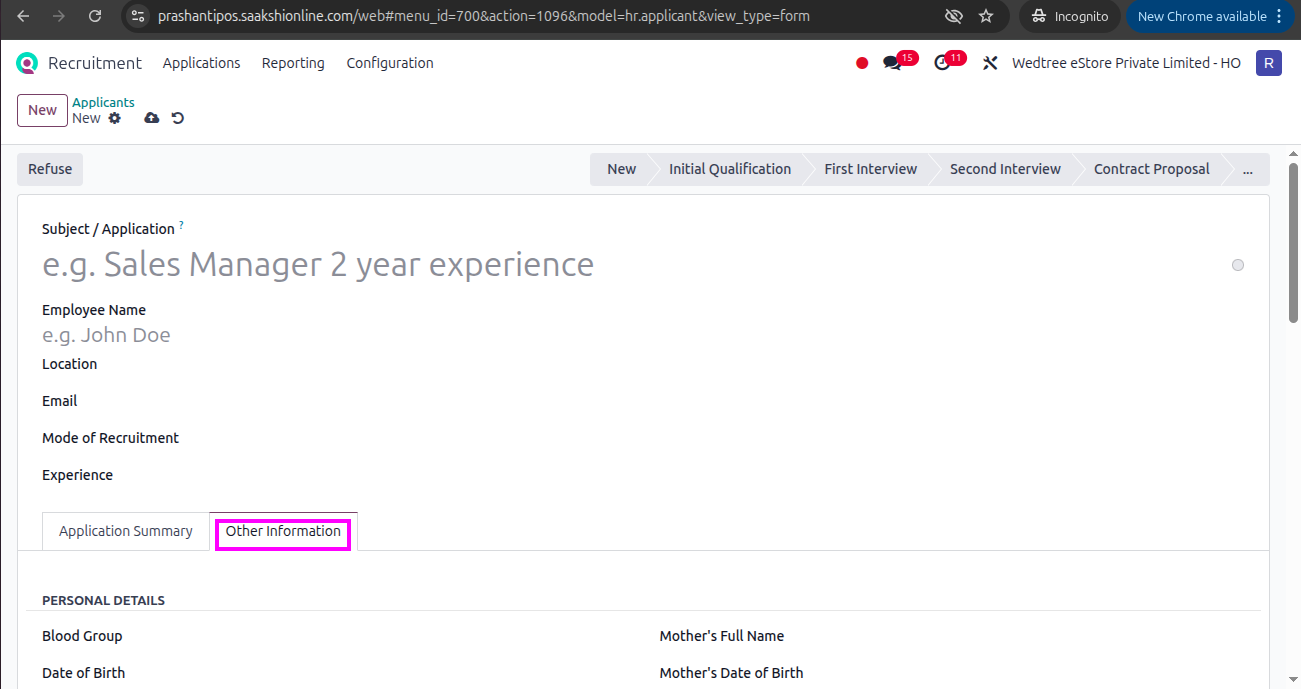
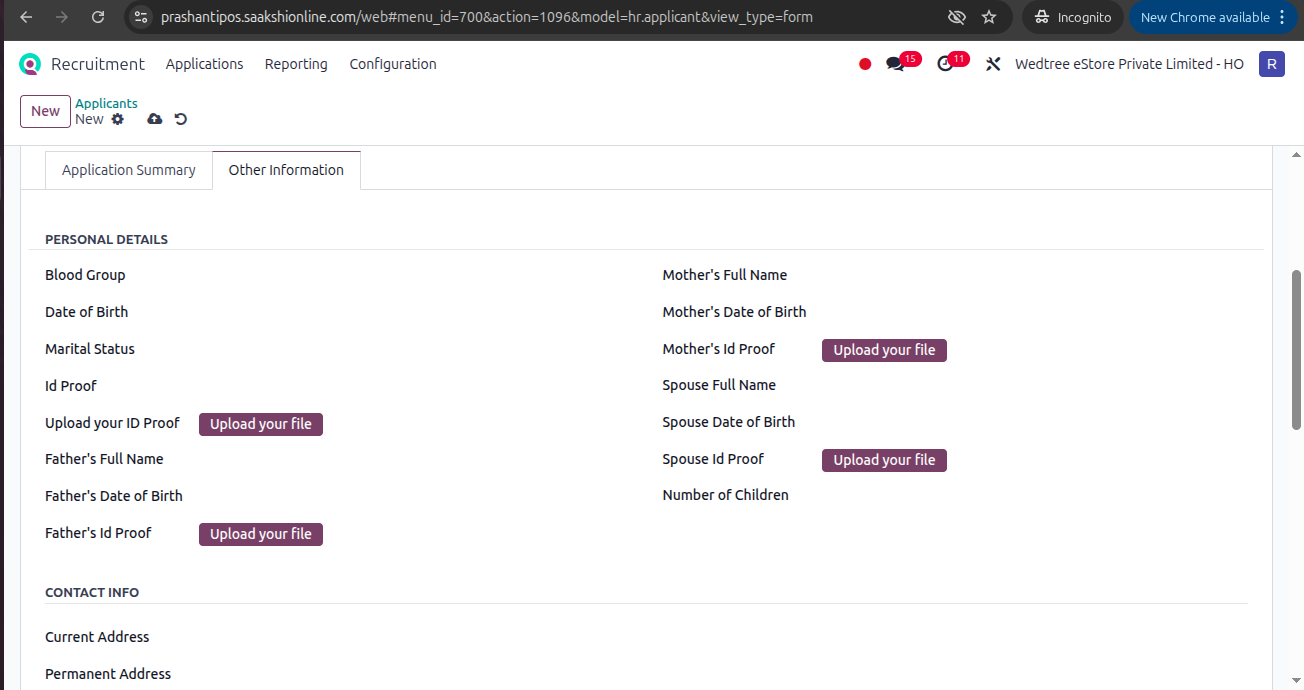
Workflow of Application Form in Recruitment Module:
In Other Information tab, enter all the details of the Applicant and save it.
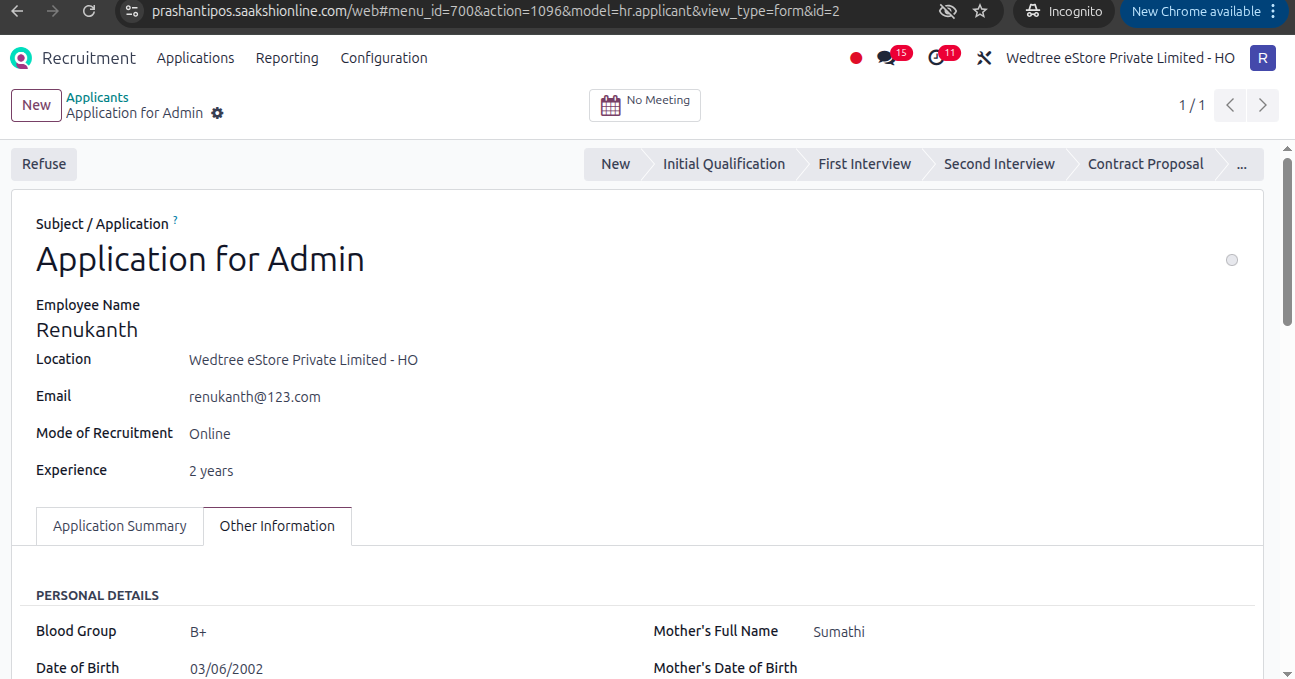
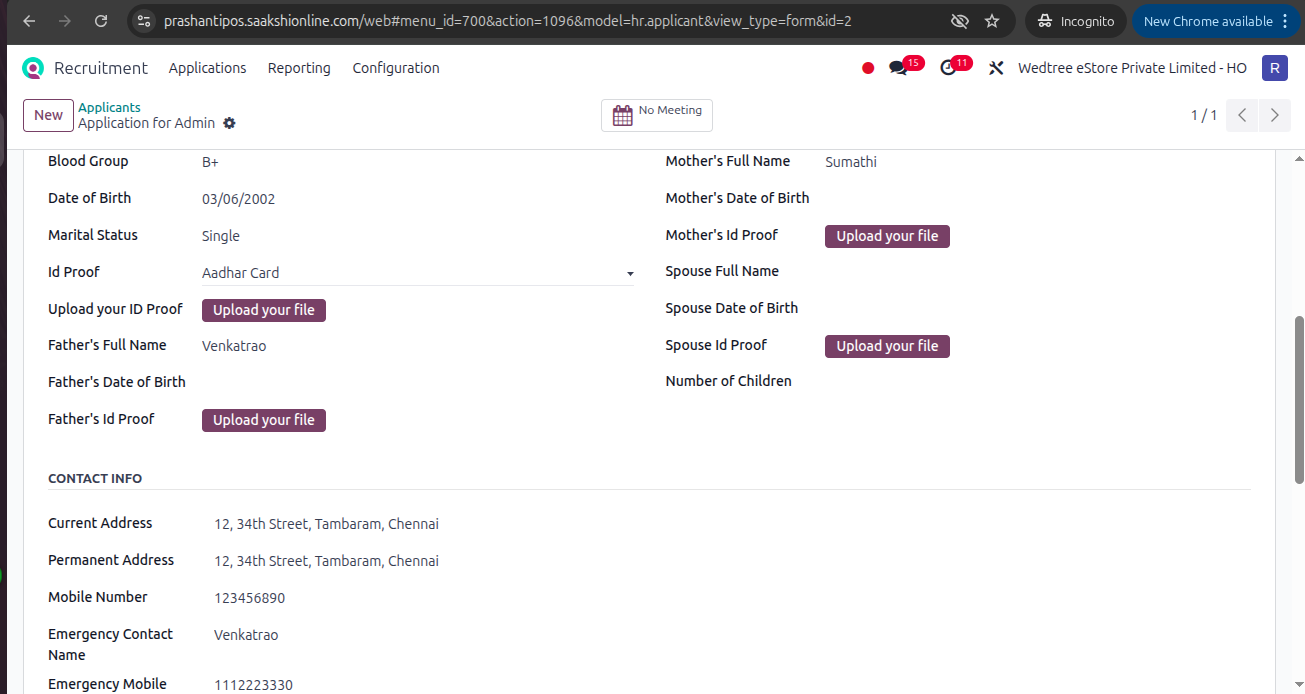
Once the Applicant completes all interview process, gets hired, and Contract signed, the status goes to Hired state.
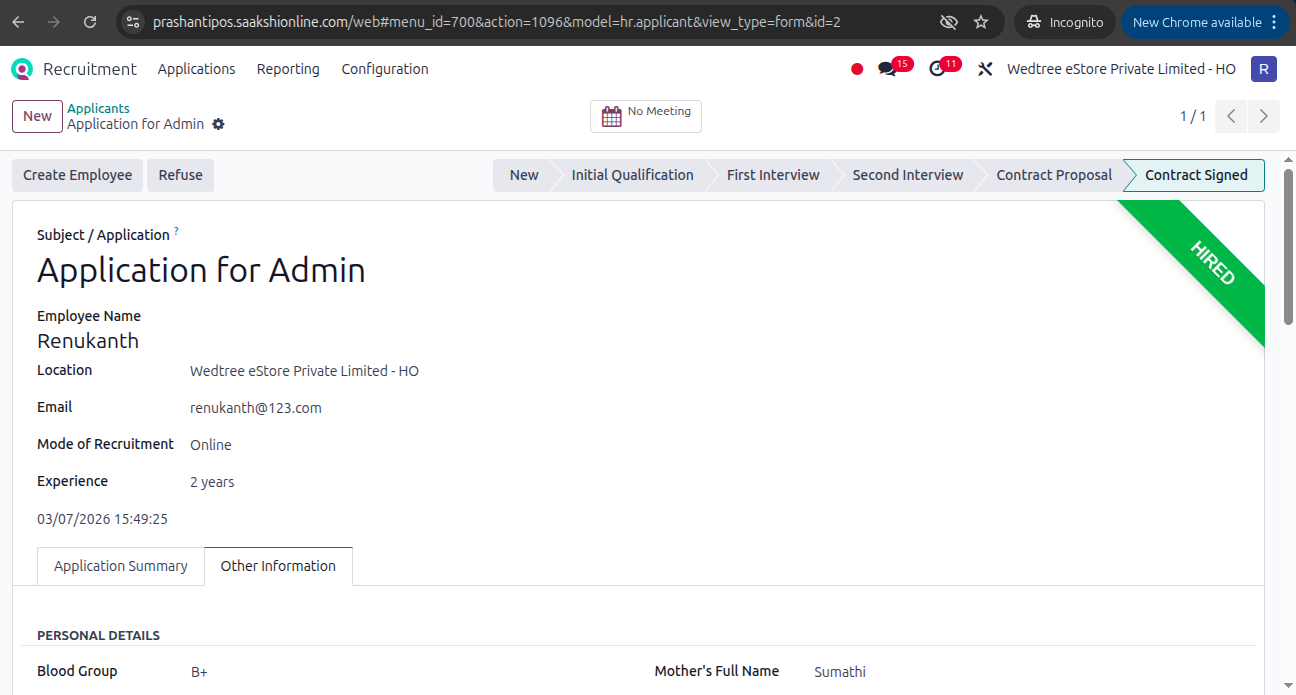
When the Employee is in Hired state, Create Employee button shows.
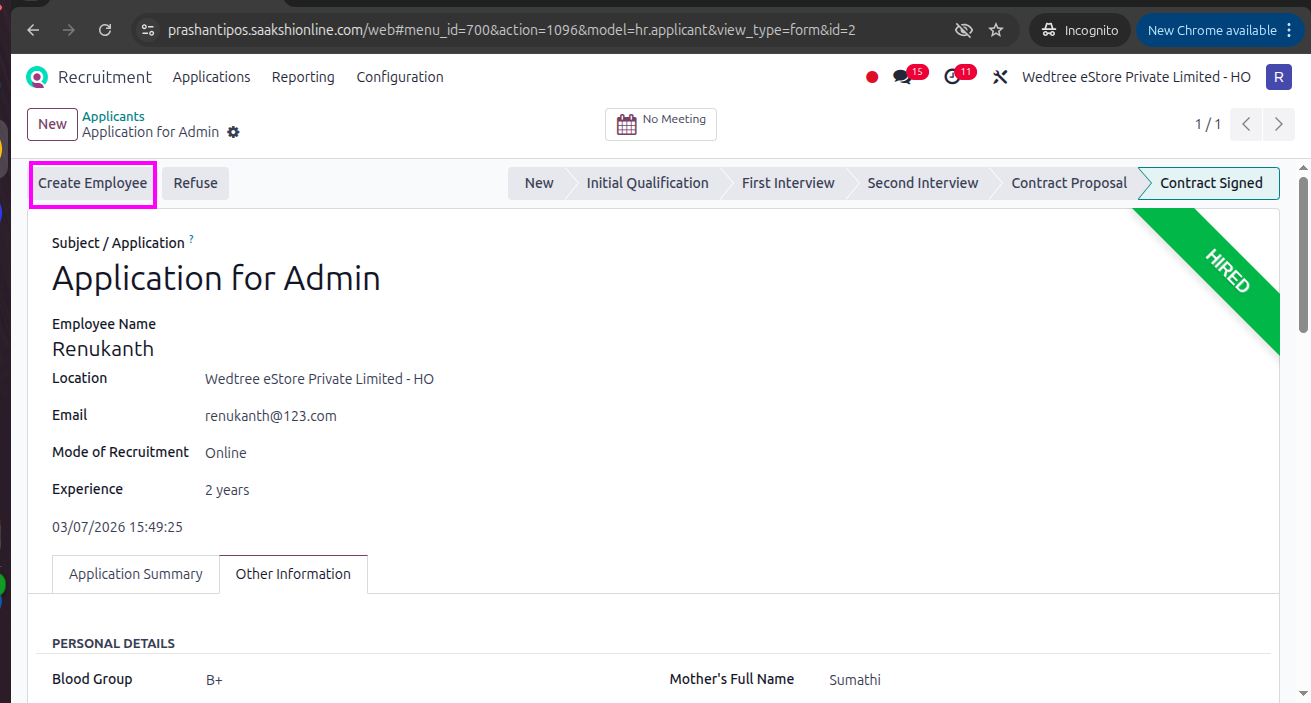
Click on that Create Employee button to create Employee and transfer all details of the Applicant to the Employee master in Employee module.